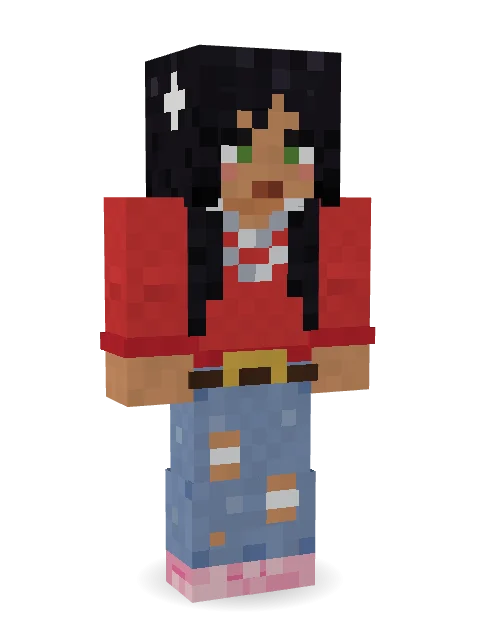

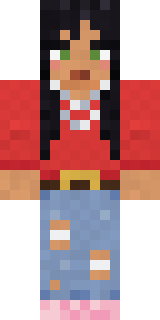
Nice girl

How to use this skin
Download it, then follow the steps for where you play.
Minecraft: Java Edition, in the Minecraft Launcher
- Open the Minecraft Launcher and pick Minecraft: Java Edition on the left.
- Open the Skins tab at the top and press New skin.
- Give it a name and choose the player model: Classic.
- Press Browse, pick the PNG you downloaded, then Save & Use.
- Start the game: you are wearing it, on every world and server.
Minecraft: Java Edition, on minecraft.net
- Go to minecraft.net and log in with your Microsoft account.
- Open your Profile and find the skin settings of Java Edition.
- Choose Classic, select the PNG file, and press Upload.
- Your new skin shows the next time you join a world.
Bedrock Edition: Windows, Android, iPhone, iPad, Chromebook
- Open Minecraft and press Dressing Room on the main menu (in newer versions, the character button next to your name, then Edit Character).
- Open the Classic Skins tab.
- Under Owned Skins, press Import, then Choose New Skin.
- Pick the PNG you downloaded (on a phone it is usually in Downloads or Files).
- When it asks, choose Classic, then confirm.
Xbox, PlayStation and Nintendo Switch
Consoles cannot import a skin file. There you can wear Character Creator items and skins from the Marketplace.
Some players set a skin in Bedrock on a phone or PC that is signed in to the same Microsoft account and see it on their console too. Mojang does not support that, so it may not work for you.




Similar skins







Trending today
What people open and download right now.
Trending today
The skins people are opening, liking and downloading right now.


- Modern HoodiebyBuild It
- Galaxy AxolotlbyBuild It
- Enderbrineby
 gustavopir
- Napoleon BonapartebyBuild It
- Shy KidbyBuild It
- The VoidbyBuild It
- Hazmat ResponderbyBuild It
- The KingbyBuild It
- herobrinebygustavopir
- Slender ManbyBuild It
Made on Build It
A few of the skins players made here. Find one you like, or start your own.
 Clockwork Inventor
 Wolfgang Amadeus Mozart
 Happy Poop
 Golden Prospector
 Nice girl
 Christmas Elf
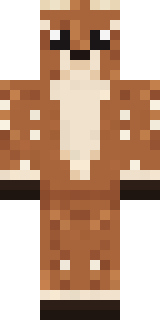 Spotted Fawn
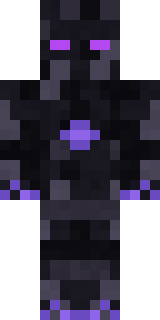 Shadow Elemental
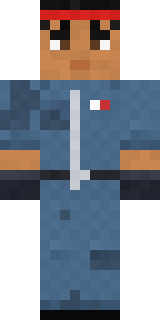 Grease Monkey
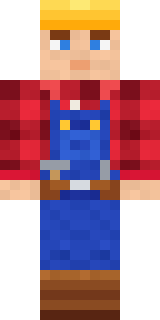 Crimson Builder
 Lacquered Samurai
 Gothic Librarian
 Night Market Merchant
 Ice Elemental
 Deep Sea Captain
 Rage Quit Gamer
 Fire Elemental
 Peach Orchard Spirit
 Count Nightfall
 Buff Chicken
 Grey Tattered reaper robeEnderbrine
 Wax Museum Escapee
 Panda Pal
 Canada Day Maple Leaf
 Static Screen Agent
 Frankenstein's Creature
 Living Battery
 Waldo Buhonero
 Retro Waitress
 Smug Prankster
 Fire Fighter
 Chocolate Chip Cookie
 Watermelon Wrestler
 Shocked Dog
 Midnight Baker
 Sunflower Scarecrow
 Forest Druid
 Galaxy Wanderer
 Stained Glass Mage
 Veiled Mourner
 Fox Blacksmith
 Chrome Mannequin
 HackerRainbow Paint Can
 Moss Plague Doctor
 Blueberry Detective
 Crimson Sash Ninja
 Lick
 Forest Bigfoot
 Violet Vein Mutant
 Drip King
 Autumn Knit
 Cobalt Cyber Ninja
 Honey Bot
 Sweater Weather
 Handy Plumber
 Sky Pirate
 Potion Shopkeeper
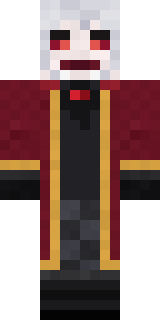 Velvet Vampire
About Nice girl
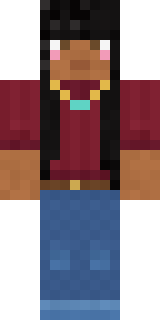
Nice girl is a soft skin for Minecraft made by max_90 in the Build It Skin Maker. The outfit: a v-neck, baggy ripped jeans, fluffy slippers and a chain necklace in red and blue. Soft colours and lots of charm for cozy worlds.
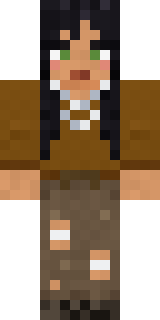
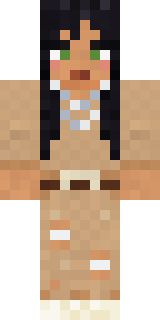
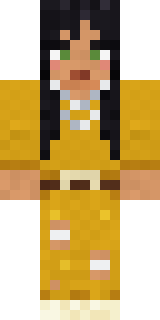
It uses the classic arms (4 pixels wide, like Steve) and works on Java and Bedrock. It is free: download the PNG and add it in the Minecraft Launcher (Java) or the dressing room (Bedrock). You can also open it in the Build It Skin Maker and make your own version. Try its 10 colour versions too, like Brown and Cocoa.