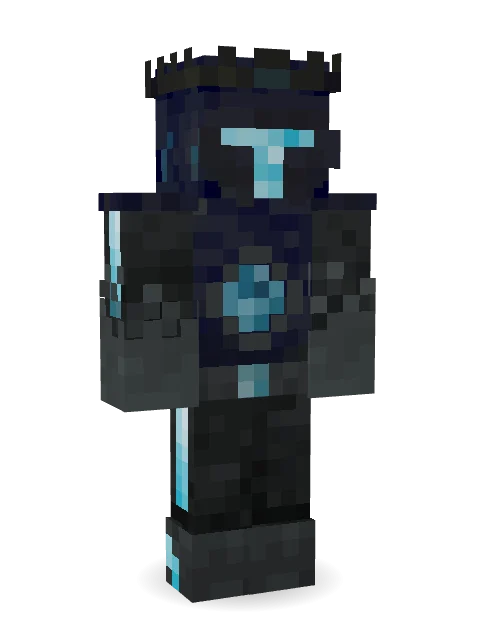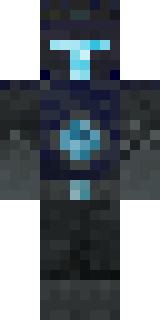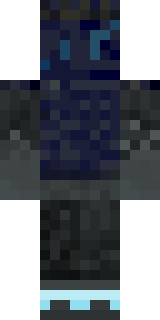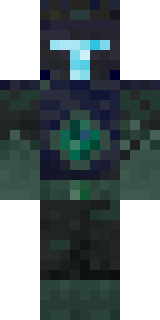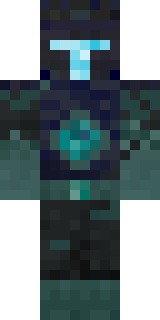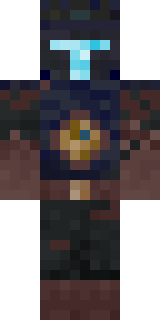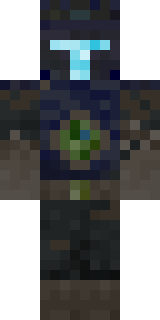

Deep Dark Knight


How to use this skin
Download it, then follow the steps for where you play.
Minecraft: Java Edition, in the Minecraft Launcher
- Open the Minecraft Launcher and pick Minecraft: Java Edition on the left.
- Open the Skins tab at the top and press New skin.
- Give it a name and choose the player model: Classic.
- Press Browse, pick the PNG you downloaded, then Save & Use.
- Start the game: you are wearing it, on every world and server.
Minecraft: Java Edition, on minecraft.net
- Go to minecraft.net and log in with your Microsoft account.
- Open your Profile and find the skin settings of Java Edition.
- Choose Classic, select the PNG file, and press Upload.
- Your new skin shows the next time you join a world.
Bedrock Edition: Windows, Android, iPhone, iPad, Chromebook
- Open Minecraft and press Dressing Room on the main menu (in newer versions, the character button next to your name, then Edit Character).
- Open the Classic Skins tab.
- Under Owned Skins, press Import, then Choose New Skin.
- Pick the PNG you downloaded (on a phone it is usually in Downloads or Files).
- When it asks, choose Classic, then confirm.
Xbox, PlayStation and Nintendo Switch
Consoles cannot import a skin file. There you can wear Character Creator items and skins from the Marketplace.
Some players set a skin in Bedrock on a phone or PC that is signed in to the same Microsoft account and see it on their console too. Mojang does not support that, so it may not work for you.
Similar skins
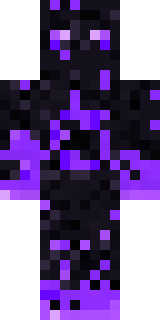
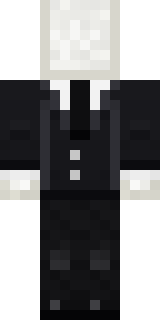
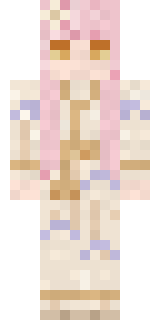
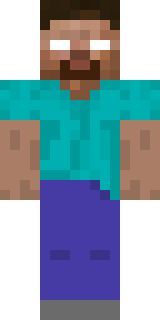
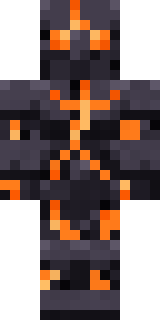
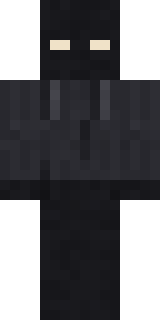
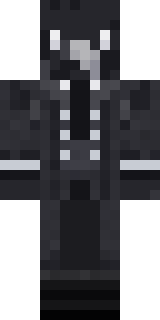
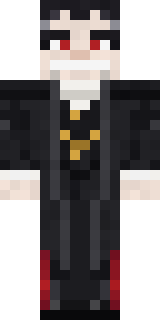

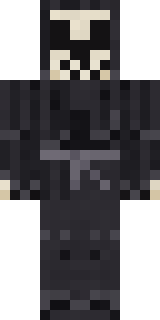
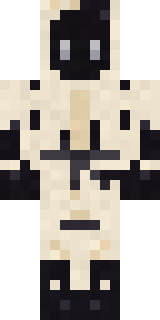
Trending today
What people open and download right now.
Trending today
The skins people are opening, liking and downloading right now.
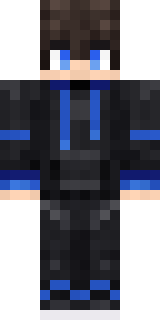
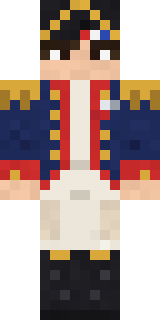
- Modern HoodiebyBuild It
- Enderbrineby
 gustavopir
- Napoleon BonapartebyBuild It
- Galaxy AxolotlbyBuild It
- The KingbyBuild It
- Hazmat ResponderbyBuild It
- Shy KidbyBuild It
- herobrinebygustavopir
- The VoidbyBuild It
- Slender ManbyBuild It
Made on Build It
A few of the skins players made here. Find one you like, or start your own.
 Orc Warrior
 Moon Elf
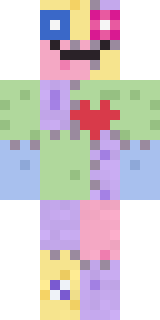 Patchwork Plush Monster
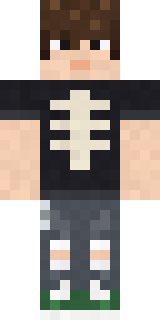 Emo Kid
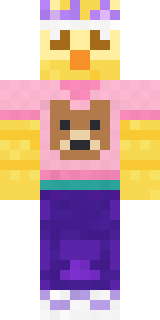 Red Bear face tee Baby chick
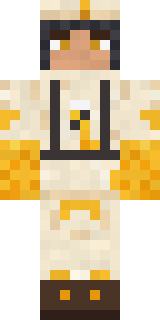 Beekeeper
 Cranberry Witch
 Pitch Playmaker
 Little Bat
 Silverback Gorilla
 leo
 Gargoyle Bell Ringer
 Rusty Scrapyard Robot
 Medieval Cobbler
 Astronaut
 Obsidian Knight
 Match Referee
 Topsy Turvy Face
 Green Dude
 Mountain Shepherd
 Retro Fridge Robot
 Grey Rune stripe hoodie
 Shamrock Suit
 Frost Yeti
 Ravioli Wrestler
 Buck Tooth Nerd
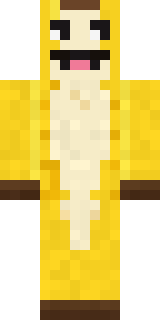 Half Peeled Banana
 Neon Courier
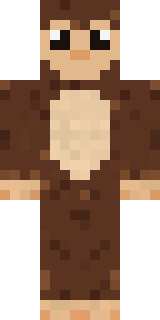 Cocoa Monkey
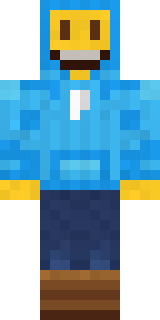 Big Grin Face
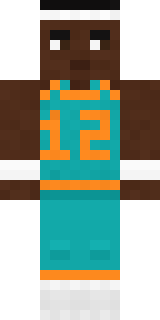 Hoop Star
 Void Axolotl
 Sleepy SheepSlender Man
 Chestnut Warrior
 Dune Racer
 The Blank Mask
 Axolotl Cutie
 Origami Messenger
 Cozy Cat
 Mantis Master
 Blue Beat
 Garden Helper
 Snow Leopard Hacker
 Rally Mechanic
 Prom Queen Zombie
 Office Zombie
 Mint Axolotl
 Owl Professor
 Ronin Samurai
 Captain Saltbeard
 Orange Jelly Ninja
 Lemon Cream
 Bubblegum Robot
 Ruby Blacksmith
 Lacquered Samurai
 Starlight Wizard
 Black
 Hot Springs Innkeeper
 Ghost Concierge
About Deep Dark Knight
Meet Deep Dark Knight, a haunted Minecraft skin made by james_craft in the Build It Skin Maker. Its colours are black, grey and blue. A good pick for scary servers and spooky season.
Deep Dark Knight has classic 4 pixel arms and works in Minecraft Java and Bedrock. Download it for free, then follow the steps above to wear it in game. Open it in the Build It Skin Maker to give it your own colours. It also comes in 7 colour versions, like Stormy and Lagoon.
See more in the Spooky and Fantasy collections, or look through the Ancient, Dark and Fantasy tags.