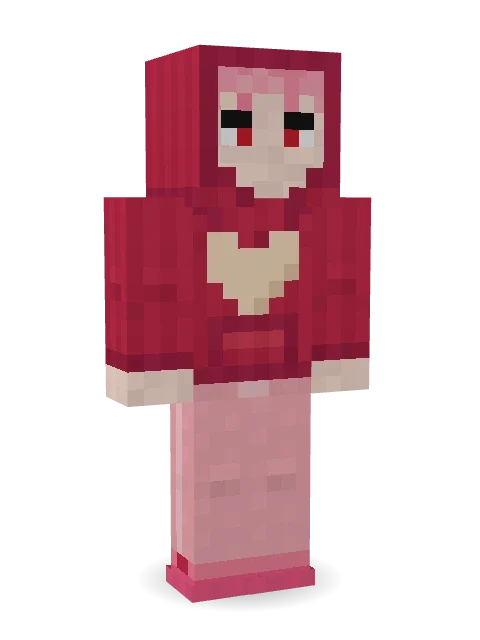
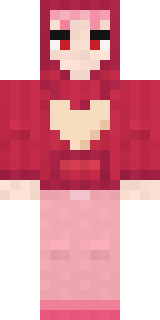
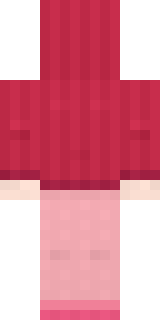
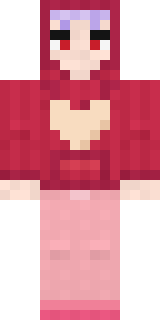
Valentine Heart Hoodie
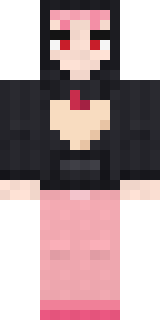
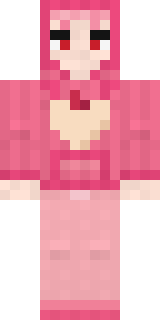
Wears a heart on the chest so nobody has to guess: fluffy pink hair under a crimson hood, red eyes, pastel pink joggers and pink trainers.

How to use this skin
Download it, then follow the steps for where you play.
Minecraft: Java Edition, in the Minecraft Launcher
- Open the Minecraft Launcher and pick Minecraft: Java Edition on the left.
- Open the Skins tab at the top and press New skin.
- Give it a name and choose the player model: Classic.
- Press Browse, pick the PNG you downloaded, then Save & Use.
- Start the game: you are wearing it, on every world and server.
Minecraft: Java Edition, on minecraft.net
- Go to minecraft.net and log in with your Microsoft account.
- Open your Profile and find the skin settings of Java Edition.
- Choose Classic, select the PNG file, and press Upload.
- Your new skin shows the next time you join a world.
Bedrock Edition: Windows, Android, iPhone, iPad, Chromebook
- Open Minecraft and press Dressing Room on the main menu (in newer versions, the character button next to your name, then Edit Character).
- Open the Classic Skins tab.
- Under Owned Skins, press Import, then Choose New Skin.
- Pick the PNG you downloaded (on a phone it is usually in Downloads or Files).
- When it asks, choose Classic, then confirm.
Xbox, PlayStation and Nintendo Switch
Consoles cannot import a skin file. There you can wear Character Creator items and skins from the Marketplace.
Some players set a skin in Bedrock on a phone or PC that is signed in to the same Microsoft account and see it on their console too. Mojang does not support that, so it may not work for you.
More by Build It












Similar skins

Trending today
What people open and download right now.
Trending today
The skins people are opening, liking and downloading right now.
- Ancient Hexby
 nvlr33
- Modern HoodiebyBuild It
- Galaxy AxolotlbyBuild It
- Napoleon BonapartebyBuild It
- Shy KidbyBuild It
- The KingbyBuild It
- Hazmat ResponderbyBuild It
- Buff ChickenbyBuild It
- The VoidbyBuild It
- Slender ManbyBuild It
Made on Build It
A few of the skins players made here. Find one you like, or start your own.
 Guardian Angel
 Federal Agent
 Golden Koi Courtier
 Tea Bag Monk
 Tornado Chaser
 Red Mushroom Scout
 Origami MessengerStarfield Phantom
 Golden Prospector
 Hoop Star
 Yellow Tuxedo Muscled wrestler
 Roller Rink Skater
 Ritual Caretaker
 Glowbug Ranger
 Enderdude
 Rusty Scrapyard Robot
 Night Ops Commando
 Gamer Hoodie Boy
 Strawberry Cow
 Blocky Newbie
 Lemon Cream
 Monochrome Minimalist
 Joan of Arc
 Miner shark
 Robin Hood
 Buck Tooth Nerd
 Hallway Shadow
 Mango Skate Punk
 Sandstone Guardian
 Cyber Samurai
 Deep Dark Knight
 Watermelon Wrestler
 Striped Zebra
 Shadow Ninja
 Loading Screen Gamer
 Mixtape Cassette Head
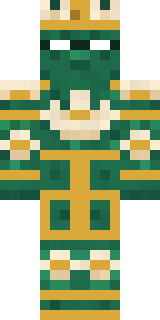 Lotus Temple Guardian
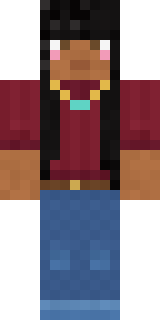 Rich baddie
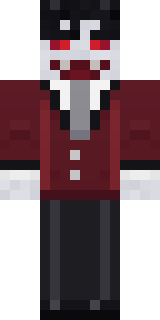 Halloween Vampire
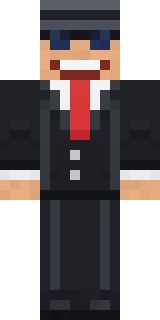 Grey Suit and tie
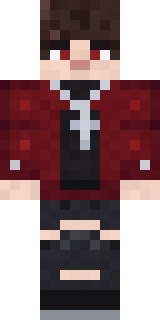 Crimson Plaid Emo
 Trick or Treat Ghost
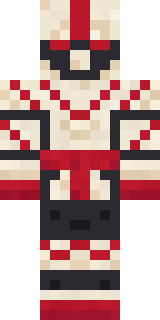 Origami Crane Warrior
 Carnival Fortune Teller
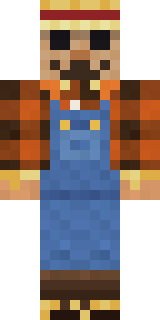 Field Scarecrow
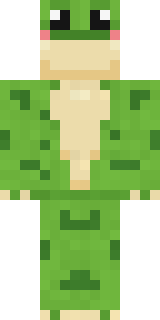 Spotted Frog
 Vampire Hunter
 Froggy Onesie
 ◊ Runic Guardian ◊
 Rainy Day
 Silver Pulse DJ
 First Day
 The Big Cheese
 Happy Hot Dog
 Forest Druid
 Crow Undertaker
 Parrot Captain
 Steampunk Inventor
 Electric Eel Technician
 Slime Apprentice
About Valentine Heart Hoodie
Valentine Heart Hoodie is a seasonal skin for Minecraft made by the Build It team. It wears a big heart hoodie, joggers and sneakers with a red and pink colour scheme. Wear it for the next celebration on the server.
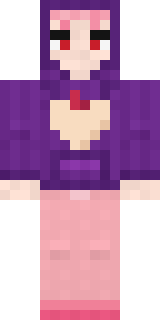
Valentine Heart Hoodie has classic 4 pixel arms and works in Minecraft Java and Bedrock. Download it for free and upload it in the Minecraft Launcher or the Bedrock dressing room. Open it in the Build It Skin Maker to give it your own colours. Try its 7 colour versions too, like Purple hoodie and Black hoodie.
Find more skins like it in the Streetwear and Cute collections, or look through the Aesthetic, Cute and Holiday tags.