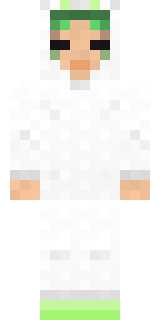
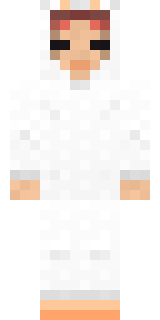
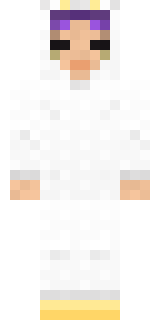
Bun Bun
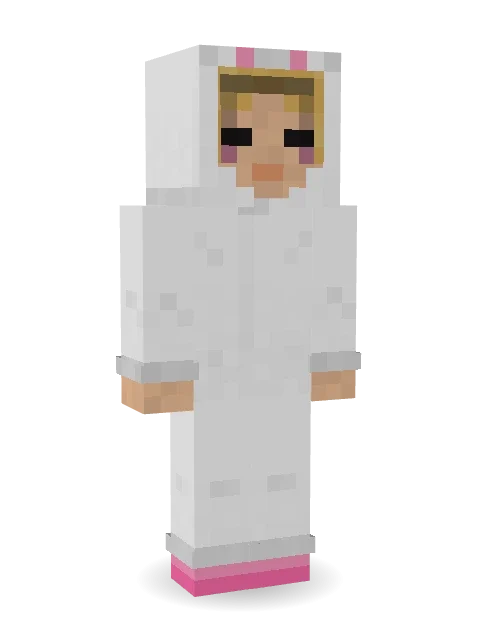
Long floppy ears and a tail like a cotton ball.

How to use this skin
Download it, then follow the steps for where you play.
Minecraft: Java Edition, in the Minecraft Launcher
- Open the Minecraft Launcher and pick Minecraft: Java Edition on the left.
- Open the Skins tab at the top and press New skin.
- Give it a name and choose the player model: Slim.
- Press Browse, pick the PNG you downloaded, then Save & Use.
- Start the game: you are wearing it, on every world and server.
Minecraft: Java Edition, on minecraft.net
- Go to minecraft.net and log in with your Microsoft account.
- Open your Profile and find the skin settings of Java Edition.
- Choose Slim, select the PNG file, and press Upload.
- Your new skin shows the next time you join a world.
Bedrock Edition: Windows, Android, iPhone, iPad, Chromebook
- Open Minecraft and press Dressing Room on the main menu (in newer versions, the character button next to your name, then Edit Character).
- Open the Classic Skins tab.
- Under Owned Skins, press Import, then Choose New Skin.
- Pick the PNG you downloaded (on a phone it is usually in Downloads or Files).
- When it asks, choose Slim, then confirm.
Xbox, PlayStation and Nintendo Switch
Consoles cannot import a skin file. There you can wear Character Creator items and skins from the Marketplace.
Some players set a skin in Bedrock on a phone or PC that is signed in to the same Microsoft account and see it on their console too. Mojang does not support that, so it may not work for you.
More by Build It












Similar skins



















Trending today
What people open and download right now.
Trending today
The skins people are opening, liking and downloading right now.


- Modern HoodiebyBuild It
- Enderbrineby
 gustavopir
- Napoleon BonapartebyBuild It
- Galaxy AxolotlbyBuild It
- The KingbyBuild It
- Shy KidbyBuild It
- Hazmat ResponderbyBuild It
- The VoidbyBuild It
- herobrinebygustavopir
- Starfield PhantombyBuild It
Made on Build It
A few of the skins players made here. Find one you like, or start your own.
 Black Moth Entity
 Ghost King
 Mixtape Cassette Head
 Red Bear face tee Baby chick
 Matcha Cafe
 Reef Mermaid
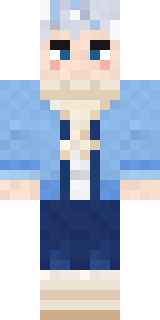 Icy Blue Winter
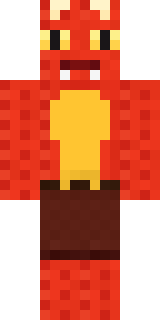 Ember Dragon
 Alien Tourist
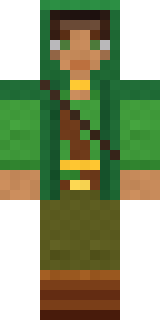 Moss Ranger
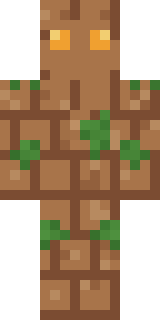 Earth Elemental
 Fossil Museum Curator
 gamer Black Void drip hoodie
 Red Panda
 Grey Suit and tie
 Cheeky Banana
 Potion Shopkeeper
 Sleepy Sheep
 Cobalt Firefighter
 Tornado Chaser
 Glacier Explorer
 Frost Elf Prince
 Mango Skate Punk
 Low Battery Robot
 Honey Toast
 Ballroom Dancer
 Chili Stunt Driver
 Turtle Park Ranger
 Morning BaristaCrow Undertaker
 Neon Runner
 Nikola Tesla
 Thunderstorm Mage
 poilce demon
 Emerald Alchemist
 Moon Ranger
 Train Conductor
 Silverfish Archivist
 Beetroot DJ
 Cyber Samurai
 Night Bloom
 Monotone Man
 Goblin Raider
 Dwarven Mountain King
 Crystal Elf Spellcaster
 Denim Artist
 Midnight Baker
 Moss Plague DoctorCocoa Monkey
 Eclipse Knight
 Drifter Gunslinger
 Patchwork Teddy Bear
 Diamond Sleeve Trader
 Grey Suit and tie
 Blocky Newbie
 Cleopatra
 Stained-Glass Paladin
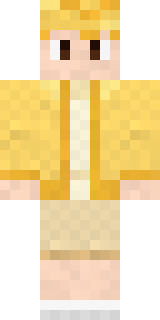 Lemon Cream
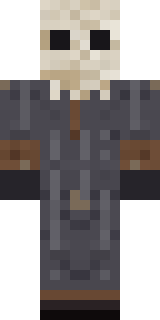 Ritual Caretaker
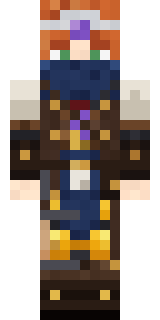 Brown Steampunk coat Muscled wrestler
About Bun Bun
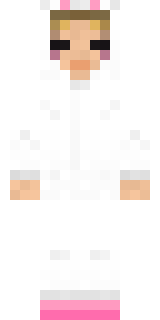
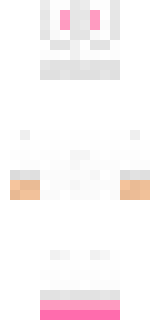
Bun Bun is an animal skin for Minecraft made by the Build It team. It wears socks in white. It has blush. Made for anyone who would rather be an animal than a villager.
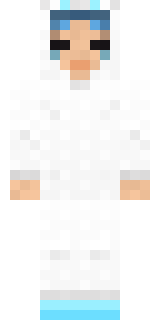
Bun Bun has slim 3 pixel arms and works in Minecraft Java and Bedrock. It is free: download the PNG and add it in the Minecraft Launcher (Java) or the dressing room (Bedrock). Open it in the Build It Skin Maker to give it your own colours. Try its 5 colour versions too, like Ocean and Forest.
Find more skins like it in the Animals and Streetwear collections, or browse the Animal, Cute and Hoodie tags.