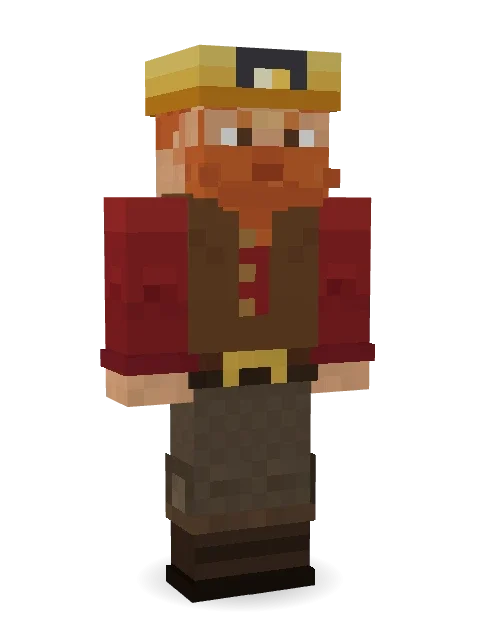
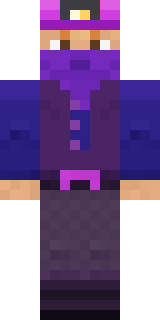
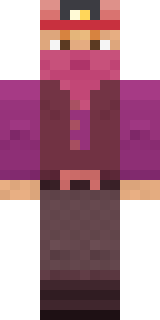
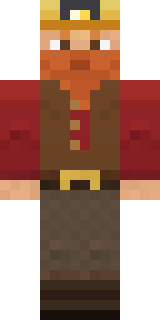
Dwarf Miner
A braided beard, a lamp on the helmet and a nose for diamonds.

How to use this skin
Download it, then follow the steps for where you play.
Minecraft: Java Edition, in the Minecraft Launcher
- Open the Minecraft Launcher and pick Minecraft: Java Edition on the left.
- Open the Skins tab at the top and press New skin.
- Give it a name and choose the player model: Classic.
- Press Browse, pick the PNG you downloaded, then Save & Use.
- Start the game: you are wearing it, on every world and server.
Minecraft: Java Edition, on minecraft.net
- Go to minecraft.net and log in with your Microsoft account.
- Open your Profile and find the skin settings of Java Edition.
- Choose Classic, select the PNG file, and press Upload.
- Your new skin shows the next time you join a world.
Bedrock Edition: Windows, Android, iPhone, iPad, Chromebook
- Open Minecraft and press Dressing Room on the main menu (in newer versions, the character button next to your name, then Edit Character).
- Open the Classic Skins tab.
- Under Owned Skins, press Import, then Choose New Skin.
- Pick the PNG you downloaded (on a phone it is usually in Downloads or Files).
- When it asks, choose Classic, then confirm.
Xbox, PlayStation and Nintendo Switch
Consoles cannot import a skin file. There you can wear Character Creator items and skins from the Marketplace.
Some players set a skin in Bedrock on a phone or PC that is signed in to the same Microsoft account and see it on their console too. Mojang does not support that, so it may not work for you.
More by Build It












Similar skins





















Trending today
What people open and download right now.
Trending today
The skins people are opening, liking and downloading right now.

- Modern HoodiebyBuild It
- Ancient Hexby
 nvlr33
- Galaxy AxolotlbyBuild It
- Shy KidbyBuild It
- Napoleon BonapartebyBuild It
- The KingbyBuild It
- Hazmat ResponderbyBuild It
- The VoidbyBuild It
- Buff ChickenbyBuild It
- Slender ManbyBuild It
Made on Build It
A few of the skins players made here. Find one you like, or start your own.
 Dandelion Druid
 Jake
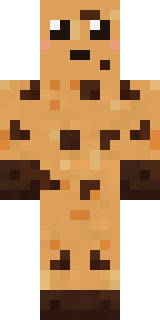 Chocolate Chip Cookie
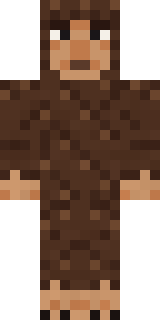 Forest Bigfoot
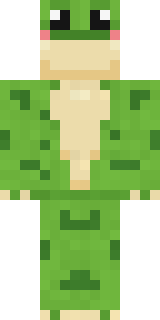 Spotted Frog
 Shadow Ninja
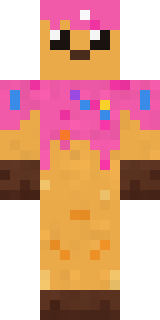 Sprinkle Donut
 Frost Court Noble
 Vintage Barber
 Moon Ranger
 Pitch Playmaker
 Clockwork Inventor
 Cursed Corporate Computer
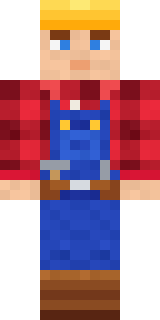 Crimson BuilderDreamweaver
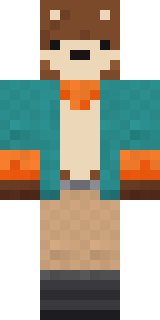 Marmot Mountain Climber
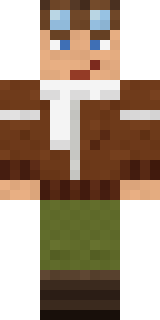 Ace Pilot
 Black Moth Entity
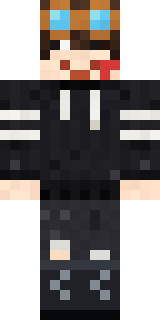 Grey Rune stripe hoodie
 Axolotl Adventurer
 Desert AstronomerAncient Hex
 Silverback Gorilla
 Silent Mime
 Morning Barista
 Glacier Explorer
 Doorbell Camera Visitor
 Yellow Scrubs
 Honey Bee
 Midnight Snack Thief Raccoon
 Origami Messenger
 Sharp Jawline Guy
 Lemon Jazz Singer
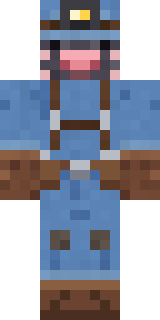 Mole Miner
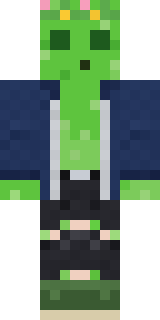 Bouncy Prince slime
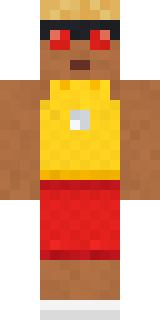 Beach Lifeguard
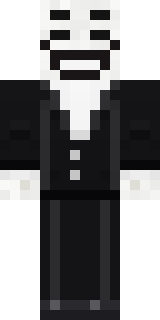 Smug PranksterFire Elemental
 Ghost Buddy
 Cyan Tinker FairyNapoleon Bonaparte
 Monochrome Minimalist
 Sleepy Sheep
 Fox Blacksmith
 Noir Detective
 Banana Gentleman
 Alien Tourist
 Dandelion Spirit
 Sewer Rat King
 Muddy Pig
 Cheeky Banana
 Main Character Duck
 Safari Cat
 Dwarf Miner
 Curly Barista
 Crypt Custodian
 Honey Bot
 Little Dragon
 Scuba Instructor
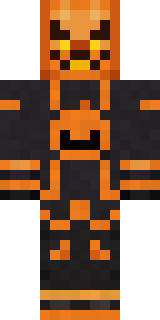 Pumpkin Wraith
About Dwarf Miner
Dwarf Miner is a magical Minecraft skin made by the Build It team. Its look puts together a vest, cargo pants, boots and a belt in brown and red. A great pick for anyone building their own kingdom.
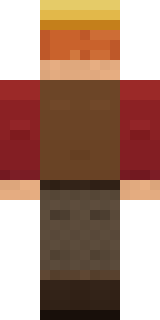
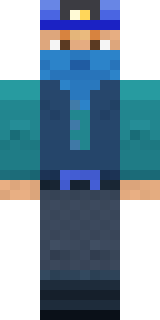
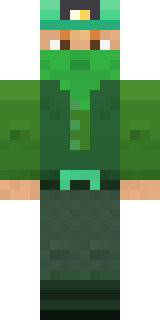
It uses the classic arms (4 pixels wide, like Steve) and works on Java and Bedrock. Download it for free, then follow the steps above to wear it in game. You can also open it in the Build It Skin Maker and make your own version. Try its 5 colour versions too, like Ocean and Forest.
Find more skins like it in the Fantasy and History collections, or browse the Fantasy, Funny and Medieval tags.