Ace Pilot
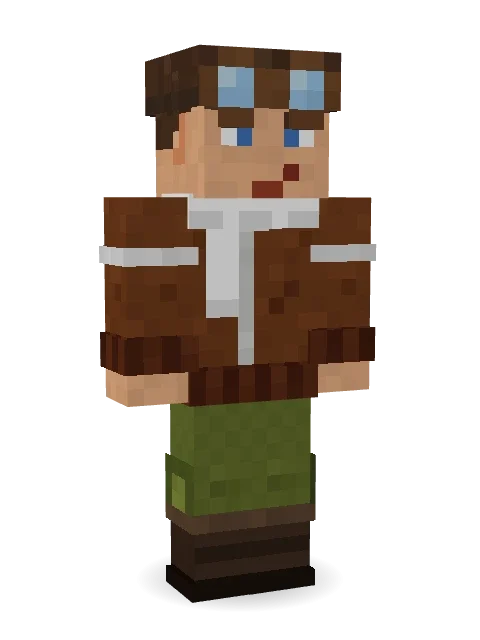
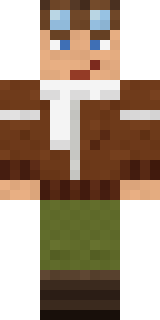
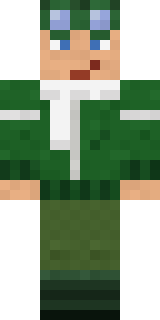
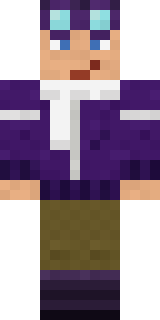
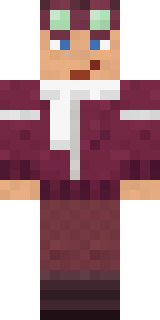
Leather jacket, fur collar and goggles pushed up for the photo.

How to use this skin
Download it, then follow the steps for where you play.
Minecraft: Java Edition, in the Minecraft Launcher
- Open the Minecraft Launcher and pick Minecraft: Java Edition on the left.
- Open the Skins tab at the top and press New skin.
- Give it a name and choose the player model: Classic.
- Press Browse, pick the PNG you downloaded, then Save & Use.
- Start the game: you are wearing it, on every world and server.
Minecraft: Java Edition, on minecraft.net
- Go to minecraft.net and log in with your Microsoft account.
- Open your Profile and find the skin settings of Java Edition.
- Choose Classic, select the PNG file, and press Upload.
- Your new skin shows the next time you join a world.
Bedrock Edition: Windows, Android, iPhone, iPad, Chromebook
- Open Minecraft and press Dressing Room on the main menu (in newer versions, the character button next to your name, then Edit Character).
- Open the Classic Skins tab.
- Under Owned Skins, press Import, then Choose New Skin.
- Pick the PNG you downloaded (on a phone it is usually in Downloads or Files).
- When it asks, choose Classic, then confirm.
Xbox, PlayStation and Nintendo Switch
Consoles cannot import a skin file. There you can wear Character Creator items and skins from the Marketplace.
Some players set a skin in Bedrock on a phone or PC that is signed in to the same Microsoft account and see it on their console too. Mojang does not support that, so it may not work for you.
More by Build It












Similar skins

















Trending today
What people open and download right now.
Trending today
The skins people are opening, liking and downloading right now.

- Modern HoodiebyBuild It
- Ancient Hexby
 nvlr33
- Galaxy AxolotlbyBuild It
- Napoleon BonapartebyBuild It
- Shy KidbyBuild It
- The KingbyBuild It
- Hazmat ResponderbyBuild It
- The VoidbyBuild It
- Buff ChickenbyBuild It
- Slender ManbyBuild It
Made on Build It
A few of the skins players made here. Find one you like, or start your own.
 ErrorModern Hoodie
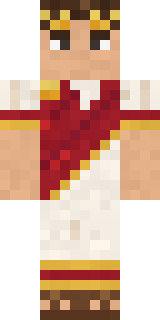 Julius Caesar
 Courtroom Judge
 Mad Scientist
 Penguin Tourist
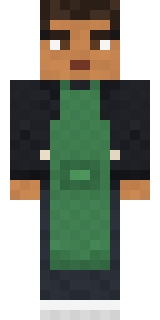 Morning Barista
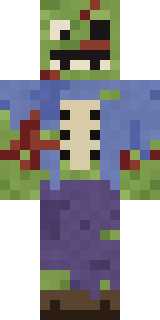 Rotting Walker
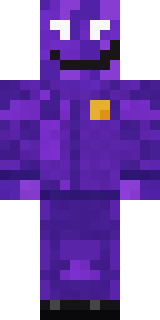 Violet Night Watchman
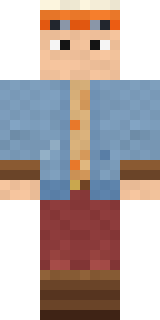 Balloon Festival Pilot
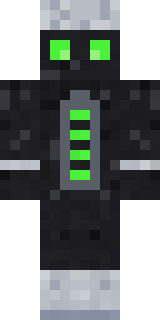 Living Battery
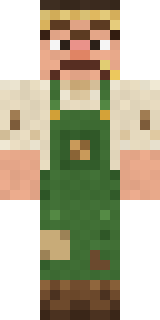 Grumpy Potato Farmer
 Friendly Dentist
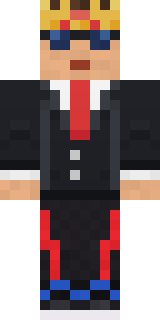 Grey Suit and tie
 Pumpkin WraithCrystal Cave Explorer
 Jackal Priest
 Cheeseburger Buddy
 Miner shark
 Forest Druid
 Obsidian Sentinel
 Buck Tooth NerdCamo Commando
 Slime Park RangerWoodland Dryad
 Electric Eel Technician
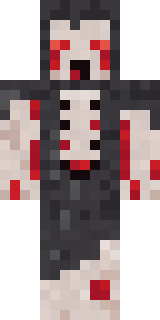 Crypt Ghoul
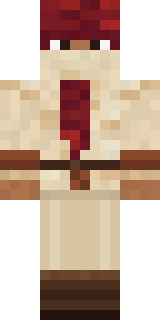 Crimson Desert Nomad
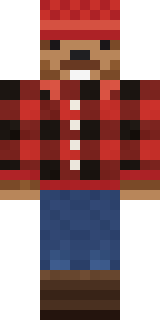 Bear Lumberjack
 Skyship Navigator
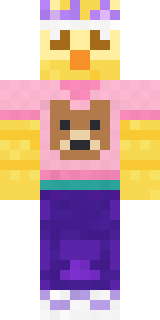 Red Bear face tee Baby chickIce Elemental
 Ink Wizard
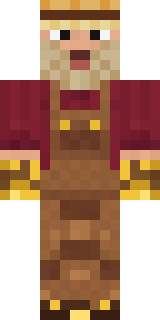 Golden Prospector
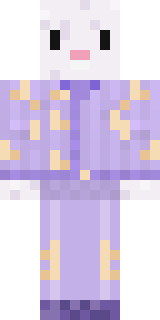 Crescent Pajama Bunny
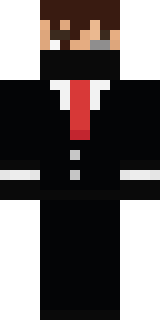 Grey Suit and tie
 Bloody ghost
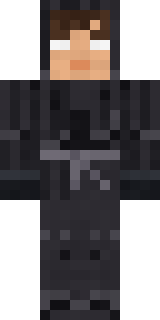 Grey Tattered reaper robe
 Rose Mechanic
 Mixtape Cassette Head
 Bouncy Prince slime
 Gilded Steel Knight
 Black
 Gentle Giraffe
 Easter Bunny Costume
 Curly Barista
 Blocky Newbie
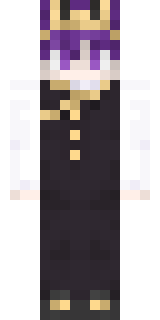 Realistic Wemmbu
 Brown Bear
 Late Night Gamer
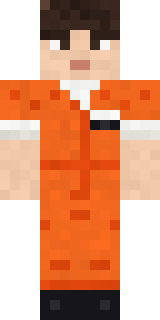 Inmate 3742
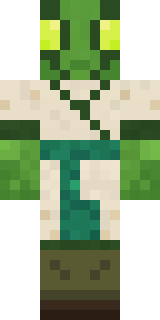 Mantis Master
 Cocoa Monkey
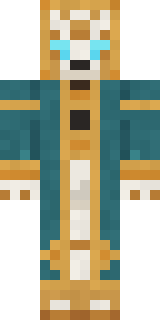 Clockwork Oracle
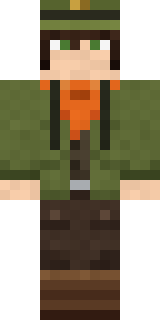 Forest Ranger
 Hospital Hero
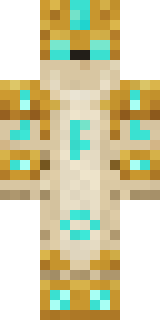 Sandstone Guardian
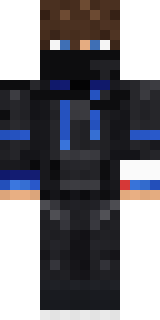 HackerGalaxy Axolotl
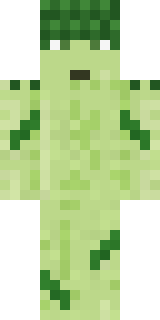 Grumpy Broccoli
About Ace Pilot
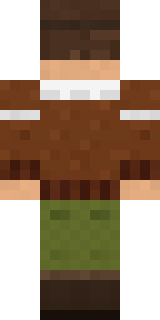
Meet Ace Pilot, a heroic Minecraft skin made by the Build It team. It wears a t-shirt, a bomber jacket, cargo pants and boots with a brown and green colour scheme. Ready for the next quest, raid or showdown.
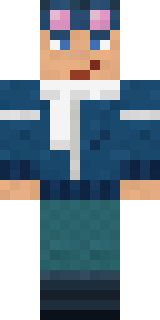
It uses the classic arms (4 pixels wide, like Steve) and works on Java and Bedrock. Download it for free and upload it in the Minecraft Launcher or the Bedrock dressing room. Open it in the Build It Skin Maker to give it your own colours. It also comes in 5 colour versions, like Ocean and Forest.
Find more skins like it in the Streetwear and Heroes and fighters collections, or browse the Cool and Hero tags.