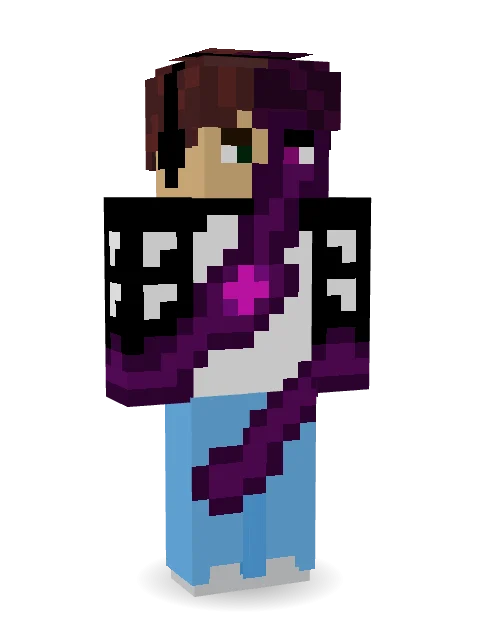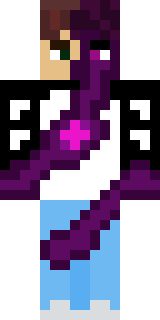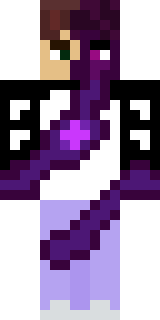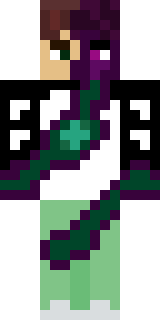

Infected Sven

How to use this skin
Download it, then follow the steps for where you play.
Minecraft: Java Edition, in the Minecraft Launcher
- Open the Minecraft Launcher and pick Minecraft: Java Edition on the left.
- Open the Skins tab at the top and press New skin.
- Give it a name and choose the player model: Classic.
- Press Browse, pick the PNG you downloaded, then Save & Use.
- Start the game: you are wearing it, on every world and server.
Minecraft: Java Edition, on minecraft.net
- Go to minecraft.net and log in with your Microsoft account.
- Open your Profile and find the skin settings of Java Edition.
- Choose Classic, select the PNG file, and press Upload.
- Your new skin shows the next time you join a world.
Bedrock Edition: Windows, Android, iPhone, iPad, Chromebook
- Open Minecraft and press Dressing Room on the main menu (in newer versions, the character button next to your name, then Edit Character).
- Open the Classic Skins tab.
- Under Owned Skins, press Import, then Choose New Skin.
- Pick the PNG you downloaded (on a phone it is usually in Downloads or Files).
- When it asks, choose Classic, then confirm.
Xbox, PlayStation and Nintendo Switch
Consoles cannot import a skin file. There you can wear Character Creator items and skins from the Marketplace.
Some players set a skin in Bedrock on a phone or PC that is signed in to the same Microsoft account and see it on their console too. Mojang does not support that, so it may not work for you.
Similar skins
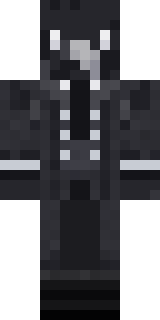
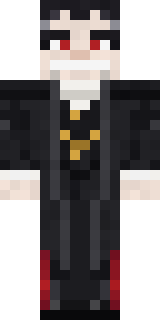


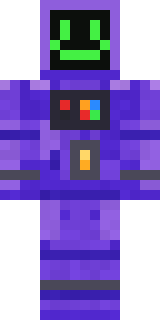
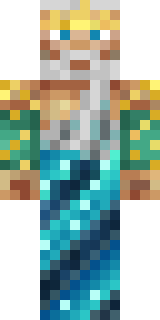





Trending today
What people open and download right now.
Trending today
The skins people are opening, liking and downloading right now.
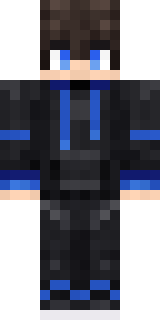
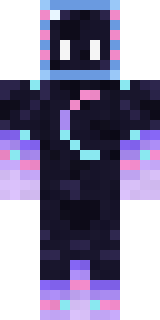
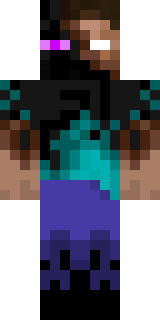

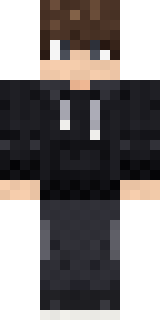

- Modern HoodiebyBuild It
- Galaxy AxolotlbyBuild It
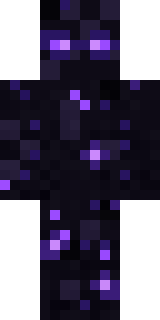
- Enderbrineby
 gustavopir
- Napoleon BonapartebyBuild It
- Shy KidbyBuild It
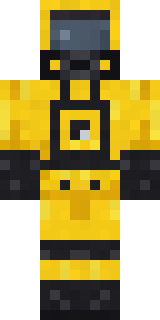
- Hazmat ResponderbyBuild It
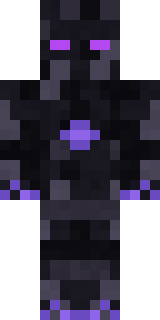
- The VoidbyBuild It
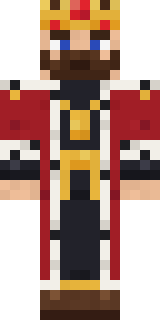
- The KingbyBuild It
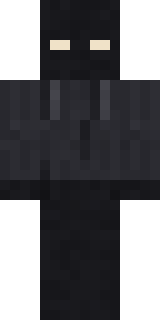
- Slender ManbyBuild It
- herobrinebygustavopir
Made on Build It
A few of the skins players made here. Find one you like, or start your own.
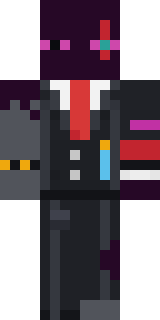 Enderdude
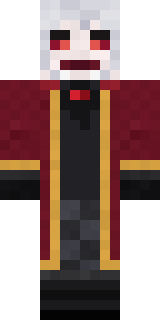 Velvet Vampire
 Ember Librarian
 Park Ranger
 Silent Mime
 Strawberry Jam Jar
 Captain Spark
 Sherlock Holmes
 Fossil Museum Curator
 Ember Demon
 Head Chef
 Tornado Chaser
 Armadillo Mercenary
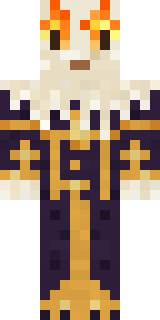 Living Candle Magician
 CM Style
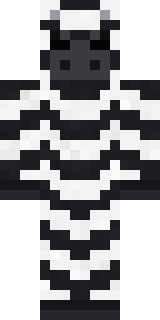 Striped Zebra
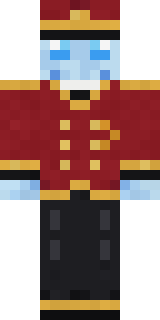 Ghost Concierge
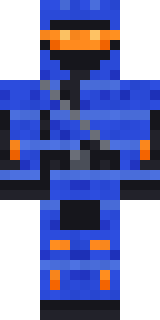 Cobalt Cyber Ninja
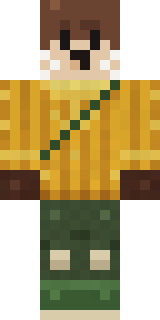 Otter Fisher
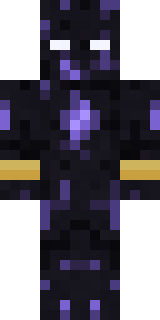 Obsidian Sentinel
 Onion King
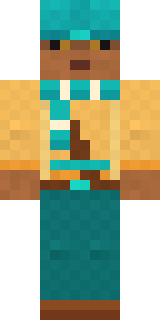 Desert Nomad
 Sleepy Mummy
 Saloon Pianist
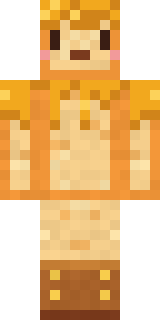 Honey Toast
 Silver Moon
 Deep Sea Captain
 Frost Court Noble
 Gummy Bear Bodybuilder
 Spotted Fawn
 miner in a suit and tie
 Count Nightfall
 Apple Orchard Guardian
 Halloween Vampire
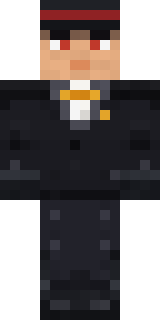 Formal Vampire
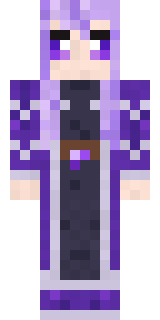 Crystal Elf Spellcaster
 Golden Paladin
 Sailor Duck
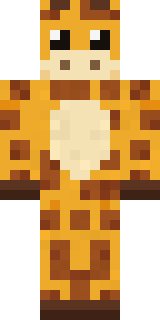 Gentle Giraffe
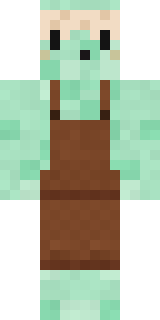 Mint Macaron Mascot
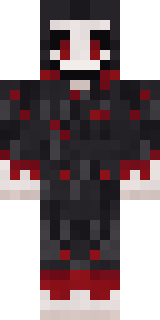 Grinning Shade
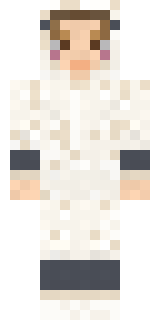 Sleepy Sheep
 Spring Bloom
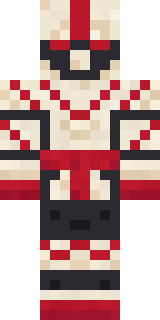 Origami Crane Warrior
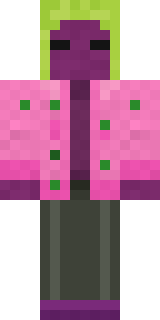 Beetroot DJ
 Sleepy Koala Student
 Living Battery
 Busy BeeThe King
 Celestial Monk
 Market Butcher
 Valentine Heart Hoodie
 Patchwork Teddy Bear
 Golden Prospector
 Cozy Avocado
 Tennis Ball Coach
 Crystal Monk
 Holiday Helper
 Moss Cyclops
 gamer Black Void drip hoodie
About Infected Sven
Infected Sven is an eerie skin for Minecraft by itzsvenfex, made on Build It. Its colours are purple, white and black. Perfect when the sun goes down and the mobs come out.
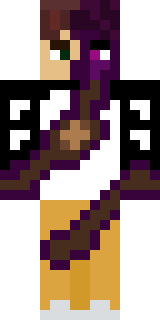
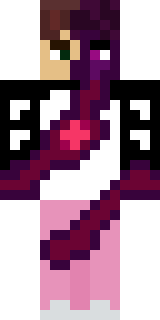
It uses the classic arms (4 pixels wide, like Steve) and works on Java and Bedrock. It is free: download the PNG and add it in the Minecraft Launcher (Java) or the dressing room (Bedrock). You can also open it in the Build It Skin Maker and make your own version. It also comes in 6 colour versions, like Sunny and Pearl.
Find more skins like it in the Spooky and Fantasy collections, or browse the Dark, Mystery and Purple tags.