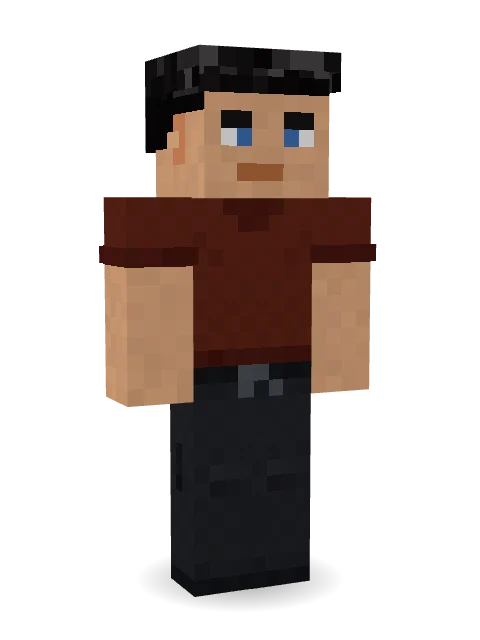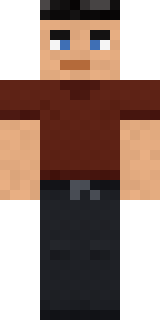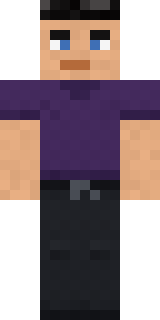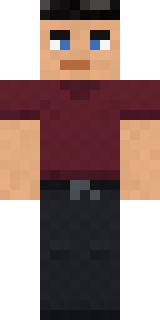

Jake
How to use this skin
Download it, then follow the steps for where you play.
Minecraft: Java Edition, in the Minecraft Launcher
- Open the Minecraft Launcher and pick Minecraft: Java Edition on the left.
- Open the Skins tab at the top and press New skin.
- Give it a name and choose the player model: Classic.
- Press Browse, pick the PNG you downloaded, then Save & Use.
- Start the game: you are wearing it, on every world and server.
Minecraft: Java Edition, on minecraft.net
- Go to minecraft.net and log in with your Microsoft account.
- Open your Profile and find the skin settings of Java Edition.
- Choose Classic, select the PNG file, and press Upload.
- Your new skin shows the next time you join a world.
Bedrock Edition: Windows, Android, iPhone, iPad, Chromebook
- Open Minecraft and press Dressing Room on the main menu (in newer versions, the character button next to your name, then Edit Character).
- Open the Classic Skins tab.
- Under Owned Skins, press Import, then Choose New Skin.
- Pick the PNG you downloaded (on a phone it is usually in Downloads or Files).
- When it asks, choose Classic, then confirm.
Xbox, PlayStation and Nintendo Switch
Consoles cannot import a skin file. There you can wear Character Creator items and skins from the Marketplace.
Some players set a skin in Bedrock on a phone or PC that is signed in to the same Microsoft account and see it on their console too. Mojang does not support that, so it may not work for you.
More by  Leon

Similar skins


Trending today
What people open and download right now.
Trending today
The skins people are opening, liking and downloading right now.

- Modern HoodiebyBuild It
- Enderbrineby
 gustavopir
- Napoleon BonapartebyBuild It
- Galaxy AxolotlbyBuild It
- The KingbyBuild It
- Hazmat ResponderbyBuild It
- Shy KidbyBuild It
- The VoidbyBuild It
- herobrinebygustavopir
- Starfield PhantombyBuild It
Made on Build It
A few of the skins players made here. Find one you like, or start your own.
 Vooid
 Cobalt Firefighter
 Yellow Tuxedo Muscled wrestler
 Graphite Cyborg
 Bone Scout
 Curly Art Student
 Tide Pool Spirit
 Fox Explorer
 Shadow Ninja
 Wind Elemental
 Ember Dragon
 False Smile Stranger
 Chameleon Hoodie
 Abraham Lincoln
 Berg
 Halloween Witch
 Honey Bot
 Turtle Park Ranger
 Mixtape Cassette Head
 Spring Bloom
 Living Marble Statue
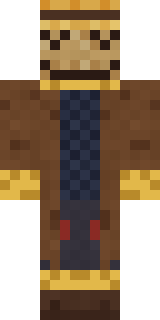 Tattered Scarecrow
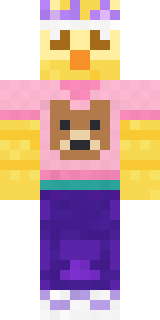 Red Bear face tee Baby chick
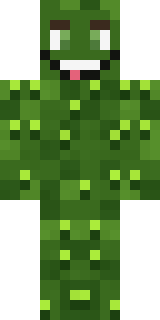 Bumpy Pickle
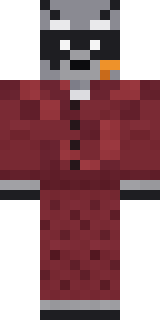 Midnight Snack Thief Raccoon
 Inmate 3742
 Arcade Buddy
 Lobster Lifeguard
 Patchwork Plush Monster
 Malachite Golem
 Sandstone Guardian
 Aurora Skater
 Sweater Weather
 Medieval Scribe
 Office Zombie
 Ginger Trainspotter
 Parrot Captain
 Static Screen AgentIce ElementalSky PiratePorcelain Robot
 Safari Cat
 Haunted Arcade Robot
 Silver Pulse DJ
 Violet Samurai
 Balloon Festival Pilot
 Flight Attendant
 Bloody ghost
 Crypt Custodian
 Blocky Newbie
 Barnyard Cow
 Sage Apron Florist
 Poseidon
 Forest Bigfoot
 Friendly Nurse
 Pumpkin Patch Farmer
 Grey Rune stripe hoodie
 Dwarf Miner
 Tennis Ball Coach
 Little Toadstool
About Jake
Jake is a seasonal skin for Minecraft made by Leon in the Build It Skin Maker. It wears a t-shirt and scrub pants, mostly red with touches of black and orange. It brings the holiday spirit to any world.
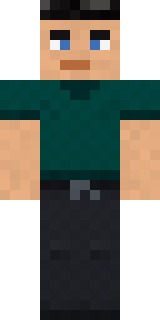
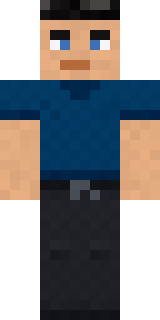
It uses the classic arms (4 pixels wide, like Steve) and works on Java and Bedrock. Download it for free and upload it in the Minecraft Launcher or the Bedrock dressing room. You can also open it in the Build It Skin Maker and make your own version. Try its 7 colour versions too, like Cyan and Blue.
Find more skins like it in the Streetwear and Holidays collections, or browse the Autumn, Boy and Chess tags.