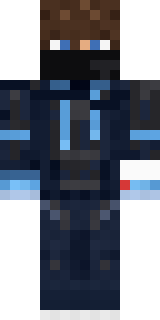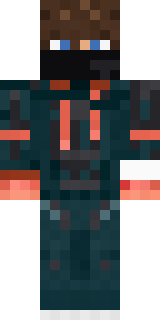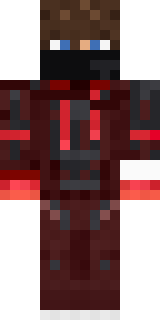

Hacker

How to use this skin
Download it, then follow the steps for where you play.
Minecraft: Java Edition, in the Minecraft Launcher
- Open the Minecraft Launcher and pick Minecraft: Java Edition on the left.
- Open the Skins tab at the top and press New skin.
- Give it a name and choose the player model: Classic.
- Press Browse, pick the PNG you downloaded, then Save & Use.
- Start the game: you are wearing it, on every world and server.
Minecraft: Java Edition, on minecraft.net
- Go to minecraft.net and log in with your Microsoft account.
- Open your Profile and find the skin settings of Java Edition.
- Choose Classic, select the PNG file, and press Upload.
- Your new skin shows the next time you join a world.
Bedrock Edition: Windows, Android, iPhone, iPad, Chromebook
- Open Minecraft and press Dressing Room on the main menu (in newer versions, the character button next to your name, then Edit Character).
- Open the Classic Skins tab.
- Under Owned Skins, press Import, then Choose New Skin.
- Pick the PNG you downloaded (on a phone it is usually in Downloads or Files).
- When it asks, choose Classic, then confirm.
Xbox, PlayStation and Nintendo Switch
Consoles cannot import a skin file. There you can wear Character Creator items and skins from the Marketplace.
Some players set a skin in Bedrock on a phone or PC that is signed in to the same Microsoft account and see it on their console too. Mojang does not support that, so it may not work for you.
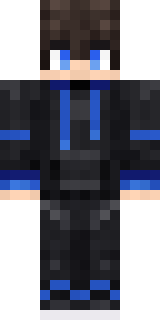
Similar skins










Trending today
What people open and download right now.
Trending today
The skins people are opening, liking and downloading right now.

- Galaxy AxolotlbyBuild It
- Modern HoodiebyBuild It
- Enderbrineby
 gustavopir
- The VoidbyBuild It
- Napoleon BonapartebyBuild It
- Buff ChickenbyBuild It
- Shy KidbyBuild It
- The KingbyBuild It
- Sky PiratebyBuild It
- Hazmat ResponderbyBuild It
Made on Build It
A few of the skins players made here. Find one you like, or start your own.
 Pitch Playmaker
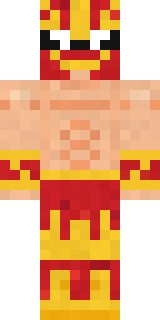 Red Flame Luchador
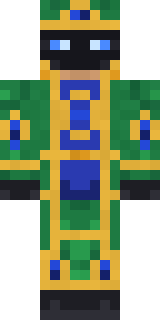 Peacock Guard
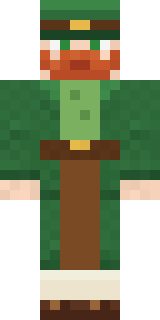 Lucky LeprechaunGrumpy Thundercloud
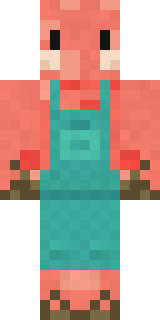 Shrimp Mechanic
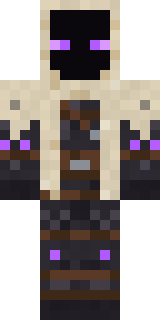 Void Wanderer
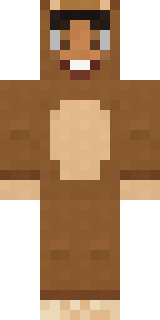 Teddy Onesie
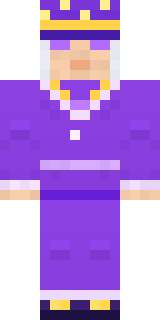 Amethyst Mage
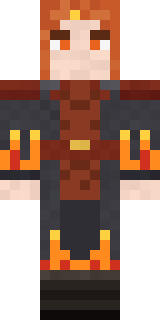 Ember Battle Mage
 Blocky Newbie
 Caramel Knight
 Cardboard Robot KidRed Hoodie
 Sleepy Yellow FaceBlue Beat
 Cyberpunk Paramedic
 Happy Farmer
 Bistro Chef
 Volcanic Sentinel
 Sherlock Holmes
 Peach Orchard Spirit
 Frankenstein's Creature
 Vintage Barber
 Christmas Gingerbread
 Field Scarecrow
 Penguin Waddle
 Joan of Arc
 Red Court frock coat
 Living Popcorn Box
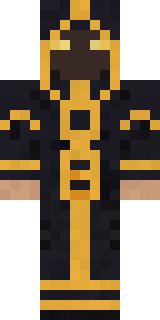 Eclipse Priest
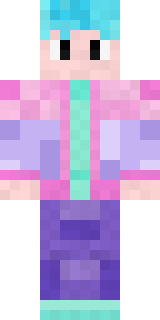 Vaporwave Pastel
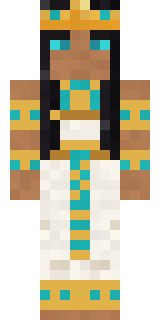 Cleopatra
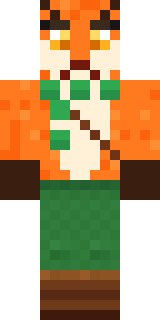 Woodland Fox
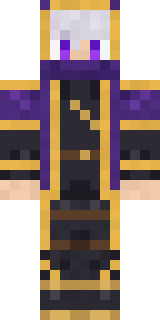 Twilight Rogue
 Storm Chaser Aviator
 Match Referee
 Camo Commando
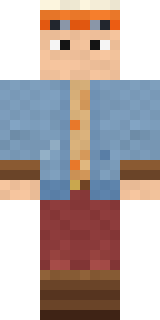 Balloon Festival Pilot
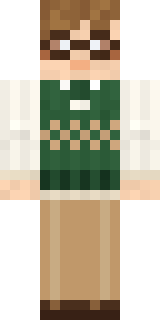 Bookworm
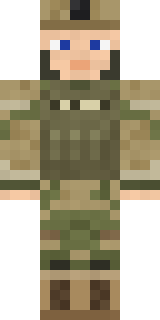 Army Soldier
 Dungeon Accountant
 Monochrome Minimalist
 Gargoyle Bell Ringer
 The Boss
 Mango Skate Punk
 Spring Bloom
 Shadow Ninja
 Lick
 Cozy Ballet Cardigan
 Coral Reef Sorceress
 Auburn Diner Waitress
 Mysterious Astronaut
 Ladybug Mechanic
 Woodland Dryad
 Easter Egg Sweater
 Vampire Aristocrat
 Beekeeper
 Carnival Fortune Teller
 Fourth of July Patriot
About Hacker
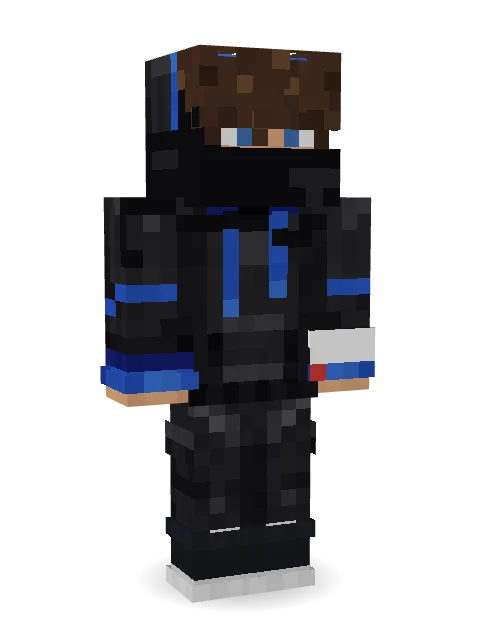
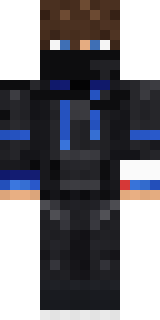
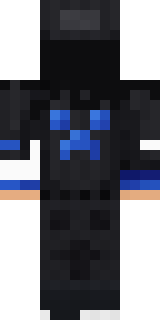
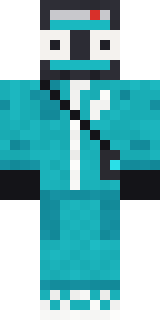
Hacker is a fresh skin for Minecraft made by cozyvr. Its look puts together a modern hoodie, street joggers, high tops and a balaclava in black. Cool, comfy and ready for any server.
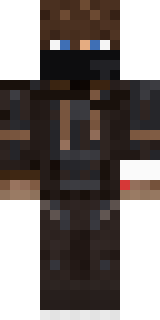
It uses the classic arms (4 pixels wide, like Steve) and works on Java and Bedrock. It is free: download the PNG and add it in the Minecraft Launcher (Java) or the dressing room (Bedrock). Open it in the Build It Skin Maker to give it your own colours. Try its 10 colour versions too, like Midnight and Sky.
See more in the Streetwear collection, or browse the Streetwear tags.