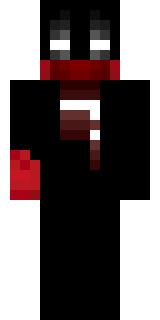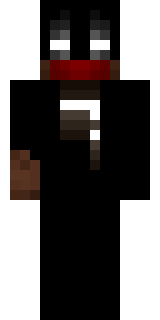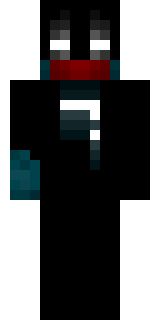

◊ Runic Guardian ◊
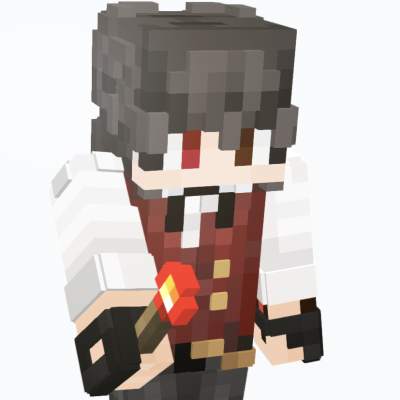
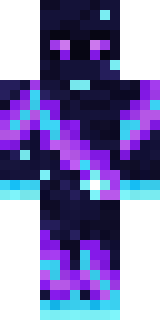
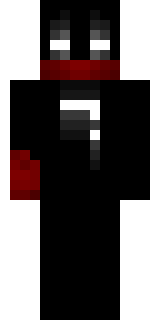
This was my older style of skin, I liked a lot of black with white glowing highlights (also because it was low effort lol). If you're interested, the symbol on the chest is the letter "T" in the Standardised Galactic Alphabet (Minecraft enchantment runes), for my old name, TensaiMinecraft.
Also I made this skin before I saw nvlr33's awesome work, so no, this isn't plagiarism.
Shout out to nvlr33!
How to use this skin
Download it, then follow the steps for where you play.
Minecraft: Java Edition, in the Minecraft Launcher
- Open the Minecraft Launcher and pick Minecraft: Java Edition on the left.
- Open the Skins tab at the top and press New skin.
- Give it a name and choose the player model: Slim.
- Press Browse, pick the PNG you downloaded, then Save & Use.
- Start the game: you are wearing it, on every world and server.
Minecraft: Java Edition, on minecraft.net
- Go to minecraft.net and log in with your Microsoft account.
- Open your Profile and find the skin settings of Java Edition.
- Choose Slim, select the PNG file, and press Upload.
- Your new skin shows the next time you join a world.
Bedrock Edition: Windows, Android, iPhone, iPad, Chromebook
- Open Minecraft and press Dressing Room on the main menu (in newer versions, the character button next to your name, then Edit Character).
- Open the Classic Skins tab.
- Under Owned Skins, press Import, then Choose New Skin.
- Pick the PNG you downloaded (on a phone it is usually in Downloads or Files).
- When it asks, choose Slim, then confirm.
Xbox, PlayStation and Nintendo Switch
Consoles cannot import a skin file. There you can wear Character Creator items and skins from the Marketplace.
Some players set a skin in Bedrock on a phone or PC that is signed in to the same Microsoft account and see it on their console too. Mojang does not support that, so it may not work for you.

Similar skins
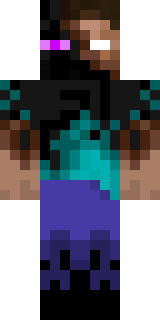
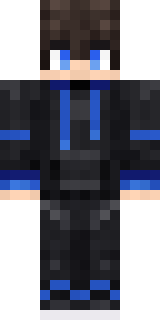
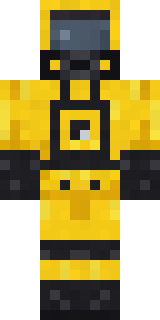
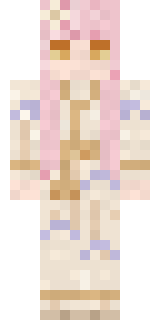



Trending today
What people open and download right now.
Trending today
The skins people are opening, liking and downloading right now.

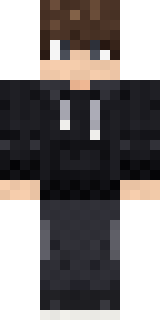
- Modern HoodiebyBuild It
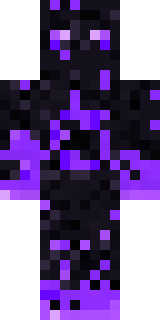
- Enderbrineby
 gustavopir
- Napoleon BonapartebyBuild It
- Galaxy AxolotlbyBuild It
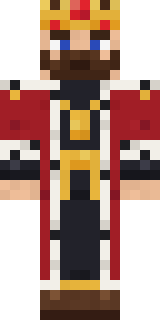
- The KingbyBuild It
- Shy KidbyBuild It
- Hazmat ResponderbyBuild It
- Ancient Hexby
 nvlr33
- The VoidbyBuild It
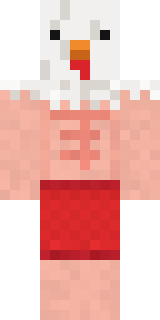
- Buff ChickenbyBuild It
Made on Build It
A few of the skins players made here. Find one you like, or start your own.
 Copper Golem
 Friendly Dentist
 Midnight Academia
 Geode Elf
 Living Popcorn Box
 Guardian Angel
 Formal Vampire
 Ghost Concierge
 Carnival Ticket Taker
 Striped Zebra
 Twilight Rogue
 Honeycomb Automaton
 Scuba Instructor
 Forest Elf
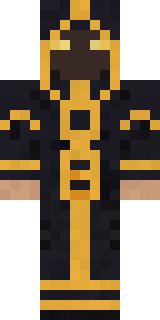 Eclipse Priest
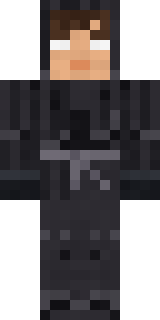 Grey Tattered reaper robe
 Bistro Chef
 Moon ElfTemplar Knight
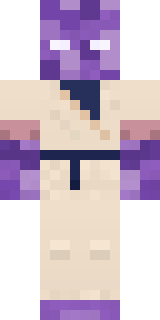 Crystal Monk
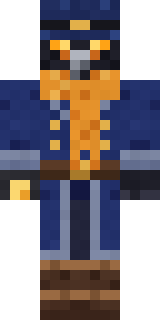 Raven Lamplighter
 Sage Apron Florist
 Cranberry Witch
 Origami Crane Warrior
 Hoop Star
 Ruby Blacksmith
 Sleepy Koala Student
 Secret Agent
 Orangutan Archaeologist
 Frost Court Noble
 Woodland Scout
 Mint Macaron Mascot
 Bone Scout
 Tiger ChampBuff Chicken
 ◊ Runic Guardian ◊
 Strawberry Milk Courier
 Terracotta Summer
 the winter cat skin
 Black
 Downtown Pig
 Abraham Lincoln
 Christmas Gingerbread
 Medieval Cobbler
 Topsy Turvy Face
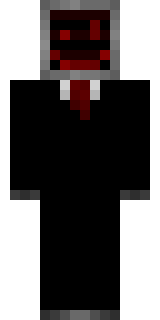 Cursed Corporate Computer
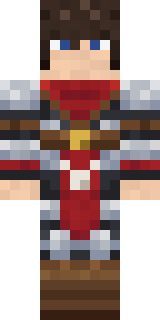 Crimson Templar
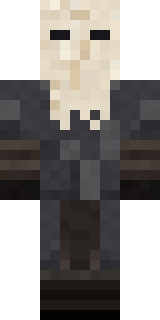 Masked Night Prowler
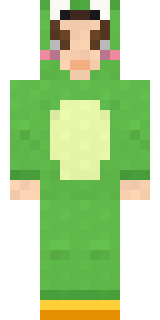 Froggy Onesie
 Gentle Giraffe
 Living Battery
 Charcoal Firefighter
 Silver Moon
 Field Scarecrow
 Amethyst Mage
 Vampire Dentist
 Lotus Temple Guardian
 Summer Dad
 Alice
 Ocean Diver
About ◊ Runic Guardian ◊
◊ Runic Guardian ◊ is a storybook skin for Minecraft made by tyxdelaymc in the Build It Skin Maker. Its colours are black. Wear it on fantasy servers, adventure maps and dragon hunts.
It uses the slim arms (3 pixels wide, like Alex) and works on Java and Bedrock. Download it for free and upload it in the Minecraft Launcher or the Bedrock dressing room. Want it your way? Open it in the Build It Skin Maker and change its colours and pieces. Try its 8 colour versions too, like Crimson and Rusty.
See more in the Fantasy and Streetwear collections, or browse the Aesthetic, Black and Cool tags.