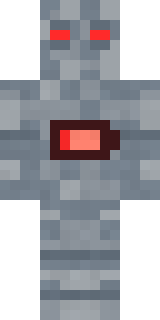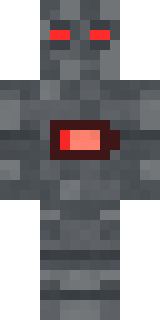
Low Battery Robot
Minecraft skin · Classic arms (4 pixels) · Java and Bedrock
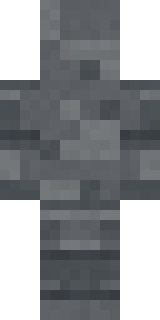
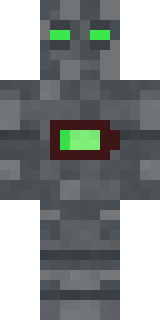
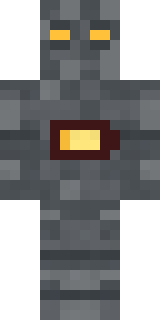
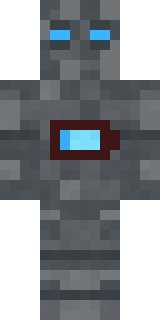
Keeps going on one bar and pure determination: a charcoal metal robot with red slit eyes, a charging slot on its head and a nearly empty battery on its chest.

How to use this skin
Download it, then follow the steps for where you play.
Minecraft: Java Edition, in the Minecraft Launcher
- Open the Minecraft Launcher and pick Minecraft: Java Edition on the left.
- Open the Skins tab at the top and press New skin.
- Give it a name and choose the player model: Classic.
- Press Browse, pick the PNG you downloaded, then Save & Use.
- Start the game: you are wearing it, on every world and server.
Minecraft: Java Edition, on minecraft.net
- Go to minecraft.net and log in with your Microsoft account.
- Open your Profile and find the skin settings of Java Edition.
- Choose Classic, select the PNG file, and press Upload.
- Your new skin shows the next time you join a world.
Bedrock Edition: Windows, Android, iPhone, iPad, Chromebook
- Open Minecraft and press Dressing Room on the main menu (in newer versions, the character button next to your name, then Edit Character).
- Open the Classic Skins tab.
- Under Owned Skins, press Import, then Choose New Skin.
- Pick the PNG you downloaded (on a phone it is usually in Downloads or Files).
- When it asks, choose Classic, then confirm.
Xbox, PlayStation and Nintendo Switch
Consoles cannot import a skin file. There you can wear Character Creator items and skins from the Marketplace.
Some players set a skin in Bedrock on a phone or PC that is signed in to the same Microsoft account and see it on their console too. Mojang does not support that, so it may not work for you.
Similar skins

Made on Build It
A few of the skins players made here. Find one you like, or start your own.
 Shamrock Suit
 Volcanic Sentinel
 Chocolate Chip Cookie
 Night Market Merchant
 Retired Adventurer
 Spotted Fawn
 Mushroom Forest Ranger
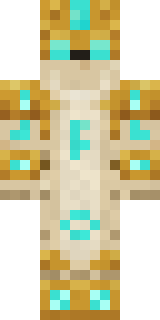 Sandstone Guardian
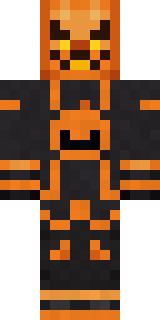 Pumpkin Wraith
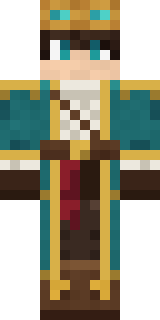 Sky Pirate
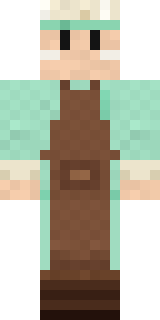 Pistachio Pastry Chef
 Gummy Bear Bodybuilder
 Woodland Ranger
 Captain Spark
 Abyssal Monk
 Icy Blue Winter
 Bubblegum Robot
 Dusty Rose Vintage
 Isaac NewtonSanta Claus
 Silver Pulse DJ
 Vampire Hunter
 Honey Toast
 Roller Rink Skater
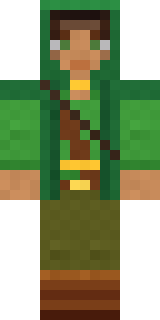 Moss Ranger
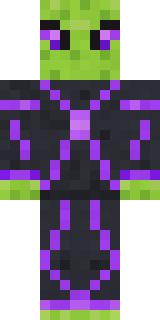 Circuit Alien
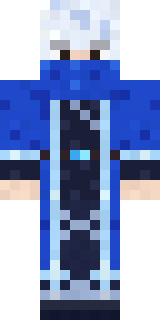 Glacial Sorcerer
 Pitch Playmaker
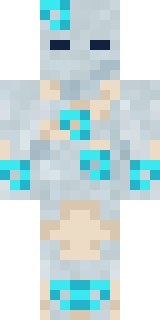 Wind Elemental
 Violet Night Watchman
 Candy Baker
 Rookie Boxer
 Buck Tooth Nerd
 Mantis Master
 Noir Detective
 Gentle Giraffe
 Harvest Farmer
 Barnyard Cow
 Moon Elf
 Lilac Ballerina
 Peacock Guard
 Autumn Knit
 Woodland Dryad
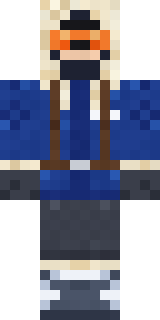 Glacier Explorer
 Stars and Stripes
 Cozy Ballet Cardigan
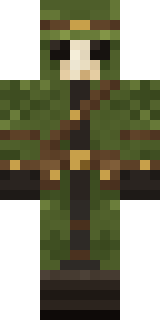 Moss Plague Doctor
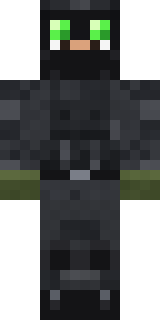 Night Ops Commando
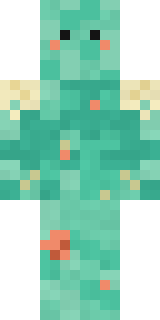 Tide Pool Spirit
 Canada Day Maple Leaf
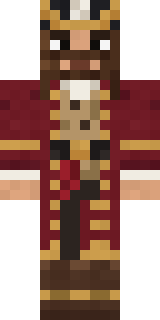 Burgundy Buccaneer
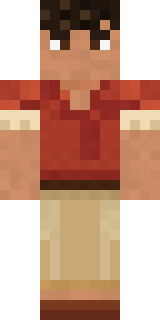 Terracotta Summer
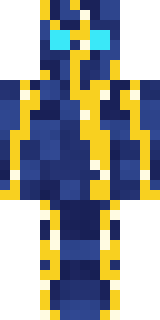 Lightning Elemental
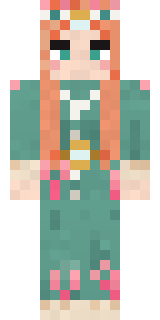 Coral Reef Sorceress
 Fairy Glow
 False Smile Stranger
 Veiled MournerCool Shades Face
 Mint Macaron Mascot
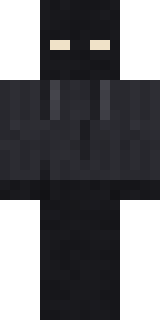 Hallway Shadow
About Low Battery Robot
Meet Low Battery Robot, a robot Minecraft skin from the Build It team. It comes in grey. It is a low battery robot from head to toe. Made for redstone labs, tech builds and sci-fi servers.
It uses the classic arms (4 pixels wide, like Steve) and works on Java and Bedrock. It is free: download the PNG and add it in the Minecraft Launcher (Java) or the dressing room (Bedrock). You can also open it in the Build It Skin Maker and make your own version. It also comes in 7 colour versions, like Full battery and Half battery.
See more in the Robots and Funny collections, or browse the Funny, Robot and Tech tags.