Jelly Alien
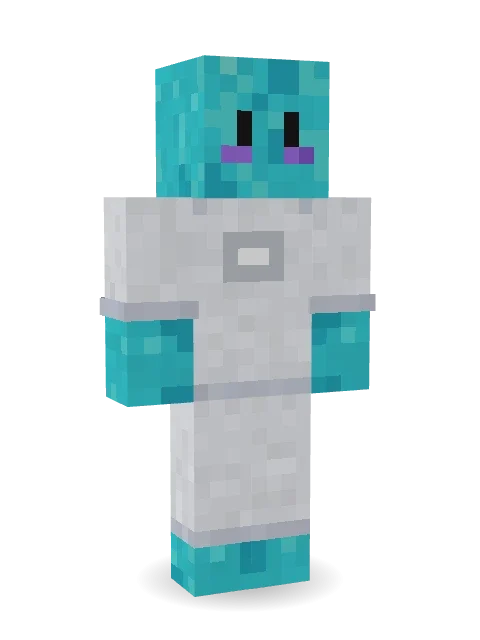
Wobbles a little when it walks: a turquoise jelly alien with tiny black eyes, purple cheeks and a plain white jumpsuit.

How to use this skin
Download it, then follow the steps for where you play.
Minecraft: Java Edition, in the Minecraft Launcher
- Open the Minecraft Launcher and pick Minecraft: Java Edition on the left.
- Open the Skins tab at the top and press New skin.
- Give it a name and choose the player model: Classic.
- Press Browse, pick the PNG you downloaded, then Save & Use.
- Start the game: you are wearing it, on every world and server.
Minecraft: Java Edition, on minecraft.net
- Go to minecraft.net and log in with your Microsoft account.
- Open your Profile and find the skin settings of Java Edition.
- Choose Classic, select the PNG file, and press Upload.
- Your new skin shows the next time you join a world.
Bedrock Edition: Windows, Android, iPhone, iPad, Chromebook
- Open Minecraft and press Dressing Room on the main menu (in newer versions, the character button next to your name, then Edit Character).
- Open the Classic Skins tab.
- Under Owned Skins, press Import, then Choose New Skin.
- Pick the PNG you downloaded (on a phone it is usually in Downloads or Files).
- When it asks, choose Classic, then confirm.
Xbox, PlayStation and Nintendo Switch
Consoles cannot import a skin file. There you can wear Character Creator items and skins from the Marketplace.
Some players set a skin in Bedrock on a phone or PC that is signed in to the same Microsoft account and see it on their console too. Mojang does not support that, so it may not work for you.
More by Build It












Similar skins




Trending today
What people open and download right now.
Trending today
The skins people are opening, liking and downloading right now.

- Ancient Hexby
 nvlr33
- Modern HoodiebyBuild It
- Galaxy AxolotlbyBuild It
- Napoleon BonapartebyBuild It
- Shy KidbyBuild It
- The KingbyBuild It
- Hazmat ResponderbyBuild It
- Buff ChickenbyBuild It
- The VoidbyBuild It
- Slender ManbyBuild It
Made on Build It
A few of the skins players made here. Find one you like, or start your own.
Shroud Ghost Head Chef
 Fossil Museum Curator
 Masked Night Prowler
 Midnight Ferryman
 Little Bat
 Rally Mechanic
 Burlap Intruder
 Park Ranger
 Isaac Newton
 Potion Shopkeeper
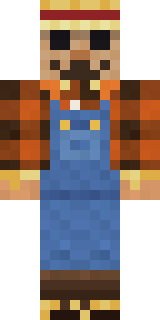 Field Scarecrow
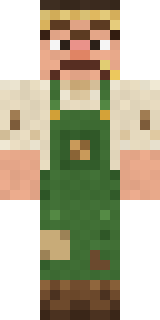 Grumpy Potato Farmer
 Orc Warrior
 The Big Cheese
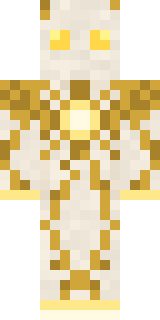 Light Elemental
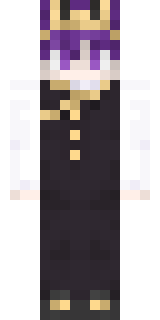 Realistic Wemmbu
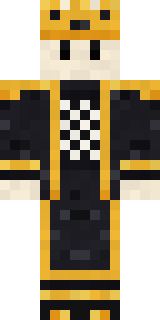 Living Chess King
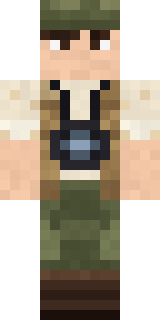 Wildlife Photographer
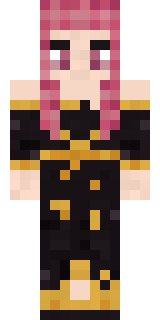 Ballroom Dancer
 Mixtape Cassette Head
 Monochrome Minimalist
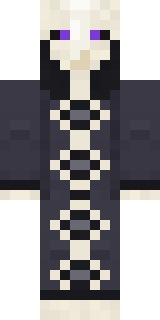 Cursed Chess Bishop
 Ghost King
 Ember Battle Mage
 Neon Runner
 Honey Bot
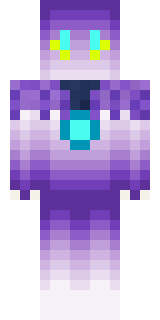 ShimerBot 0375
 Grey Suit and tie
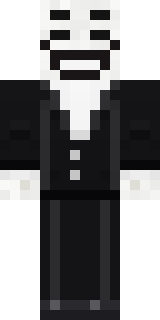 Smug Prankster
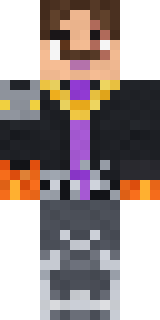 leo
 Strawberry Milk Courier
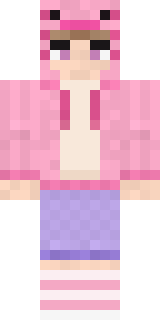 Axolotl Hoodie
 Noir Detective
 Retired Adventurer
 Shamrock Suit
 Drip King
 Grinning Shade
 Crow Undertaker
 Teddy OnesieSlime Apprentice
 Prism Slime
 Rich baddie
 Moss Plague Doctor
 Bloody ghostRed PandaHazmat Responder
 Crypt Ghoul
 Crimson Desert Nomad
 Matcha Cafe
 Axolotl Cutie
 First DayPastel Bear GirlApple Orchard Guardian
 Halloween Witch
 Gold Aura Streetwear
 Cozy Ballet Cardigan
 Cheeseburger Buddy
 Mango Skate PunkMoon Petal
About Jelly Alien
Meet Jelly Alien, a sci-fi Minecraft skin made by the Build It team. It comes with a white jelly jumpsuit in white and teal. It is a jelly alien from head to toe. It looks right at home among the stars.
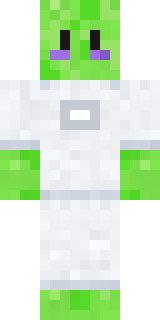
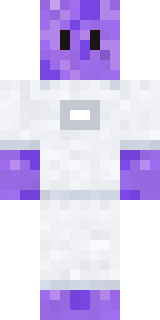
It uses the classic arms (4 pixels wide, like Steve) and works on Java and Bedrock. Download it for free, then follow the steps above to wear it in game. Want it your way? Open it in the Build It Skin Maker and change its colours and pieces. It also comes in 7 colour versions, like Lime jelly and Grape jelly.
Find more skins like it in the Space and Cute collections, or browse the Cute, Kawaii and Space tags.