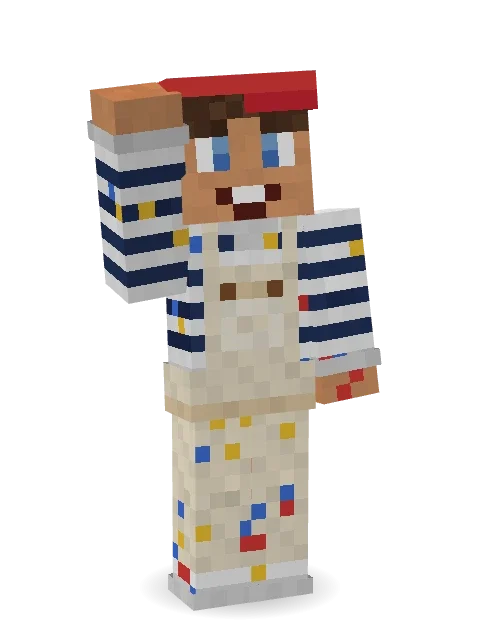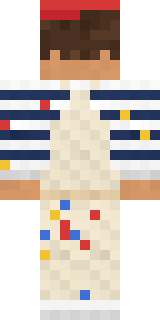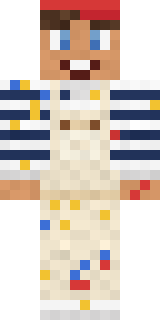
Paint Splash
Minecraft skin · Classic arms (4 pixels) · Java and Bedrock
Every colour of the rainbow, mostly on the overalls.

How to use this skin
Download it, then follow the steps for where you play.
Minecraft: Java Edition, in the Minecraft Launcher
- Open the Minecraft Launcher and pick Minecraft: Java Edition on the left.
- Open the Skins tab at the top and press New skin.
- Give it a name and choose the player model: Classic.
- Press Browse, pick the PNG you downloaded, then Save & Use.
- Start the game: you are wearing it, on every world and server.
Minecraft: Java Edition, on minecraft.net
- Go to minecraft.net and log in with your Microsoft account.
- Open your Profile and find the skin settings of Java Edition.
- Choose Classic, select the PNG file, and press Upload.
- Your new skin shows the next time you join a world.
Bedrock Edition: Windows, Android, iPhone, iPad, Chromebook
- Open Minecraft and press Dressing Room on the main menu (in newer versions, the character button next to your name, then Edit Character).
- Open the Classic Skins tab.
- Under Owned Skins, press Import, then Choose New Skin.
- Pick the PNG you downloaded (on a phone it is usually in Downloads or Files).
- When it asks, choose Classic, then confirm.
Xbox, PlayStation and Nintendo Switch
Consoles cannot import a skin file. There you can wear Character Creator items and skins from the Marketplace.
Some players set a skin in Bedrock on a phone or PC that is signed in to the same Microsoft account and see it on their console too. Mojang does not support that, so it may not work for you.
Similar skins

Made on Build It
A few of the skins players made here. Find one you like, or start your own.
 Alien Exchange StudentSanta Claus
 Penguin Tourist
 Bouncy Slime
 Pumpkin Patch Farmer
 Candy Baker
 Ember Librarian
 Hoop Star
 Spotted Frog
 Field Scarecrow
 Curly Barista
 Sherlock Holmes
 Moss Cyclops
 Forest Bigfoot
 Medieval Cobbler
 Gecko Skater
 Desert Cartographer
 Tiger Champ
 Tiger Slugger
 Crescent Pajama Bunny
 Storm Chaser Aviator
 Gothic Librarian
 Ink Monster Teacher
 Strawberry Jam Jar
 Otter Fisher
 Desert Nomad
 Apple Orchard Guardian
 Scuba Instructor
 Sunny Surfer
 Army Soldier
 Rusty Scrapyard Robot
 Paper Lantern Spirit
 Bubblegum Robot
 Dwarf Miner
 Void Axolotl
 Electrician
 Courtroom Judge
 Wax Museum Escapee
 Sleepy Mummy
 Snow Leopard
 Alice
Alice Cloud Aviator
 Obsidian Knight
 Desert Courier
 Train Conductor
 Jade Monk
 Vampire Dentist
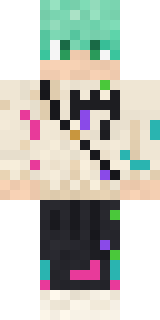 Mint Street Artist
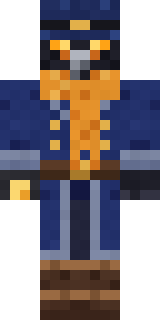 Raven Lamplighter
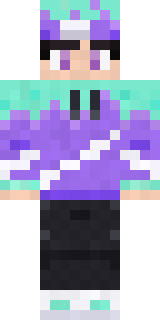 Aurora Skater
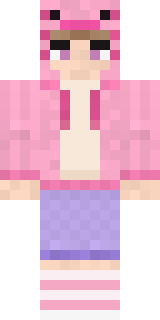 Axolotl HoodiePaint Splash
 Isaac Newton
 Concrete Builder
 Cotton Candy Vendor
 Medieval Scribe
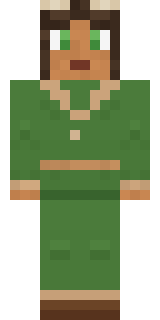 Forest Druid
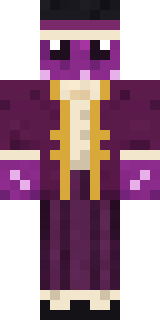 Octopus Stage Magician
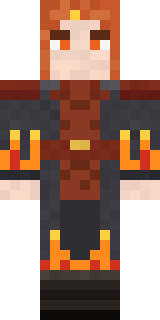 Ember Battle Mage
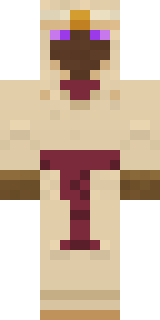 Desert Oracle
About Paint Splash
Meet Paint Splash, a silly Minecraft skin made by the Build It team. The outfit: a striped, overalls, sneakers and paint splashes, mostly beige with touches of white and blue. Made for minigames, party servers and silly videos.
Paint Splash has classic 4 pixel arms and works in Minecraft Java and Bedrock. Download it for free, then follow the steps above to wear it in game. Want it your way? Open it in the Build It Skin Maker and change its colours and pieces.
Find more skins like it in the Streetwear and Funny collections, or look through the Casual and Funny tags.