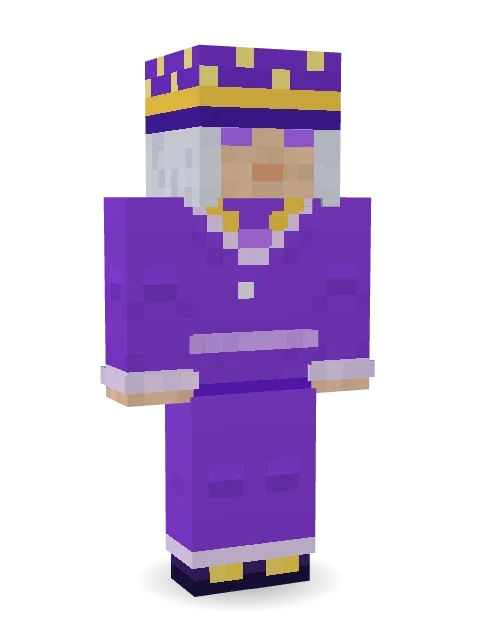
Amethyst Mage
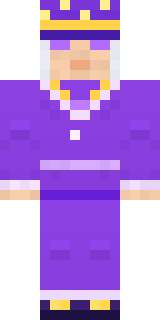
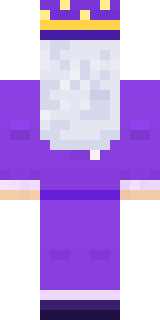
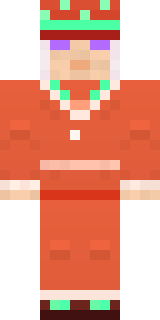
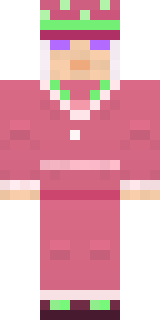
Silver hair, glowing eyes, an amethyst robe with pale trim and a starry hat to match.

How to use this skin
Download it, then follow the steps for where you play.
Minecraft: Java Edition, in the Minecraft Launcher
- Open the Minecraft Launcher and pick Minecraft: Java Edition on the left.
- Open the Skins tab at the top and press New skin.
- Give it a name and choose the player model: Classic.
- Press Browse, pick the PNG you downloaded, then Save & Use.
- Start the game: you are wearing it, on every world and server.
Minecraft: Java Edition, on minecraft.net
- Go to minecraft.net and log in with your Microsoft account.
- Open your Profile and find the skin settings of Java Edition.
- Choose Classic, select the PNG file, and press Upload.
- Your new skin shows the next time you join a world.
Bedrock Edition: Windows, Android, iPhone, iPad, Chromebook
- Open Minecraft and press Dressing Room on the main menu (in newer versions, the character button next to your name, then Edit Character).
- Open the Classic Skins tab.
- Under Owned Skins, press Import, then Choose New Skin.
- Pick the PNG you downloaded (on a phone it is usually in Downloads or Files).
- When it asks, choose Classic, then confirm.
Xbox, PlayStation and Nintendo Switch
Consoles cannot import a skin file. There you can wear Character Creator items and skins from the Marketplace.
Some players set a skin in Bedrock on a phone or PC that is signed in to the same Microsoft account and see it on their console too. Mojang does not support that, so it may not work for you.
More by Build It












Similar skins


















Trending today
What people open and download right now.
Trending today
The skins people are opening, liking and downloading right now.
- Modern HoodiebyBuild It
- Galaxy AxolotlbyBuild It
- Enderbrineby
 gustavopir
- Napoleon BonapartebyBuild It
- The VoidbyBuild It
- Shy KidbyBuild It
- Hazmat ResponderbyBuild It
- The KingbyBuild It
- Slender ManbyBuild It
- Buff ChickenbyBuild It
Made on Build It
A few of the skins players made here. Find one you like, or start your own.
Obsidian Golem Moss Ranger
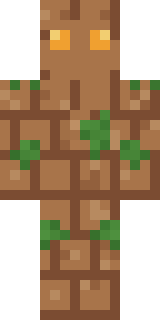 Earth Elemental
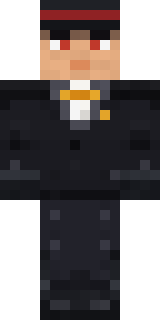 Formal Vampire
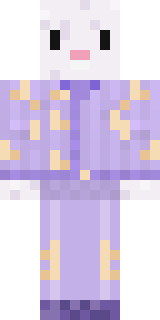 Crescent Pajama Bunny
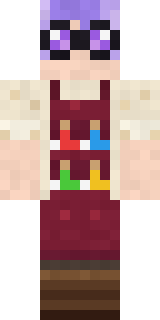 Potion Shopkeeper
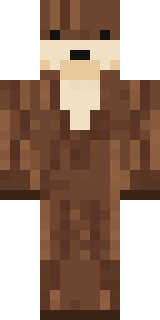 Sea Otter
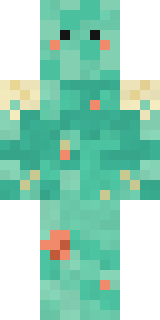 Tide Pool Spirit
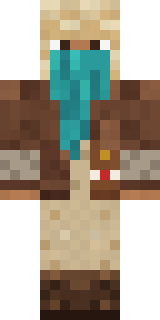 Desert Courier
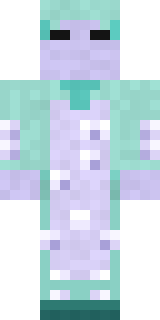 Haunted Laundry Worker
 Diamond Sleeve Trader
 Count Dracula
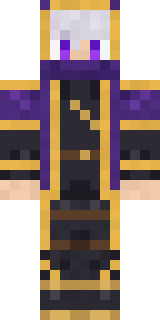 Twilight Rogue
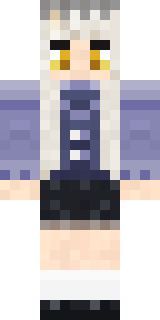 Blue Corset blouse
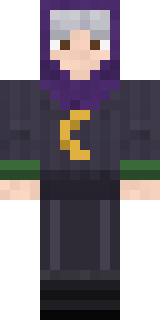 Halloween Witch
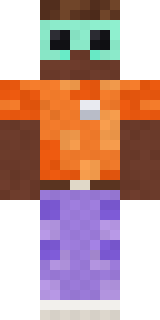 Roller Rink Attendant
 Watermelon Brawler
 Moonwalk Astronaut
 Crimson Desert Nomad
 Haunted Bowling Champion
 Pastel Goth
 Vintage Cartoon Explorer
 Cactus Outlaw
 Clockwork Inventor
 Ember Dragon
 Cheeseburger Buddy
 Tin Toy Soldier
 Lemon Sorcerer
 Trainyard Welder
 Crimson Punk
 Unimpressed Office Clerk
 Campaign Trail Politician
 Cyan Tinker Fairy
 Ember Librarian
 Locked In Alien
 Onion King
 Grey Rune stripe hoodie
 Water Elemental
 Lobster Lifeguard
 Blue Beat
 Chill Pond Frog
 Violet Samurai
 False Smile Stranger
 Autumn Leaf Sprite
 Night Market Merchant
 Otter Fisher
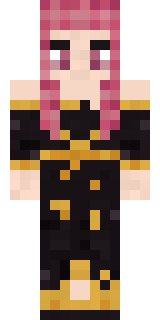 Ballroom Dancer
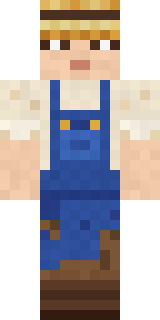 Muddy Farmhand
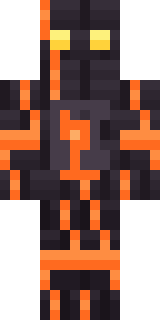 Volcanic Sentinel
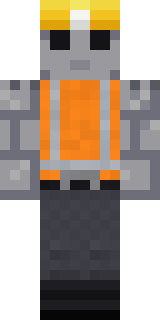 Concrete Builder
 Shadow Ninja
 Ravioli WrestlerArmy Soldier
 Vintage Barber
 Hospital Hero
 Valentine Heart Hoodie
 Koi Pond Spirit
 Pumpkin Patch FarmerAbyssal Monk
 Snow Leopard
About Amethyst Mage
Meet Amethyst Mage, a legendary Minecraft skin from the Build It team. Its look puts together a robe, buckle boots, a wizard hat and a necklace in purple. Made for quests, castles and roleplay adventures.
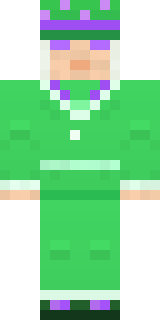
Amethyst Mage has classic 4 pixel arms and works in Minecraft Java and Bedrock. Download it for free, then follow the steps above to wear it in game. Open it in the Build It Skin Maker to give it your own colours. It also comes in 5 colour versions, like Ocean and Forest.
See more in the Fantasy collection, or look through the Fantasy and Wizard tags.