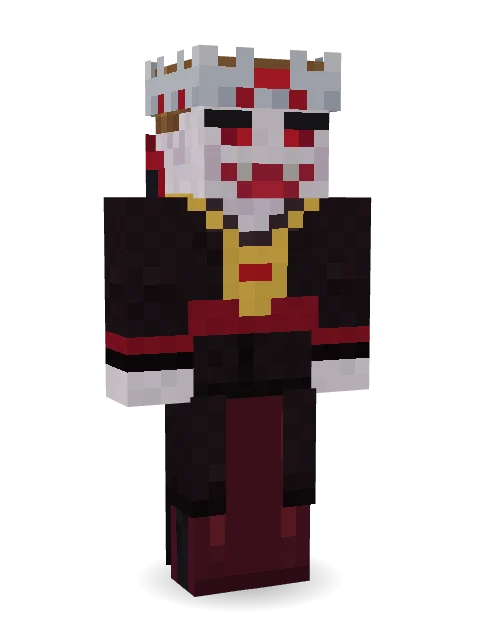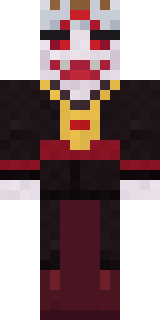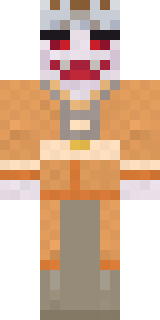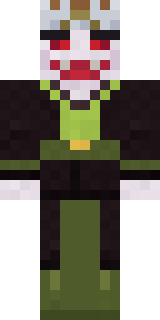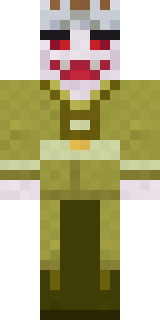

lord Vampire

How to use this skin
Download it, then follow the steps for where you play.
Minecraft: Java Edition, in the Minecraft Launcher
- Open the Minecraft Launcher and pick Minecraft: Java Edition on the left.
- Open the Skins tab at the top and press New skin.
- Give it a name and choose the player model: Classic.
- Press Browse, pick the PNG you downloaded, then Save & Use.
- Start the game: you are wearing it, on every world and server.
Minecraft: Java Edition, on minecraft.net
- Go to minecraft.net and log in with your Microsoft account.
- Open your Profile and find the skin settings of Java Edition.
- Choose Classic, select the PNG file, and press Upload.
- Your new skin shows the next time you join a world.
Bedrock Edition: Windows, Android, iPhone, iPad, Chromebook
- Open Minecraft and press Dressing Room on the main menu (in newer versions, the character button next to your name, then Edit Character).
- Open the Classic Skins tab.
- Under Owned Skins, press Import, then Choose New Skin.
- Pick the PNG you downloaded (on a phone it is usually in Downloads or Files).
- When it asks, choose Classic, then confirm.
Xbox, PlayStation and Nintendo Switch
Consoles cannot import a skin file. There you can wear Character Creator items and skins from the Marketplace.
Some players set a skin in Bedrock on a phone or PC that is signed in to the same Microsoft account and see it on their console too. Mojang does not support that, so it may not work for you.
Similar skins



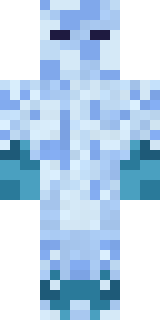
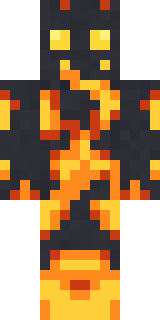
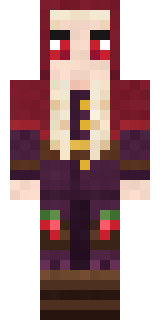
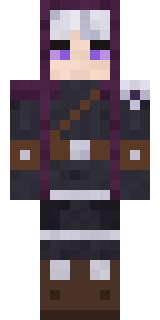
Trending today
What people open and download right now.
Trending today
The skins people are opening, liking and downloading right now.
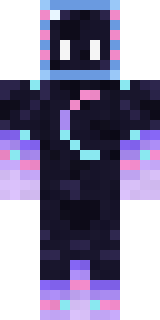
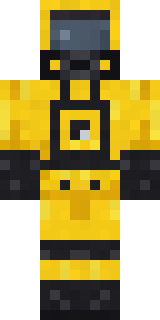
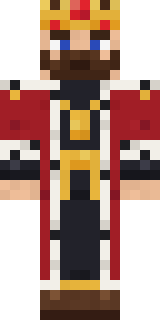
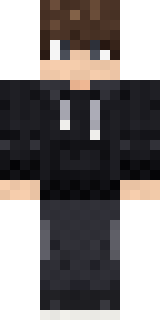
- Modern HoodiebyBuild It
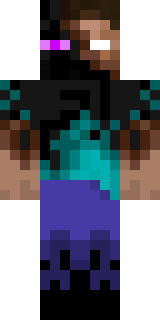
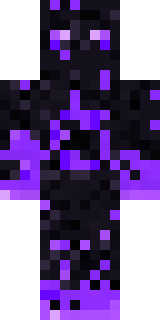
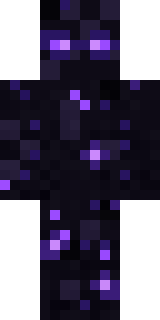
- Enderbrineby
 gustavopir
- Napoleon BonapartebyBuild It
- Galaxy AxolotlbyBuild It
- Hazmat ResponderbyBuild It
- The KingbyBuild It
- Shy KidbyBuild It
- The VoidbyBuild It
- herobrinebygustavopir
- Starfield PhantombyBuild It
Made on Build It
A few of the skins players made here. Find one you like, or start your own.
 Skyship Navigator
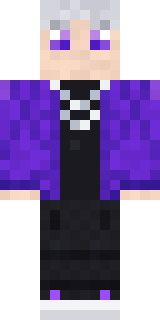 Silver Pulse DJ
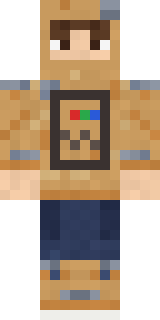 Cardboard Robot Kid
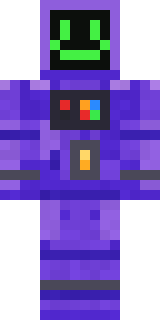 Haunted Arcade Robot
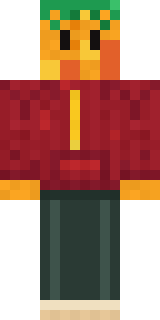 Mango Skate Punk
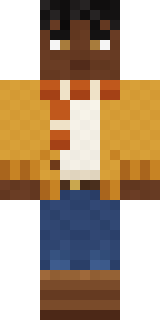 Sweater Weather
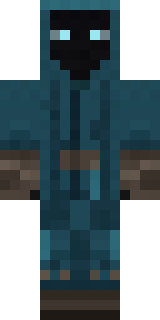 Midnight Ferryman
 Koi Pond Spirit
 Starlight Wizard
 Grey Rune stripe hoodieIce Elemental
 Mixtape Cassette Head
 Chocolate Chip Cookie
 Clockwork Oracle
 The Big Cheese
 Cozy Ballet Cardigan
 Rodeo Star
 Lone Wolf
 Lobster Lifeguard
 Ward Doctor
 Beach Lifeguard
 gamer Black Void drip hoodie
 Ladybug Mechanic
 Sprinkle Donut
 Snow Rider
 Astronaut
 Tin Toy Soldier
 Morning Barista
 Lightning Elemental
 Beach Day
 Copper Golem
 Dwarven Mountain King
 Electric Eel Technician
 Silverfish Archivist
 Night Ops Commando
 Joan of Arc
 Saloon Pianist
 PoseidonThe Void
 Rubber Duck Raincoat
 Cool Shades Face
 Star Striker
 Ghost Train Conductor
 Crimson Builder
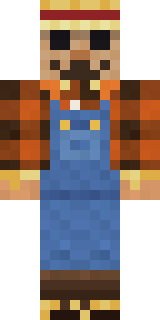 Field Scarecrow
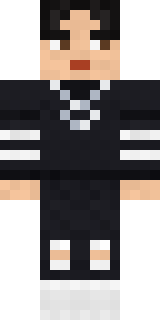 Soft Boy
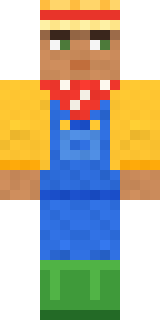 Harvest Farmer
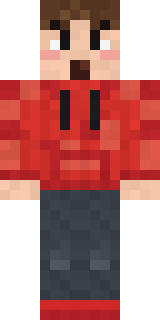 Rage Quit Gamer
 The Forehead Man
 Ronin Samurai
 Patrol Officer
 Rainbow Paint Can
 Street Skater
 Cobalt Firefighter
 Mantis MasterNecromancer
 Menina
 Pastel Bear Girl
 Obsidian Sentinel
 Christmas Elf
About lord Vampire
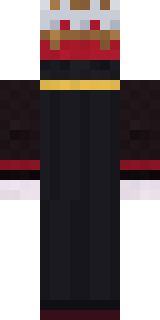
lord Vampire is a magical skin for Minecraft made by gicabuilder in the Build It Skin Maker. Its look puts together a vampire lord coat, vampire velvet trousers, a vampire lord crown and a cape, mostly black with touches of red. Wear it on fantasy servers, adventure maps and dragon hunts.
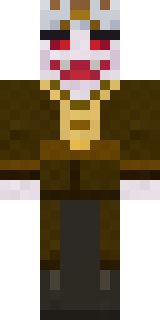
lord Vampire has classic 4 pixel arms and works in Minecraft Java and Bedrock. Download it for free, then follow the steps above to wear it in game. You can also open it in the Build It Skin Maker and make your own version. Try its 6 colour versions too, like Brown and Orange.
See more in the Fantasy collection, or look through the Fantasy tags.