Glacier Explorer
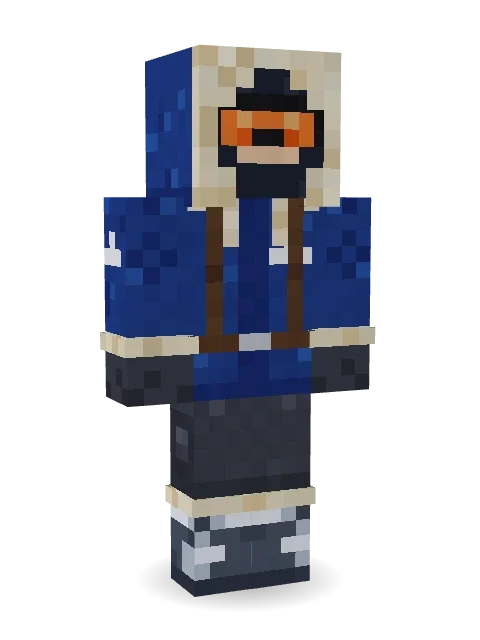
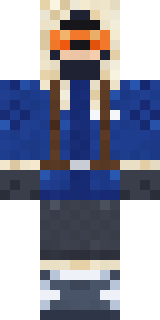
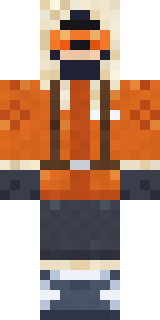
Off to the far north: a deep blue parka with a fur lined hood, orange ski goggles, a packed rucksack and boots crusted with frost.

How to use this skin
Download it, then follow the steps for where you play.
Minecraft: Java Edition, in the Minecraft Launcher
- Open the Minecraft Launcher and pick Minecraft: Java Edition on the left.
- Open the Skins tab at the top and press New skin.
- Give it a name and choose the player model: Classic.
- Press Browse, pick the PNG you downloaded, then Save & Use.
- Start the game: you are wearing it, on every world and server.
Minecraft: Java Edition, on minecraft.net
- Go to minecraft.net and log in with your Microsoft account.
- Open your Profile and find the skin settings of Java Edition.
- Choose Classic, select the PNG file, and press Upload.
- Your new skin shows the next time you join a world.
Bedrock Edition: Windows, Android, iPhone, iPad, Chromebook
- Open Minecraft and press Dressing Room on the main menu (in newer versions, the character button next to your name, then Edit Character).
- Open the Classic Skins tab.
- Under Owned Skins, press Import, then Choose New Skin.
- Pick the PNG you downloaded (on a phone it is usually in Downloads or Files).
- When it asks, choose Classic, then confirm.
Xbox, PlayStation and Nintendo Switch
Consoles cannot import a skin file. There you can wear Character Creator items and skins from the Marketplace.
Some players set a skin in Bedrock on a phone or PC that is signed in to the same Microsoft account and see it on their console too. Mojang does not support that, so it may not work for you.
More by Build It












Similar skins


















Trending today
What people open and download right now.
Trending today
The skins people are opening, liking and downloading right now.

- Modern HoodiebyBuild It
- Ancient Hexby
 nvlr33
- Galaxy AxolotlbyBuild It
- Shy KidbyBuild It
- Hazmat ResponderbyBuild It
- The VoidbyBuild It
- Napoleon BonapartebyBuild It
- The KingbyBuild It
- Slender ManbyBuild It
- Buff ChickenbyBuild It
Made on Build It
A few of the skins players made here. Find one you like, or start your own.
 Cobalt FirefighterCamo Commando
 Scarlet Sellsword
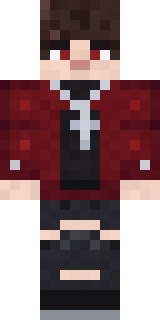 Crimson Plaid Emo
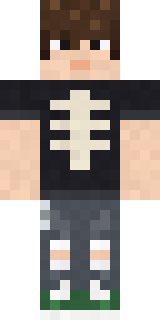 Emo Kid
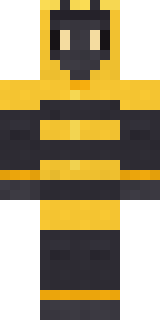 Bumblebee
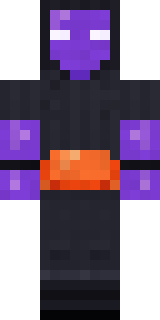 Jellybean Thief
 Stained Glass Mage
 Ghost King
 Lemon Jazz Singer
 Office Zombie
 Glacial Sorcerer
 Pajama Knight
 Canada Day Maple Leaf
 Red Bear face tee Baby chick
 Burnt Toast Monster
 Strawberry Milk Courier
 Plum Jester
 Slime Gamer
 Valentine Heart Hoodie
 Ward Doctor
 Ink Wizard
 Marmot Mountain Climber
 Fairy Glow
 Holiday Helper
 Hot Springs Innkeeper
 Little Dragon
 Moon Ranger
 Happy Farmer
 Diamond Sleeve Trader
 Summer Dad
 Chill Pond Frog
 Red Court frock coat
 Match Referee
 Dandelion Druid
 Amethyst Mage
 Handy Plumber
 Redstone Tinkerer
 Forest Elf
 Ice Crystal Spirit
 Muddy Pig
 Raven Lamplighter
 Neon Parkour Runner
 Rotting Walker
 Void Axolotl
 Late Night Gamer
 Mantis Master
 Tropical Fish
 Koi Pond Spirit
 Friendly Dentist
 Garden Helper
 Tuxedo Cat
 Lavender Florist
 Abraham LincolnBuff Chicken
 Easter Egg Sweater
 Error
 Moon Elf Ranger
 Gamer Hoodie Boy
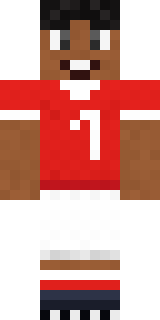 Star Striker
About Glacier Explorer
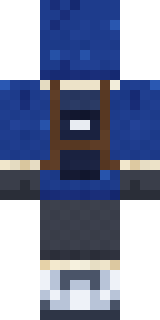
Glacier Explorer is a seasonal skin for Minecraft made by the Build It team. The outfit: a glacier parka, charcoal snow pants, frosted snow boots and a fur lined parka hood, mostly blue with touches of grey. Wear it for the next celebration on the server.
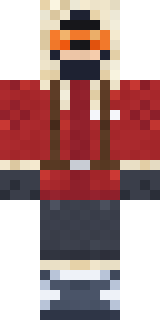
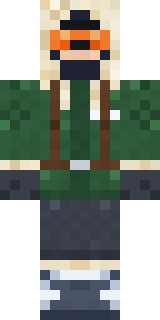
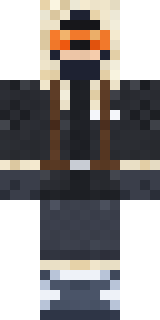
Glacier Explorer has classic 4 pixel arms and works in Minecraft Java and Bedrock. Download it for free and upload it in the Minecraft Launcher or the Bedrock dressing room. Want it your way? Open it in the Build It Skin Maker and change its colours and pieces. Try its 7 colour versions too, like Red parka and Orange parka.
Find more skins like it in the Streetwear and Heroes and fighters collections, or look through the Adventure, Cool and Explorer tags.