Abraham Lincoln
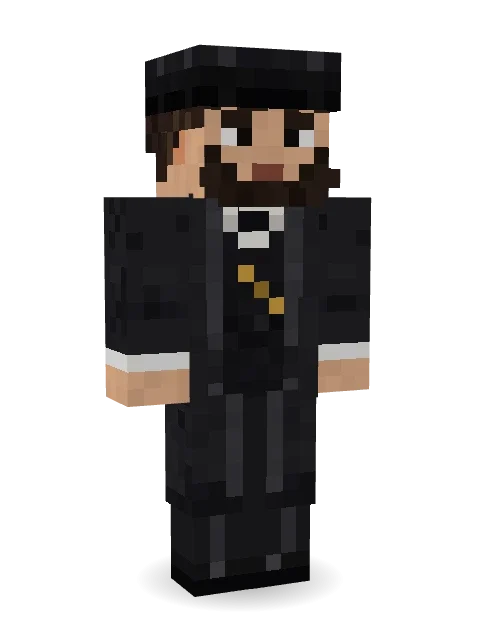
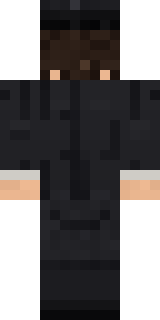
The sixteenth president: a tall black stovepipe hat, a chin beard with no moustache, and a black frock coat with a bow tie and a gold watch chain.
How to use this skin
Download it, then follow the steps for where you play.
Minecraft: Java Edition, in the Minecraft Launcher
- Open the Minecraft Launcher and pick Minecraft: Java Edition on the left.
- Open the Skins tab at the top and press New skin.
- Give it a name and choose the player model: Classic.
- Press Browse, pick the PNG you downloaded, then Save & Use.
- Start the game: you are wearing it, on every world and server.
Minecraft: Java Edition, on minecraft.net
- Go to minecraft.net and log in with your Microsoft account.
- Open your Profile and find the skin settings of Java Edition.
- Choose Classic, select the PNG file, and press Upload.
- Your new skin shows the next time you join a world.
Bedrock Edition: Windows, Android, iPhone, iPad, Chromebook
- Open Minecraft and press Dressing Room on the main menu (in newer versions, the character button next to your name, then Edit Character).
- Open the Classic Skins tab.
- Under Owned Skins, press Import, then Choose New Skin.
- Pick the PNG you downloaded (on a phone it is usually in Downloads or Files).
- When it asks, choose Classic, then confirm.
Xbox, PlayStation and Nintendo Switch
Consoles cannot import a skin file. There you can wear Character Creator items and skins from the Marketplace.
Some players set a skin in Bedrock on a phone or PC that is signed in to the same Microsoft account and see it on their console too. Mojang does not support that, so it may not work for you.
More by Build It












Similar skins















Trending today
What people open and download right now.
Trending today
The skins people are opening, liking and downloading right now.


- Ancient Hexby
 nvlr33
- Modern HoodiebyBuild It
- Galaxy AxolotlbyBuild It
- Shy KidbyBuild It
- Napoleon BonapartebyBuild It
- The VoidbyBuild It
- Hazmat ResponderbyBuild It
- The KingbyBuild It
- Slender ManbyBuild It
- Buff ChickenbyBuild It
Made on Build It
A few of the skins players made here. Find one you like, or start your own.
 Tornado Chaser
 lord Vampire
 Grey Tattered reaper robe
 Violet Night Watchman
 Haunted Arcade Robot
 Mint Street Artist
 False Smile Stranger
 Retro Fridge Robot
 Silent Mime
 Cyan Tinker Fairy
 Sunken Knight
 Beekeeper
 Lacquered Samurai
 Star Striker
 Eclipse Priest
 Volcanic Sentinel
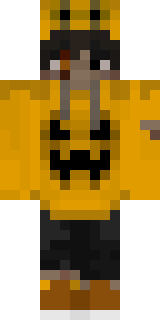 Pumpkin Hoodie
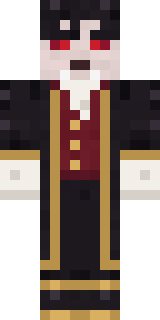 Vampire Aristocrat
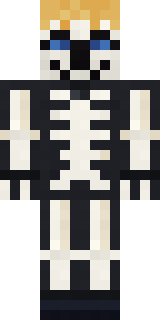 Skeleton Costume
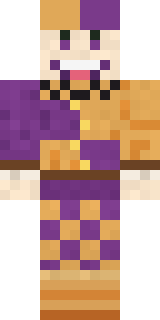 Plum Jester
 Cheeky Banana
 Pumpkin Patch Farmer
 ◊ Runic Guardian ◊
 Abyssal Monk
 Woodland Ranger
 Sleepy Sloth
 Periwinkle Rainwear
 Reef Mermaid
 Mushroom Forest Ranger
 Patchwork Teddy Bear
 Balloon Festival Pilot
 Sharp Jawline Guy
 Lemon Sorcerer
 Highway Biker
 Golden Paladin
 Captain Spark
 Glacial Sorcerer
 Leonardo da VinciLiving Chess King
 Blue Beat
 Match Referee
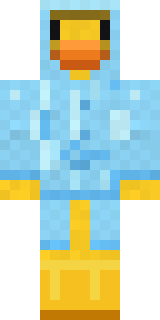 Rubber Duck Raincoat
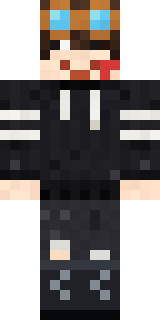 Grey Rune stripe hoodie
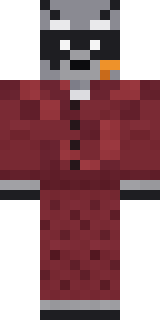 Midnight Snack Thief Raccoon
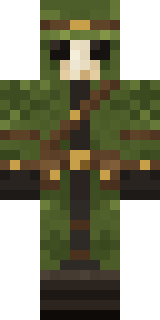 Moss Plague DoctorSlender Man
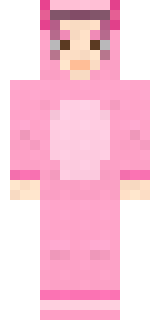 Axolotl Cutie
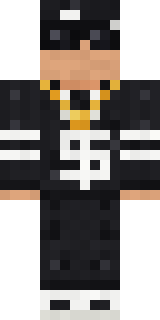 Drip King
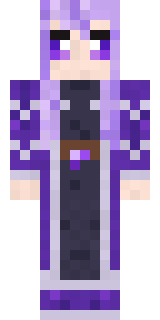 Crystal Elf Spellcaster
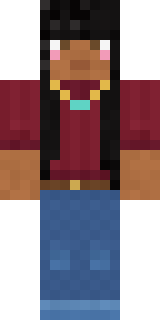 Rich baddie
 Little Toadstool
 Matcha Mochi
 Circuit Alien
 Blocky Newbie
 Gamer Mode
 Downtown Pig
 Glacier Explorer
 Paint Splash
 Scarlet Sellsword
 Little Dragon
About Abraham Lincoln
Meet Abraham Lincoln, a legendary Minecraft skin made by the Build It team. It wears a presidential frock coat, suit pants, dress shoes and a stovepipe hat in black and grey. A great pick for anyone building their own kingdom.
It uses the classic arms (4 pixels wide, like Steve) and works on Java and Bedrock. Download it for free, then follow the steps above to wear it in game. Open it in the Build It Skin Maker to give it your own colours. It also comes in 7 colour versions, like Charcoal and Brown suit.
Find more skins like it in the Fantasy and History collections, or browse the Fancy, Gentleman and History tags.