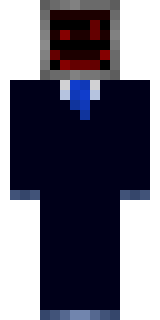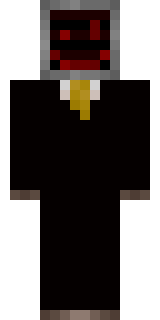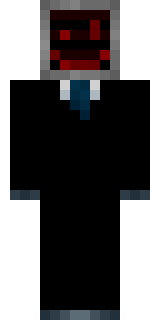

Cursed Corporate Computer

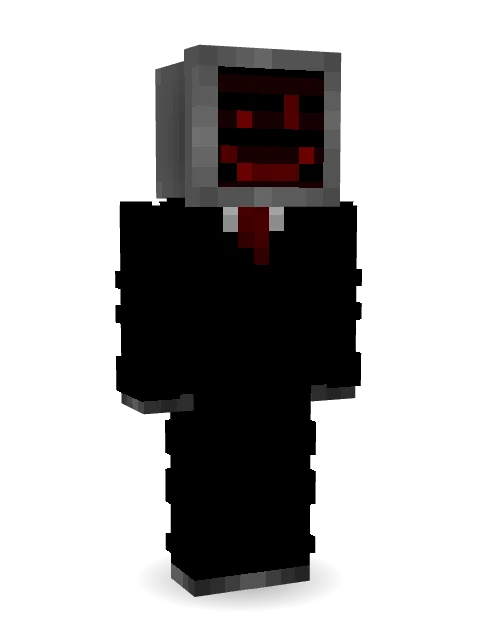
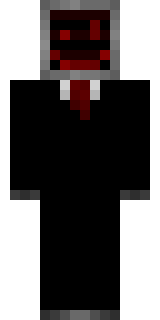
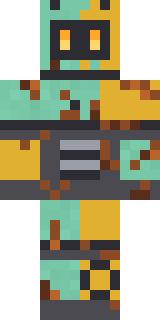
I made this one on BlockBench as well, the inspiration struck me somewhere as my friend challenged me to make a skin. The result was this, a slightly eerie computer mounted on the head of a corporate worker. Enjoy!
How to use this skin
Download it, then follow the steps for where you play.
Minecraft: Java Edition, in the Minecraft Launcher
- Open the Minecraft Launcher and pick Minecraft: Java Edition on the left.
- Open the Skins tab at the top and press New skin.
- Give it a name and choose the player model: Slim.
- Press Browse, pick the PNG you downloaded, then Save & Use.
- Start the game: you are wearing it, on every world and server.
Minecraft: Java Edition, on minecraft.net
- Go to minecraft.net and log in with your Microsoft account.
- Open your Profile and find the skin settings of Java Edition.
- Choose Slim, select the PNG file, and press Upload.
- Your new skin shows the next time you join a world.
Bedrock Edition: Windows, Android, iPhone, iPad, Chromebook
- Open Minecraft and press Dressing Room on the main menu (in newer versions, the character button next to your name, then Edit Character).
- Open the Classic Skins tab.
- Under Owned Skins, press Import, then Choose New Skin.
- Pick the PNG you downloaded (on a phone it is usually in Downloads or Files).
- When it asks, choose Slim, then confirm.
Xbox, PlayStation and Nintendo Switch
Consoles cannot import a skin file. There you can wear Character Creator items and skins from the Marketplace.
Some players set a skin in Bedrock on a phone or PC that is signed in to the same Microsoft account and see it on their console too. Mojang does not support that, so it may not work for you.
Similar skins
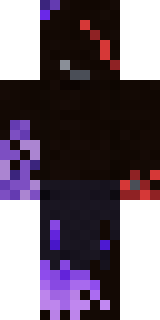


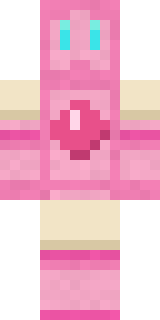


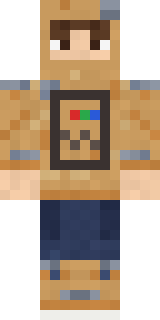
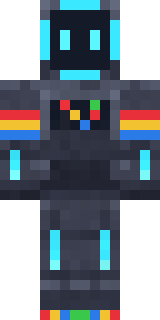









Trending today
What people open and download right now.
Trending today
The skins people are opening, liking and downloading right now.


- Modern HoodiebyBuild It
- Enderbrineby
 gustavopir
- Napoleon BonapartebyBuild It
- Galaxy AxolotlbyBuild It
- The KingbyBuild It
- Hazmat ResponderbyBuild It
- Shy KidbyBuild It
- herobrinebygustavopir
- The VoidbyBuild It
- Slender ManbyBuild It
Made on Build It
A few of the skins players made here. Find one you like, or start your own.
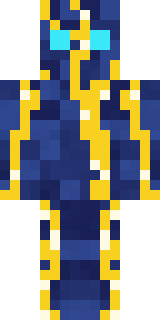 Lightning Elemental
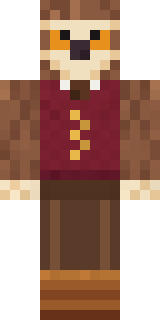 Owl Professor
 Ghost Buddy
 Hard Hat Hero
 Starlight Wizard
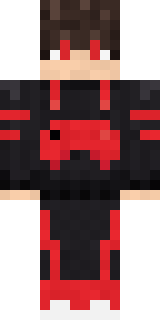 Gamer Mode
 Ice Crystal Spirit
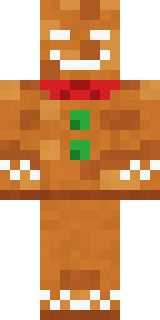 Christmas Gingerbread
 Mysterious Astronaut
 Happy Farmer
 Forest Druid
 Ember Battle Mage
 Crypt Ghoul
 Market Butcher
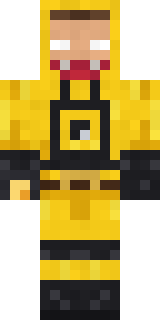 Yellow hazmat suit
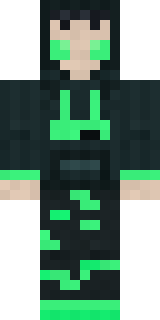 Loading Screen Gamer
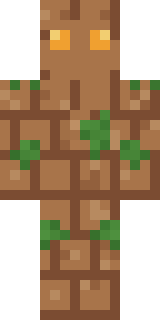 Earth Elemental
 Canada Day Maple Leaf
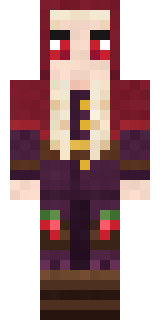 Cranberry Witch
 Cotton Candy Vendor
 Silent Mime
 Red Orchard vine shirt
 Arcade Janitor
 Late Night Gamer
 Obsidian Knight
 Red Panda
 Blushing Penguin
 Fire Elemental
 Cursed Chess Bishop
 Chocolate Chip Cookie
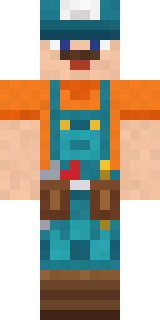 Handy Plumber
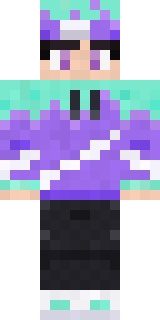 Aurora Skater
 Sunny Surfer
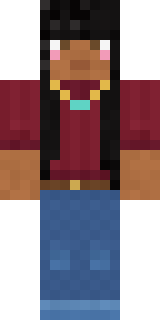 Rich baddie
 Prism Slime
 Storm Chaser Aviator
 Midnight Baker
 Snow Rider
 Rodeo Star
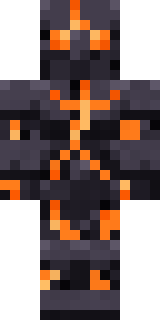 Obsidian Golem
 Penguin Waddle
 Mountain Shepherd
 Fern Forest Sprite
 Fox Explorer
 Vintage Barber
 Espresso Cozy
 Midnight Snack Thief Raccoon
 Flight Attendant
 Onion King
 Glacier Explorer
 Living Chess King
 Lakeside Angler
 Cozy Avocado
 Auburn Diner Waitress
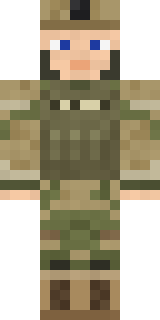 Army Soldier
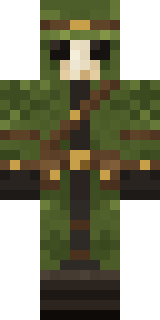 Moss Plague Doctor
 Alien Tourist
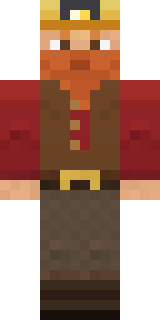 Dwarf Miner
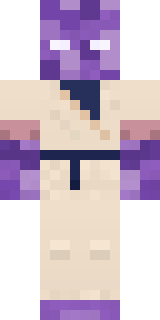 Crystal Monk
 Banana Gentleman
About Cursed Corporate Computer
Meet Cursed Corporate Computer, a high-tech Minecraft skin made by tyxdelaymc. Its colours are black. It fits right in next to a wall of redstone and pistons.
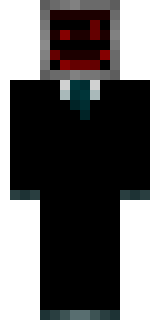
Cursed Corporate Computer has slim 3 pixel arms and works in Minecraft Java and Bedrock. It is free: download the PNG and add it in the Minecraft Launcher (Java) or the dressing room (Bedrock). You can also open it in the Build It Skin Maker and make your own version. It also comes in 9 colour versions, like Inky and Cobalt.
Find more skins like it in the Robots collection, or browse the Black, Business and Dark tags.