Sleepy Koala Student
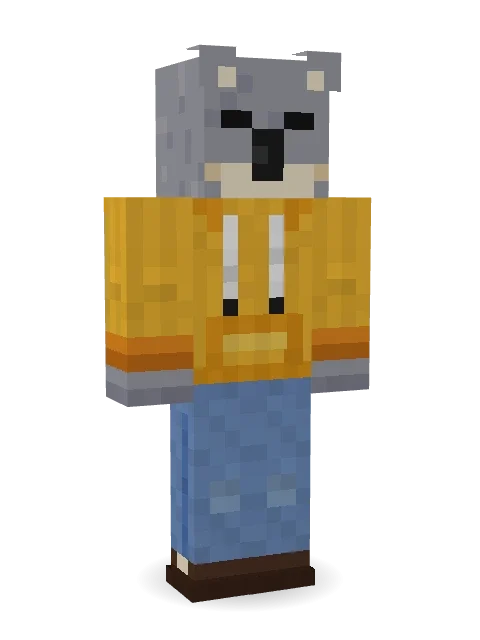
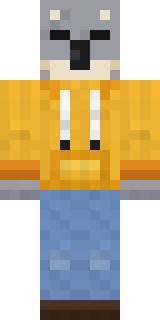
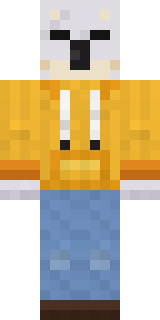
Naps through every class and still passes: a grey koala with heavy sleepy eyes and a big black nose, a mustard hoodie and light blue jeans.

How to use this skin
Download it, then follow the steps for where you play.
Minecraft: Java Edition, in the Minecraft Launcher
- Open the Minecraft Launcher and pick Minecraft: Java Edition on the left.
- Open the Skins tab at the top and press New skin.
- Give it a name and choose the player model: Classic.
- Press Browse, pick the PNG you downloaded, then Save & Use.
- Start the game: you are wearing it, on every world and server.
Minecraft: Java Edition, on minecraft.net
- Go to minecraft.net and log in with your Microsoft account.
- Open your Profile and find the skin settings of Java Edition.
- Choose Classic, select the PNG file, and press Upload.
- Your new skin shows the next time you join a world.
Bedrock Edition: Windows, Android, iPhone, iPad, Chromebook
- Open Minecraft and press Dressing Room on the main menu (in newer versions, the character button next to your name, then Edit Character).
- Open the Classic Skins tab.
- Under Owned Skins, press Import, then Choose New Skin.
- Pick the PNG you downloaded (on a phone it is usually in Downloads or Files).
- When it asks, choose Classic, then confirm.
Xbox, PlayStation and Nintendo Switch
Consoles cannot import a skin file. There you can wear Character Creator items and skins from the Marketplace.
Some players set a skin in Bedrock on a phone or PC that is signed in to the same Microsoft account and see it on their console too. Mojang does not support that, so it may not work for you.
More by Build It












Similar skins




Trending today
What people open and download right now.
Trending today
The skins people are opening, liking and downloading right now.

- Ancient Hexby
 nvlr33
- Modern HoodiebyBuild It
- Shy KidbyBuild It
- Galaxy AxolotlbyBuild It
- Napoleon BonapartebyBuild It
- The KingbyBuild It
- Hazmat ResponderbyBuild It
- Buff ChickenbyBuild It
- The VoidbyBuild It
- Slender ManbyBuild It
Made on Build It
A few of the skins players made here. Find one you like, or start your own.
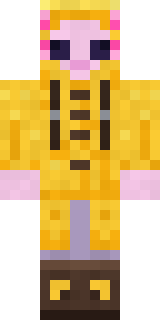 Axolotl Adventurer
 Candy Baker
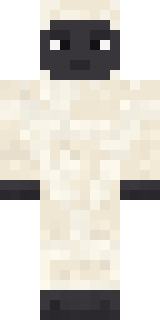 Woolly Blackface Sheep
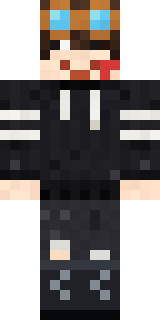 Grey Rune stripe hoodie
 Hot Springs Innkeeper
 Market Butcher
 Little Toadstool
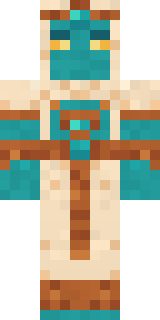 Desert Djinn
 Low Battery Robot
 Street Skater
 Sleepy Mummy
 Flight Attendant
 Pastel Goth
 Diamond
 Black
 the winter cat skin
 Rose Mechanic
 Avalanche Rescuer
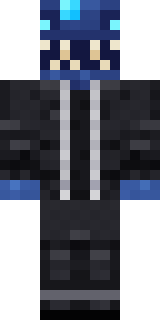 Anglerfish Bouncer
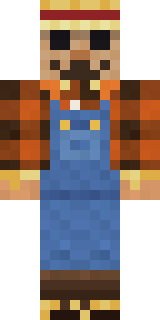 Field Scarecrow
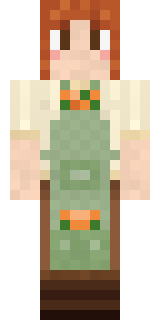 Sage Apron Florist
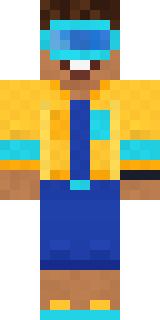 Ocean Diver
 Armadillo Mercenary
 Sandstone Guardian
 Grey Suit and tieApple Orchard Guardian
 Buffalo Plaid LumberjackPenguin Tourist
 Curly Art Student
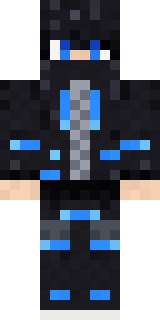 Blue Beat
 Ember Dragon
 Canada Day Maple Leaf
 Full Moon Werewolf
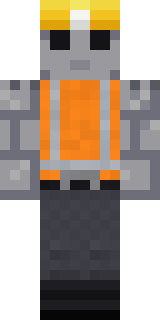 Concrete Builder
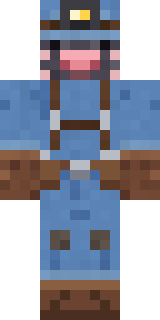 Mole Miner
 White Ghost Sheet
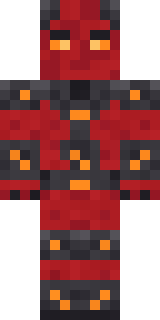 Molten Plate DemonMoon Petal
 Raven Lamplighter
 Shocked Dog
 Honey Toast
 The Boss
 Terracotta Guardian
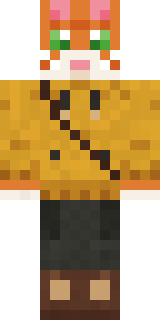 Ginger Trainspotter
 Snow Leopard
 Sailor Duck
 Monotone Man
 Grey Suit and tie
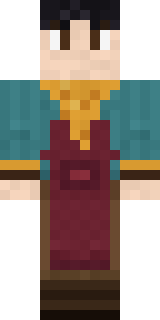 Night Market Merchant
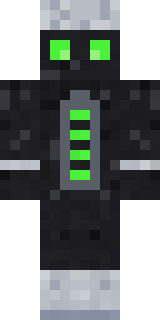 Living Battery
 Sharp Jawline Guy
 Watermelon Wrestler
 Hoop Star
 White Striped
 Ancient GardianThe King
 Lacquered Samurai
 Patchwork Plush Monster
 Retro Arcade Bot
 Moon Ranger
About Sleepy Koala Student
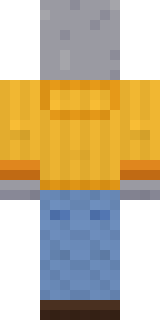
Sleepy Koala Student is an animal Minecraft skin made by the Build It team. The outfit: a sleepy mustard hoodie, jeans and sneakers in orange and blue. It is a sleepy koala from head to toe. Made for anyone who would rather be an animal than a villager.
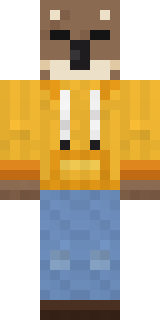
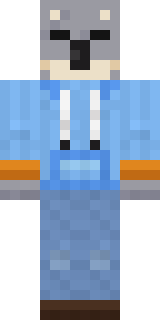
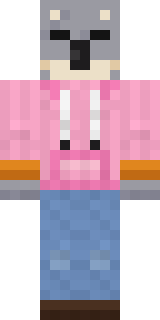
It uses the classic arms (4 pixels wide, like Steve) and works on Java and Bedrock. Download it for free and upload it in the Minecraft Launcher or the Bedrock dressing room. You can also open it in the Build It Skin Maker and make your own version. Try its 7 colour versions too, like Brown koala and White koala.
Find more skins like it in the Animals and Cute collections, or browse the Animal, Cozy and Cute tags.