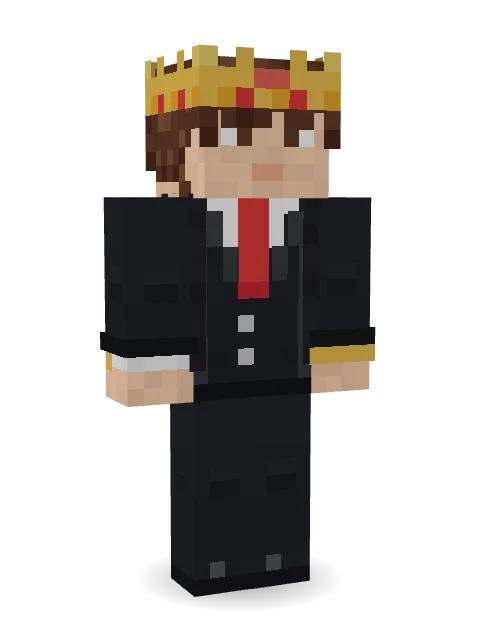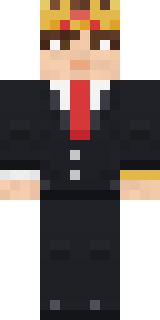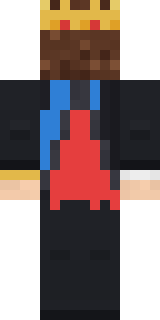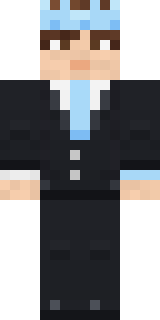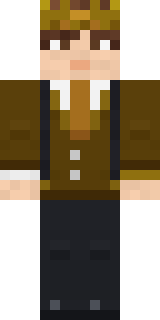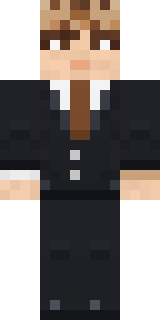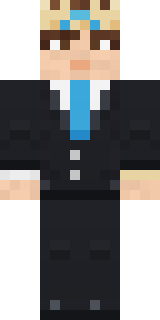

Grey Suit and tie

How to use this skin
Download it, then follow the steps for where you play.
Minecraft: Java Edition, in the Minecraft Launcher
- Open the Minecraft Launcher and pick Minecraft: Java Edition on the left.
- Open the Skins tab at the top and press New skin.
- Give it a name and choose the player model: Classic.
- Press Browse, pick the PNG you downloaded, then Save & Use.
- Start the game: you are wearing it, on every world and server.
Minecraft: Java Edition, on minecraft.net
- Go to minecraft.net and log in with your Microsoft account.
- Open your Profile and find the skin settings of Java Edition.
- Choose Classic, select the PNG file, and press Upload.
- Your new skin shows the next time you join a world.
Bedrock Edition: Windows, Android, iPhone, iPad, Chromebook
- Open Minecraft and press Dressing Room on the main menu (in newer versions, the character button next to your name, then Edit Character).
- Open the Classic Skins tab.
- Under Owned Skins, press Import, then Choose New Skin.
- Pick the PNG you downloaded (on a phone it is usually in Downloads or Files).
- When it asks, choose Classic, then confirm.
Xbox, PlayStation and Nintendo Switch
Consoles cannot import a skin file. There you can wear Character Creator items and skins from the Marketplace.
Some players set a skin in Bedrock on a phone or PC that is signed in to the same Microsoft account and see it on their console too. Mojang does not support that, so it may not work for you.
Popular skins


Trending today
What people open and download right now.
Trending today
The skins people are opening, liking and downloading right now.
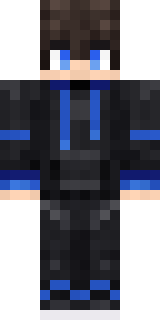
- Modern HoodiebyBuild It
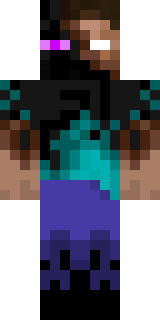
- Enderbrineby
 gustavopir
- Galaxy AxolotlbyBuild It
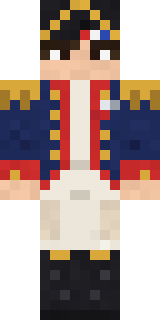
- Napoleon BonapartebyBuild It
- The KingbyBuild It
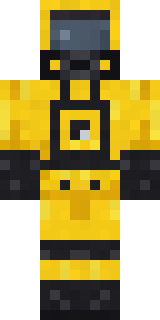
- Hazmat ResponderbyBuild It
- Shy KidbyBuild It
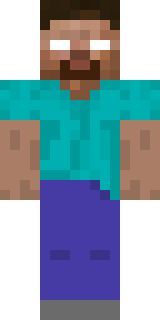
- herobrinebygustavopir
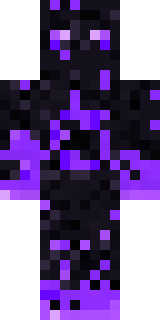
- The VoidbyBuild It
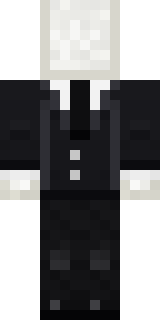
- Slender ManbyBuild It
Made on Build It
A few of the skins players made here. Find one you like, or start your own.
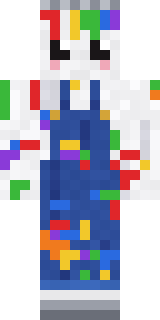 Rainbow Paint Can
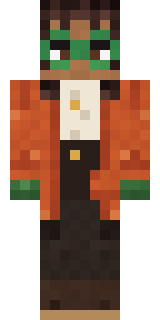 Bookstore Owner
 Lone Wolf
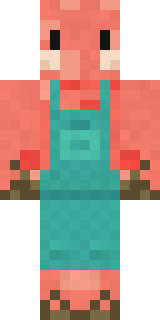 Shrimp Mechanic
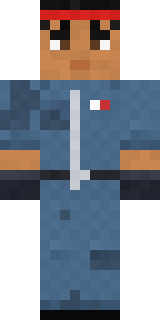 Grease Monkey
 Vintage Barber
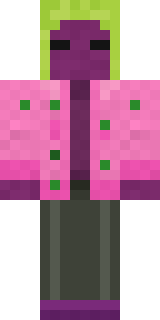 Beetroot DJ
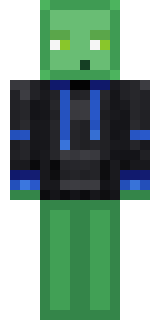 Slime Gamer
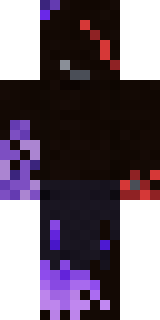 Vooid
 Violet Vein Mutant
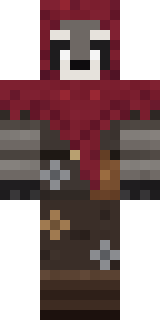 Raccoon Thief
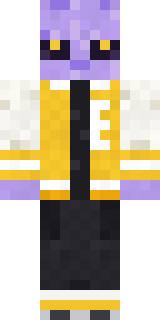 Alien Exchange Student
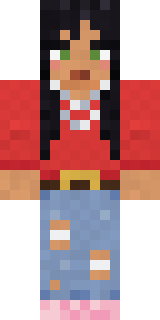 Nice girl
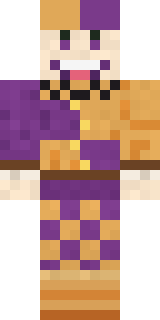 Plum Jester
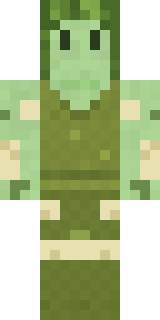 Fern Forest Sprite
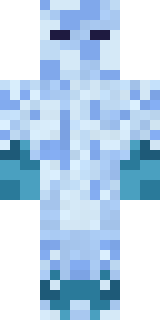 Ice Elemental
 Dusty Rose Vintage
 Mango Skate Punk
 White StripedStarfield Phantom
 Gingerbread Detective
 Train Conductor
 Noir Detective
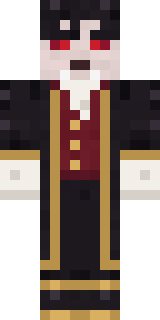 Vampire Aristocrat
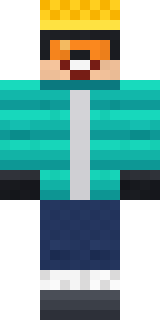 Snow Rider
 Woodland Scout
 Captain SparkBuff Chicken
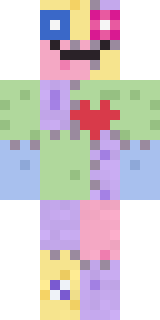 Patchwork Plush Monster
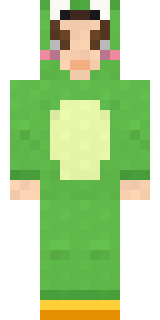 Froggy Onesie
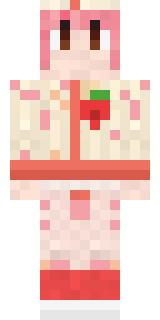 Strawberry Milk Courier
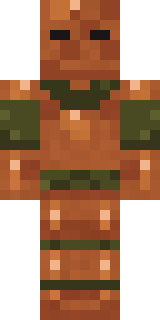 Chestnut Warrior
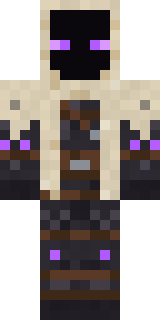 Void Wanderer
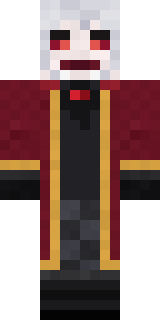 Velvet Vampire
 Steampunk Inventor
 Hard Hat Hero
 Chess King
 Ballroom Dancer
 Blue Hood Boy
 Gamer Hoodie Boy
 Main Character Duck
 the winter cat skin
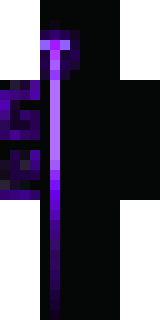 Ancient Hex
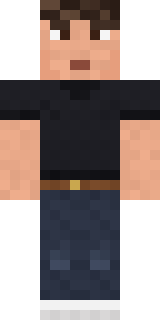 Sharp Jawline GuyMeander
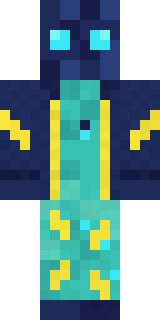 Electric Eel Technician
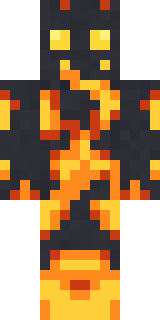 Fire Elemental
 Mirror Knight
 Panda Pal
 Malachite Golem
 Captain Saltbeard
 Moss Cyclops
 Unimpressed Office Clerk
 Living Popcorn Box
 Gamer Mode
 Menina
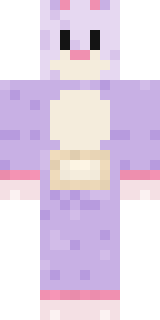 Easter Bunny Costume
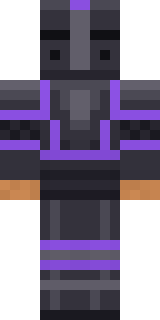 Obsidian Knight
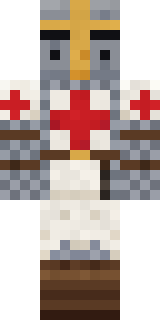 Templar Knight
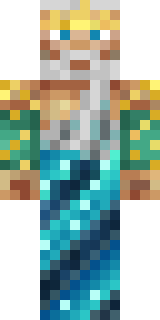 Poseidon
About Grey Suit and tie
Meet Grey Suit and tie, a custom Minecraft skin by pradip, made on Build It. Its look puts together a suit and tie, leggings, dress shoes and a gold dress watch in black. A look you will not see on every other player.
Grey Suit and tie has classic 4 pixel arms and works in Minecraft Java and Bedrock. It is free: download the PNG and add it in the Minecraft Launcher (Java) or the dressing room (Bedrock). Want it your way? Open it in the Build It Skin Maker and change its colours and pieces. It also comes in 6 colour versions, like Cotton Candy and Brown.