Sleepy Sheep
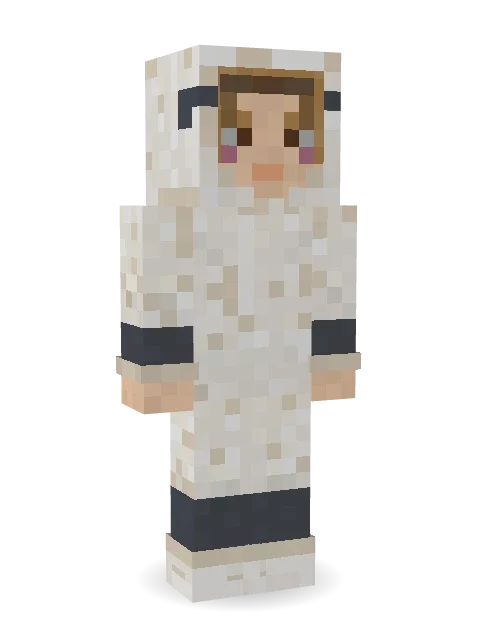
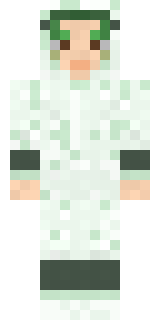
Fluffy wool, fluffy slippers and counting itself to sleep.

How to use this skin
Download it, then follow the steps for where you play.
Minecraft: Java Edition, in the Minecraft Launcher
- Open the Minecraft Launcher and pick Minecraft: Java Edition on the left.
- Open the Skins tab at the top and press New skin.
- Give it a name and choose the player model: Slim.
- Press Browse, pick the PNG you downloaded, then Save & Use.
- Start the game: you are wearing it, on every world and server.
Minecraft: Java Edition, on minecraft.net
- Go to minecraft.net and log in with your Microsoft account.
- Open your Profile and find the skin settings of Java Edition.
- Choose Slim, select the PNG file, and press Upload.
- Your new skin shows the next time you join a world.
Bedrock Edition: Windows, Android, iPhone, iPad, Chromebook
- Open Minecraft and press Dressing Room on the main menu (in newer versions, the character button next to your name, then Edit Character).
- Open the Classic Skins tab.
- Under Owned Skins, press Import, then Choose New Skin.
- Pick the PNG you downloaded (on a phone it is usually in Downloads or Files).
- When it asks, choose Slim, then confirm.
Xbox, PlayStation and Nintendo Switch
Consoles cannot import a skin file. There you can wear Character Creator items and skins from the Marketplace.
Some players set a skin in Bedrock on a phone or PC that is signed in to the same Microsoft account and see it on their console too. Mojang does not support that, so it may not work for you.
More by Build It












Similar skins




















Trending today
What people open and download right now.
Trending today
The skins people are opening, liking and downloading right now.

- Ancient Hexby
 nvlr33
- Modern HoodiebyBuild It
- Shy KidbyBuild It
- Galaxy AxolotlbyBuild It
- Napoleon BonapartebyBuild It
- The KingbyBuild It
- Hazmat ResponderbyBuild It
- Buff ChickenbyBuild It
- The VoidbyBuild It
- Slender ManbyBuild It
Made on Build It
A few of the skins players made here. Find one you like, or start your own.
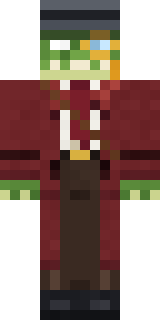 Crocodile Detective
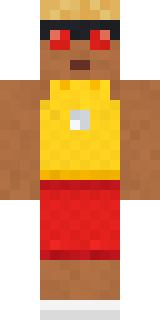 Beach Lifeguard
 Head Chef
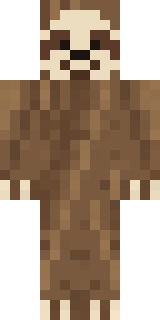 Sleepy Sloth
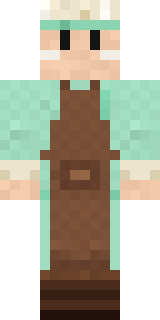 Pistachio Pastry Chef
 Summer Dad
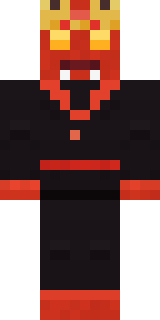 Ember Demon
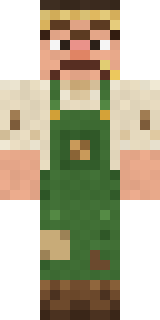 Grumpy Potato Farmer
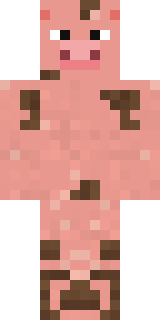 Muddy Pig
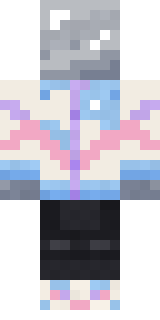 Chrome Mannequin
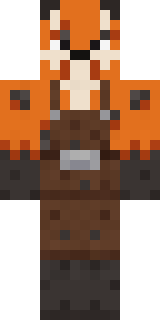 Fox Blacksmith
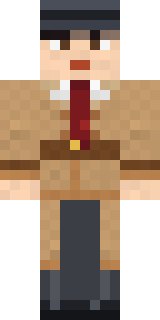 Noir Detective
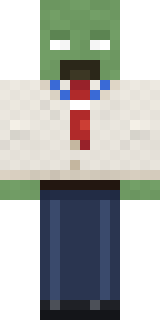 Office Zombie
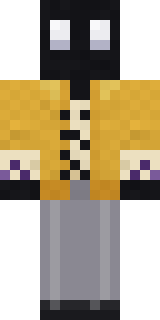 Ink Monster Teacher
 Cottage Witch
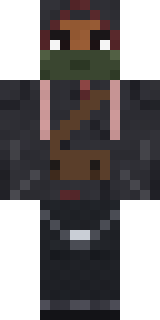 Waldo Buhonero
 Charcoal Firefighter
 Templar Knight
 Stars and Stripes
 Fourth of July Patriot
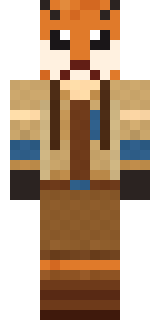 Fox Explorer
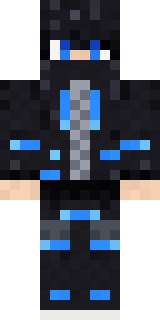 Blue Beat
 Frankenstein's Creature
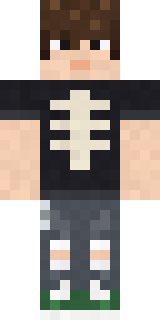 Emo Kid
 Lightning Elemental
 Obsidian Golem
 Bubblegum Robot
 Happy Poop
 Sea Foam Dancer
 Dandelion Druid
 Retired Adventurer
 Ace Pilot
 king herobrine
 Gamer Hoodie Boy
 Robo Unit 7
 Abraham Lincoln
 Moon Ranger
 Captain Saltbeard
 Potion Shopkeeper
 Roman Legionary
 Shocked Dog
 The Mummy
 Count Dracula
 Redstone Tinkerer
 Terracotta Turtle
 Railway Traveler
 Rookie Boxer
 Leonardo da Vinci
 Vaporwave Pastel
 The Blank Mask
 Sherlock Holmes
 Formal Vampire
 Amethyst Mage
 Ember Battle Mage
 Midnight Ferryman
 Static Screen Agent
 Vampire Dentist
 Grumpy Broccoli
 Storm Chaser Aviator
 Silverfish Archivist
About Sleepy Sheep
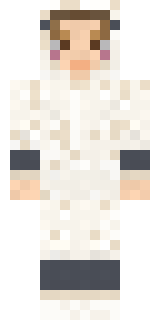
Sleepy Sheep is an animal skin for Minecraft from the Build It team. It comes with fluffy slippers in white and beige. It has blush. A fun pick for survival worlds and roleplay servers.
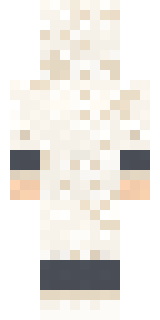
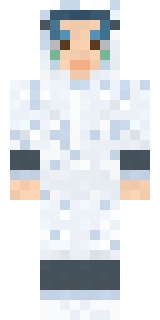
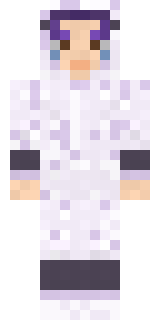
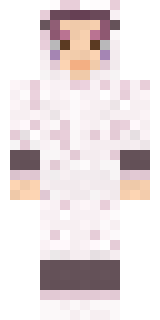
It uses the slim arms (3 pixels wide, like Alex) and works on Java and Bedrock. Download it for free and upload it in the Minecraft Launcher or the Bedrock dressing room. Want it your way? Open it in the Build It Skin Maker and change its colours and pieces. It also comes in 5 colour versions, like Ocean and Forest.
See more in the Animals and Cute collections, or browse the Animal and Cute tags.