Bone Necromancer
Minecraft skin · Classic arms (4 pixels) · Java and Bedrock
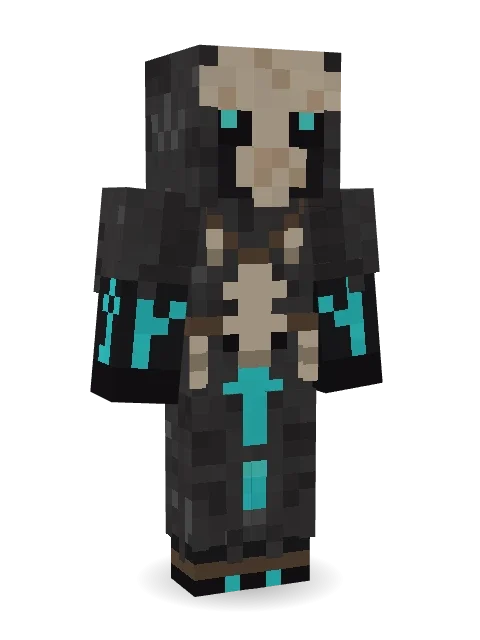
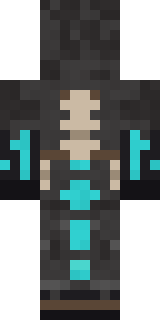
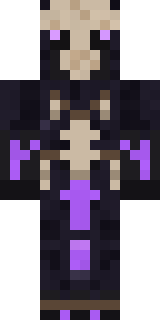
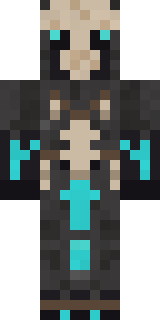
Death is just another form of life: an ivory skull mask with glowing eyes, charcoal robes hung with bones, and turquoise ritual runes.
How to use this skin
Download it, then follow the steps for where you play.
Minecraft: Java Edition, in the Minecraft Launcher
- Open the Minecraft Launcher and pick Minecraft: Java Edition on the left.
- Open the Skins tab at the top and press New skin.
- Give it a name and choose the player model: Classic.
- Press Browse, pick the PNG you downloaded, then Save & Use.
- Start the game: you are wearing it, on every world and server.
Minecraft: Java Edition, on minecraft.net
- Go to minecraft.net and log in with your Microsoft account.
- Open your Profile and find the skin settings of Java Edition.
- Choose Classic, select the PNG file, and press Upload.
- Your new skin shows the next time you join a world.
Bedrock Edition: Windows, Android, iPhone, iPad, Chromebook
- Open Minecraft and press Dressing Room on the main menu (in newer versions, the character button next to your name, then Edit Character).
- Open the Classic Skins tab.
- Under Owned Skins, press Import, then Choose New Skin.
- Pick the PNG you downloaded (on a phone it is usually in Downloads or Files).
- When it asks, choose Classic, then confirm.
Xbox, PlayStation and Nintendo Switch
Consoles cannot import a skin file. There you can wear Character Creator items and skins from the Marketplace.
Some players set a skin in Bedrock on a phone or PC that is signed in to the same Microsoft account and see it on their console too. Mojang does not support that, so it may not work for you.
Similar skins


Made on Build It
A few of the skins players made here. Find one you like, or start your own.
 Woolly Blackface Sheep
 Joan of Arc
 Glacier Explorer
 Strawberry Jam Jar
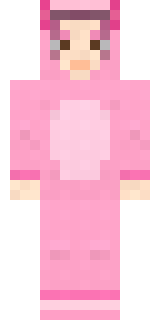 Axolotl Cutie
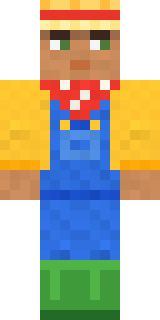 Harvest Farmer
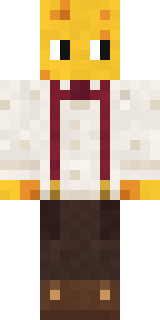 The Big Cheese
 Moon Walker
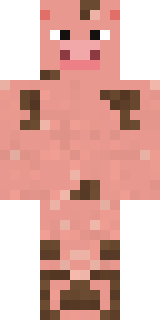 Muddy Pig
 Fast Break Baller
 Glacial Sorcerer
 Froggy Onesie
 Pulse Android
 Friendly Nurse
 Red Panda Sushi Chef
 Frost Yeti
 Grunge Girl
 Moon Elf
 Origami Crane Warrior
 Stars and Stripes
 Friendly Dentist
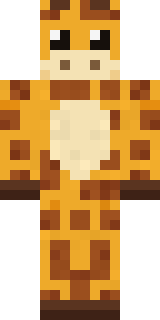 Gentle Giraffe
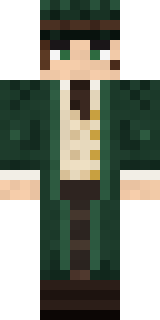 Railway Traveler
 Gummy Bear Bodybuilder
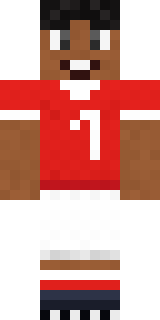 Star Striker
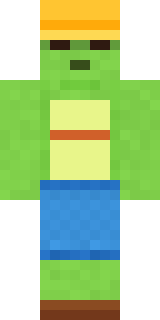 Terracotta Turtle
 Snow Leopard Hacker
 Sunny Surfer
 Skyship Navigator
 Sleepy Sloth
 Patrol Officer
 Violet Samurai
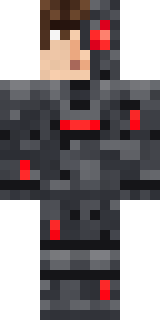 Graphite Cyborg
 Lakeside Angler
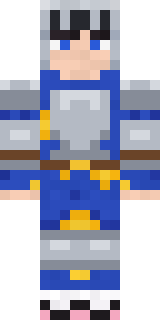 Pajama Knight
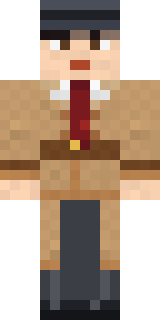 Noir Detective
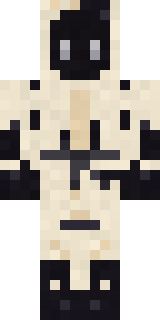 Ink Wizard
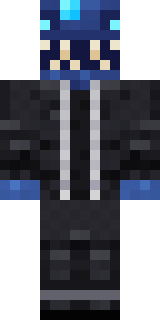 Anglerfish Bouncer
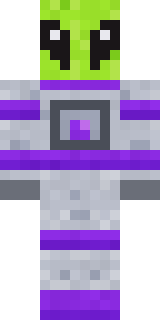 Lime Alien Astronaut
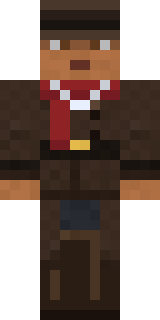 Vampire Hunter
 Giga Chad
 Living Pineapple
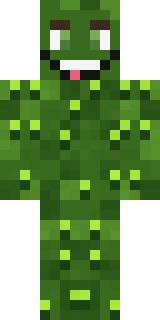 Bumpy Pickle
 Blushing Penguin
 Ravioli Wrestler
 Hazmat Responder
 Scarlet Sellsword
 Federal Agent
 Galaxy Axolotl
 Tattered Scarecrow
 Moonwalk Astronaut
 Honey Bee
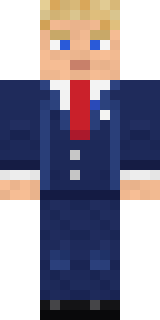 Campaign Trail Politician
 Gothic Librarian
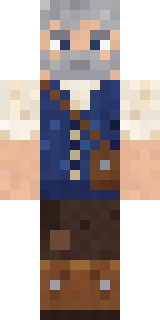 Retired Adventurer
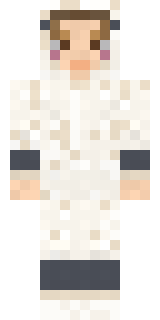 Sleepy Sheep
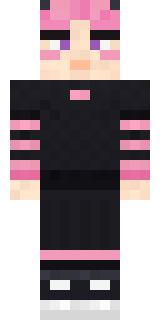 Pastel Gamer
 Tropical Fish
 Emerald Serpent
 Teddy Onesie
About Bone Necromancer
Meet Bone Necromancer, a Halloween-ready Minecraft skin from the Build It team. Its look puts together a necromancer bone robe and a beast skull mask with a grey, black and brown colour scheme. It is made for Halloween nights, haunted builds and horror maps.
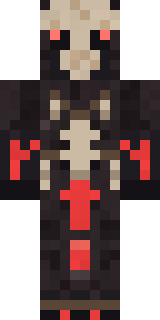
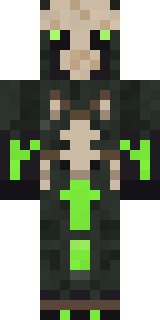
Bone Necromancer has classic 4 pixel arms and works in Minecraft Java and Bedrock. Download it for free, then follow the steps above to wear it in game. You can also open it in the Build It Skin Maker and make your own version. Try its 7 colour versions too, like Crimson rites and Toxic.
See more in the Spooky and Fantasy collections, or look through the Fantasy, Halloween and Mystery tags.