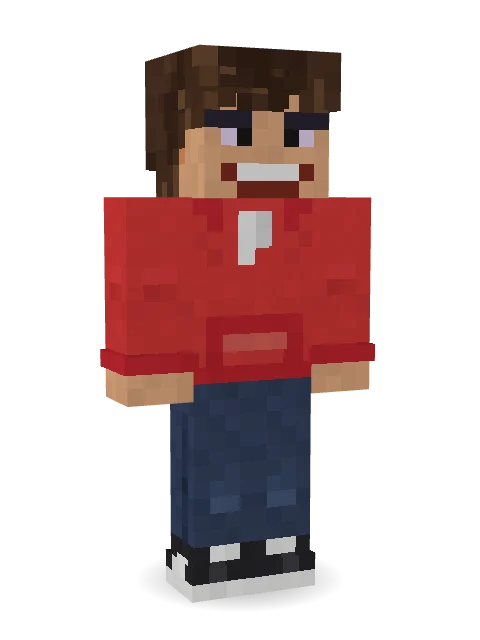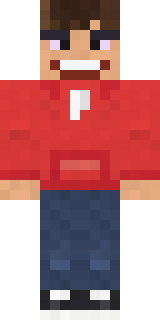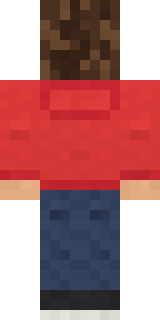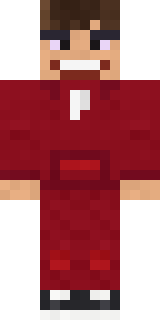

Red Hoodie

How to use this skin
Download it, then follow the steps for where you play.
Minecraft: Java Edition, in the Minecraft Launcher
- Open the Minecraft Launcher and pick Minecraft: Java Edition on the left.
- Open the Skins tab at the top and press New skin.
- Give it a name and choose the player model: Classic.
- Press Browse, pick the PNG you downloaded, then Save & Use.
- Start the game: you are wearing it, on every world and server.
Minecraft: Java Edition, on minecraft.net
- Go to minecraft.net and log in with your Microsoft account.
- Open your Profile and find the skin settings of Java Edition.
- Choose Classic, select the PNG file, and press Upload.
- Your new skin shows the next time you join a world.
Bedrock Edition: Windows, Android, iPhone, iPad, Chromebook
- Open Minecraft and press Dressing Room on the main menu (in newer versions, the character button next to your name, then Edit Character).
- Open the Classic Skins tab.
- Under Owned Skins, press Import, then Choose New Skin.
- Pick the PNG you downloaded (on a phone it is usually in Downloads or Files).
- When it asks, choose Classic, then confirm.
Xbox, PlayStation and Nintendo Switch
Consoles cannot import a skin file. There you can wear Character Creator items and skins from the Marketplace.
Some players set a skin in Bedrock on a phone or PC that is signed in to the same Microsoft account and see it on their console too. Mojang does not support that, so it may not work for you.
Similar skins






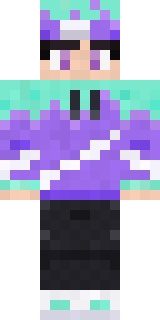
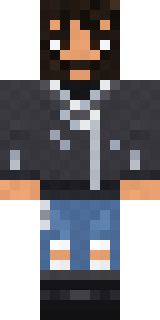
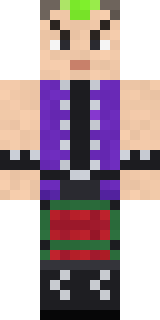
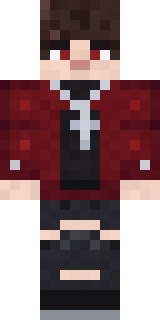
Trending today
What people open and download right now.
Trending today
The skins people are opening, liking and downloading right now.
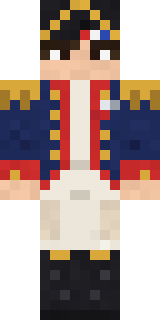
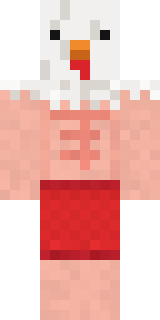
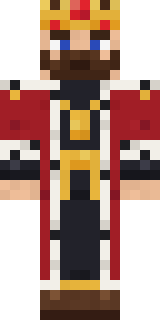
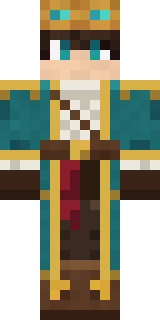
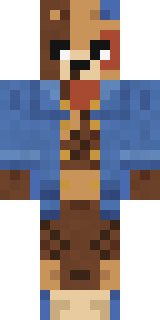
- Galaxy AxolotlbyBuild It
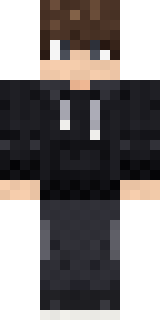
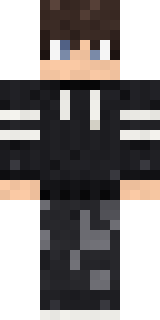
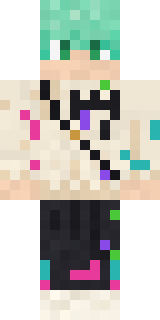
- Modern HoodiebyBuild It
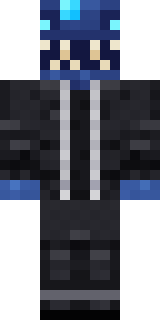
- Enderbrineby
 gustavopir
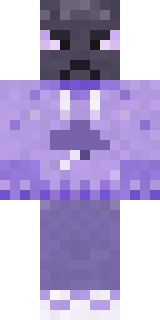
- The VoidbyBuild It
- Napoleon BonapartebyBuild It
- Buff ChickenbyBuild It
- Shy KidbyBuild It
- The KingbyBuild It
- Sky PiratebyBuild It
- Hazmat ResponderbyBuild It
Made on Build It
A few of the skins players made here. Find one you like, or start your own.
 Peach Sunset
 Tattered Scarecrow
 Froggy Onesie
 Match Referee
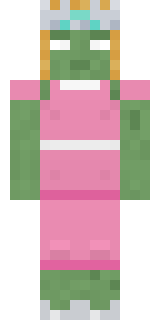 Prom Queen Zombie
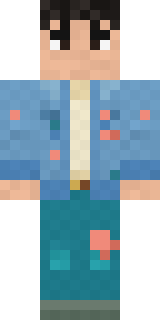 Denim Artist
 Carnival Fortune Teller
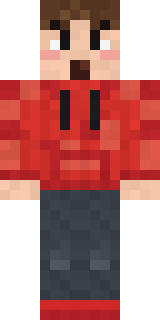 Rage Quit Gamer
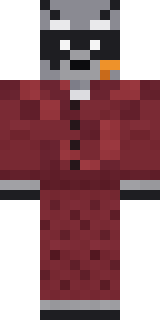 Midnight Snack Thief RaccoonModern Hoodie
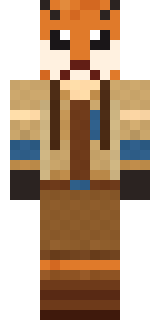 Fox Explorer
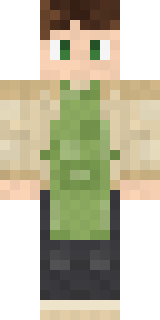 Matcha Cafe
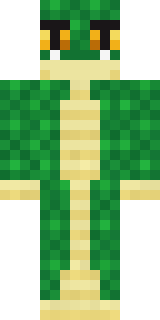 Emerald Serpent
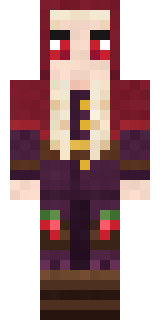 Cranberry Witch
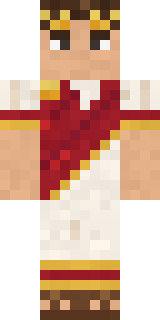 Julius Caesar
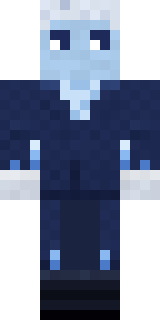 Frost Court Noble
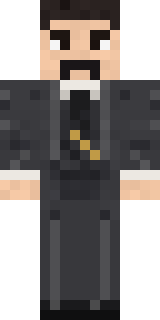 Nikola Tesla
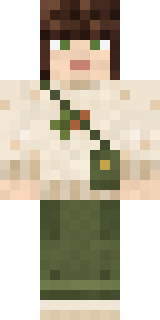 Curly Art Student
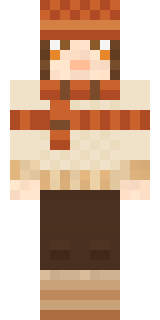 Pumpkin Spice
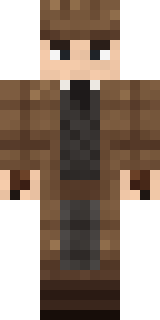 Sherlock Holmes
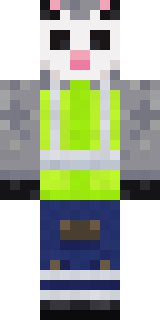 Possum Garbage Collector
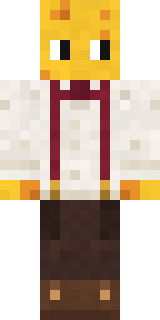 The Big Cheese
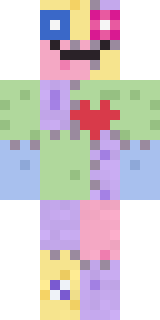 Patchwork Plush Monster
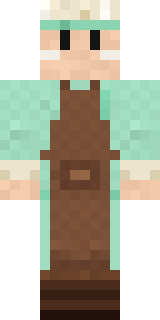 Pistachio Pastry Chef
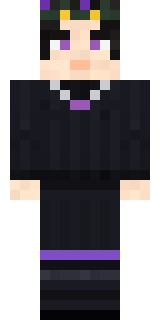 Night Bloom
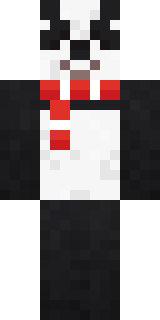 Panda Pal
 Little Toadstool
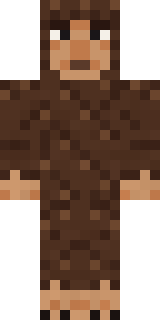 Forest BigfootSky Pirate
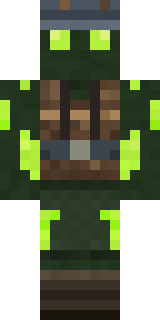 Glowworm Spelunker
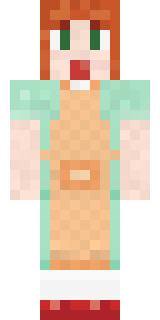 Auburn Diner Waitress
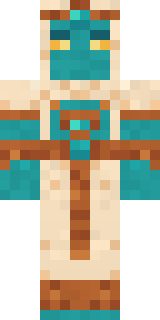 Desert Djinn
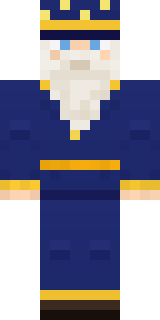 Starlight Wizard
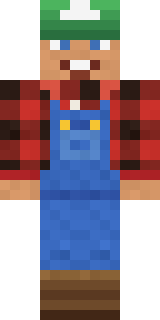 Happy Farmer
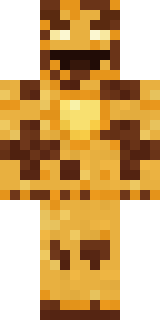 Burnt Toast Monster
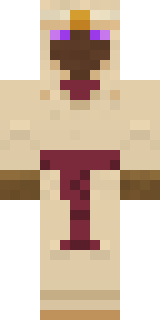 Desert Oracle
 Curly Barista
 Rotting Walker
 Strawberry Jam Jar
 Tea Bag Monk
 Golden Koi Courtier
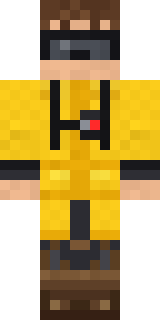 Tornado Chaser
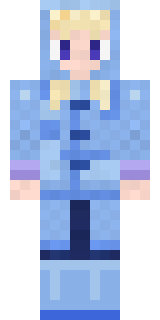 Periwinkle Rainwear
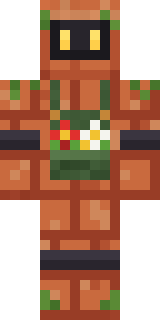 Copper Gardener BotFast Break BallerMidnight Hoodie
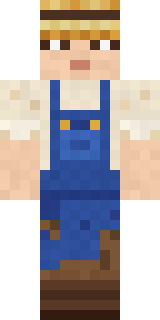 Muddy Farmhand
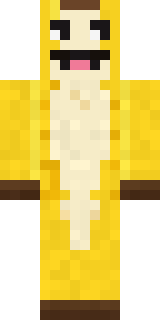 Half Peeled Banana
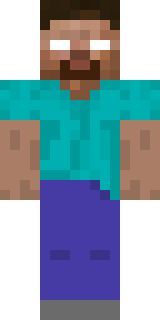 herobrine
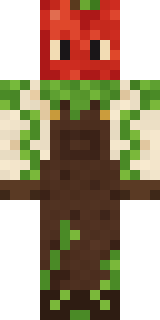 Apple Orchard Guardian
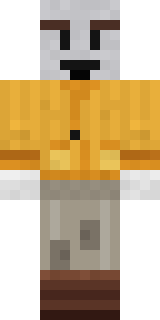 Vintage Cartoon Explorer
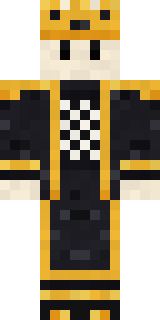 Living Chess King
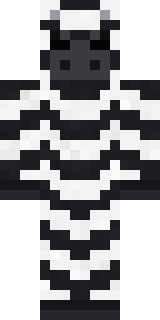 Striped Zebra
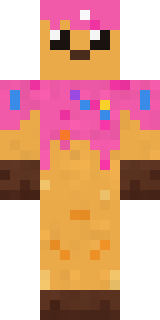 Sprinkle Donut
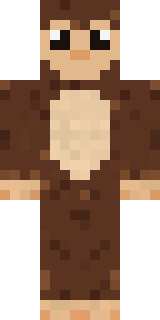 Cocoa MonkeyBuff Chicken
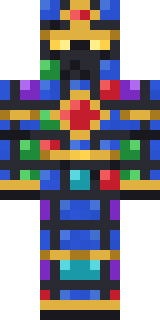 Stained-Glass Paladin
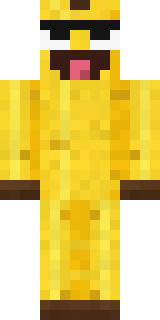 Cheeky Banana
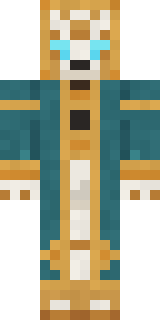 Clockwork Oracle
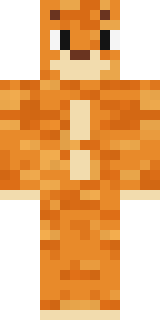 One Brain Cell Cat
About Red Hoodie
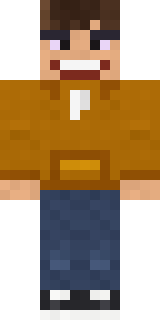
Meet Red Hoodie, a street style Minecraft skin made by naathebuilds in the Build It Skin Maker. It wears a hoodie, jeans and chunky sneakers in red and blue. An easy everyday look for survival, minigames and hanging out with friends.
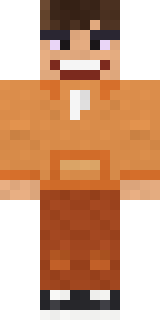
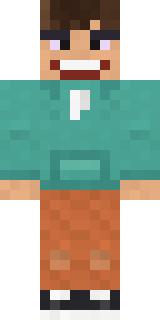
Red Hoodie has classic 4 pixel arms and works in Minecraft Java and Bedrock. It is free: download the PNG and add it in the Minecraft Launcher (Java) or the dressing room (Bedrock). Open it in the Build It Skin Maker to give it your own colours. It also comes in 6 colour versions, like Rust and Brown.
See more in the Streetwear collection, or look through the Streetwear tags.