

How to use this skin
Download it, then follow the steps for where you play.
Minecraft: Java Edition, in the Minecraft Launcher
- Open the Minecraft Launcher and pick Minecraft: Java Edition on the left.
- Open the Skins tab at the top and press New skin.
- Give it a name and choose the player model: Classic.
- Press Browse, pick the PNG you downloaded, then Save & Use.
- Start the game: you are wearing it, on every world and server.
Minecraft: Java Edition, on minecraft.net
- Go to minecraft.net and log in with your Microsoft account.
- Open your Profile and find the skin settings of Java Edition.
- Choose Classic, select the PNG file, and press Upload.
- Your new skin shows the next time you join a world.
Bedrock Edition: Windows, Android, iPhone, iPad, Chromebook
- Open Minecraft and press Dressing Room on the main menu (in newer versions, the character button next to your name, then Edit Character).
- Open the Classic Skins tab.
- Under Owned Skins, press Import, then Choose New Skin.
- Pick the PNG you downloaded (on a phone it is usually in Downloads or Files).
- When it asks, choose Classic, then confirm.
Xbox, PlayStation and Nintendo Switch
Consoles cannot import a skin file. There you can wear Character Creator items and skins from the Marketplace.
Some players set a skin in Bedrock on a phone or PC that is signed in to the same Microsoft account and see it on their console too. Mojang does not support that, so it may not work for you.
Similar skins







Trending today
What people open and download right now.
Trending today
The skins people are opening, liking and downloading right now.
- Modern HoodiebyBuild It
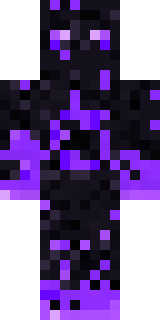
- Enderbrineby
 gustavopir
- Napoleon BonapartebyBuild It
- Galaxy AxolotlbyBuild It
- The KingbyBuild It
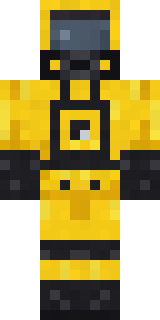
- Hazmat ResponderbyBuild It
- Shy KidbyBuild It
- The VoidbyBuild It
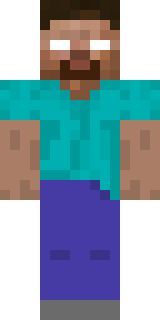
- herobrinebygustavopir
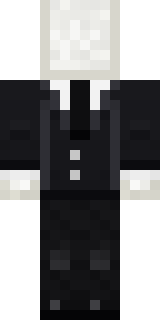
- Slender ManbyBuild It
Made on Build It
A few of the skins players made here. Find one you like, or start your own.
 Street Skater
 Violet Samurai
 Desert Djinn
 Gummy Bear Bodybuilder
 Axolotl Hoodie
 Park Ranger
 Terracotta Turtle
 Hanabi Noir
 Frankenstein's Creature
 Neon Parkour Runner
 Electric Eel Technician
 Halloween Witch
 Living Popcorn Box
 Rage Quit Gamer
 Sailor Duck
 Crypt Custodian
 Bouncy Slime
 Late Night Gamer
 Black
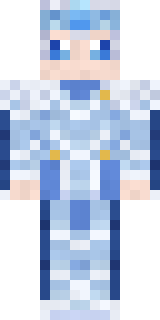 Frost Elf Prince
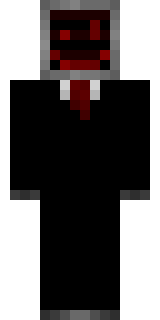 Cursed Corporate Computer
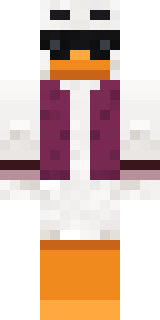 Main Character Duck
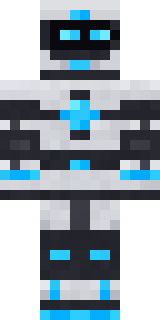 Pulse Android
 Panda Pal
 Mango Skate Punk
 Berg
 Soft Boy
 Drip King
 Frost Scholar
 Woodland Fox
 Jade Monk
 Ginger Trainspotter
 Sleepy Koala Student
 Desert Astronomer
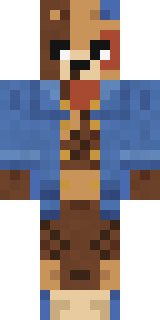
 Dwarven Mountain KingPatchwork Teddy Bear
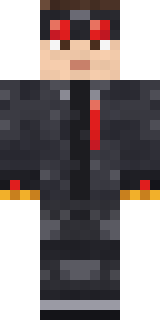 Redstone Inventor
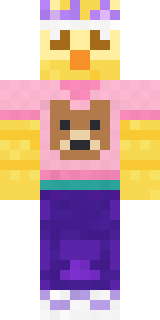 Red Bear face tee Baby chick
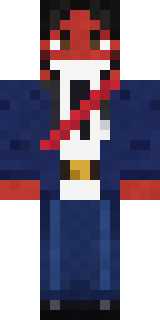 poilce demon
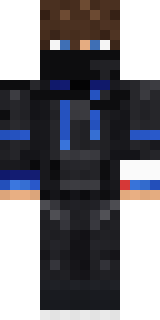
 Monotone ManBlue Hood Boy
 Roman Legionary
 Beekeeper
 Grey Tattered reaper robe
 king herobrine
 Saloon Pianist
 Meander
 Woodland Scout
 Cactus Outlaw
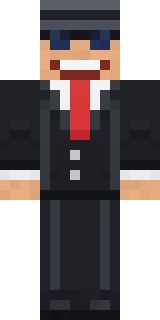
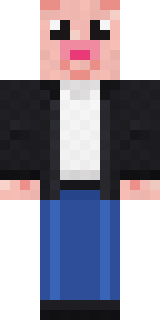
 LickGrey Suit and tieDowntown Pig
 Penguin Tourist
 Sleepy Sloth
 Clockwork Inventor
 Blueberry Detective
 Marmot Mountain Climber
 Ravioli Wrestler
 One Brain Cell Cat
 Velvet Vampire
About king herobrine
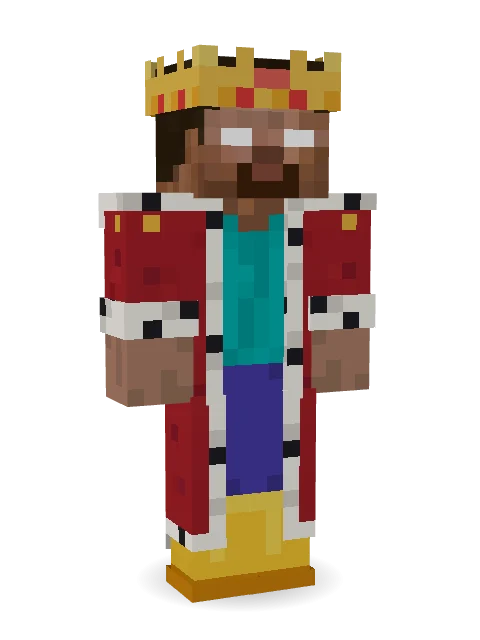
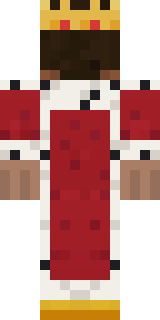
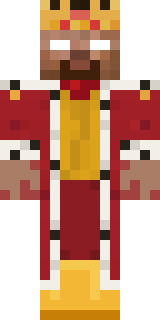
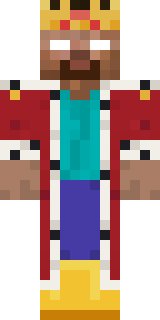
king herobrine is a casual skin for Minecraft made by robert_68 in the Build It Skin Maker. It wears an ermine robe, rain boots and a crown in red, white and brown. An easy everyday look for survival, minigames and hanging out with friends.
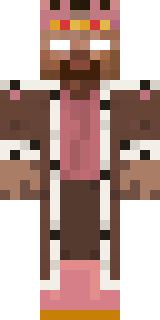
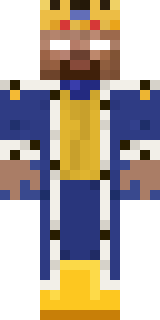
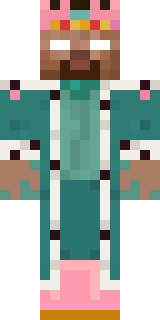
king herobrine has classic 4 pixel arms and works in Minecraft Java and Bedrock. Download it for free and upload it in the Minecraft Launcher or the Bedrock dressing room. You can also open it in the Build It Skin Maker and make your own version. It started as a remix of herobrine. It also comes in 7 colour versions, like Hazel and Cobalt.
See more in the Streetwear collection, or look through the Streetwear tags.