
Yellow Scrubs


How to use this skin
Download it, then follow the steps for where you play.
Minecraft: Java Edition, in the Minecraft Launcher
- Open the Minecraft Launcher and pick Minecraft: Java Edition on the left.
- Open the Skins tab at the top and press New skin.
- Give it a name and choose the player model: Classic.
- Press Browse, pick the PNG you downloaded, then Save & Use.
- Start the game: you are wearing it, on every world and server.
Minecraft: Java Edition, on minecraft.net
- Go to minecraft.net and log in with your Microsoft account.
- Open your Profile and find the skin settings of Java Edition.
- Choose Classic, select the PNG file, and press Upload.
- Your new skin shows the next time you join a world.
Bedrock Edition: Windows, Android, iPhone, iPad, Chromebook
- Open Minecraft and press Dressing Room on the main menu (in newer versions, the character button next to your name, then Edit Character).
- Open the Classic Skins tab.
- Under Owned Skins, press Import, then Choose New Skin.
- Pick the PNG you downloaded (on a phone it is usually in Downloads or Files).
- When it asks, choose Classic, then confirm.
Xbox, PlayStation and Nintendo Switch
Consoles cannot import a skin file. There you can wear Character Creator items and skins from the Marketplace.
Some players set a skin in Bedrock on a phone or PC that is signed in to the same Microsoft account and see it on their console too. Mojang does not support that, so it may not work for you.
Popular skins
Trending today
What people open and download right now.
Trending today
The skins people are opening, liking and downloading right now.
- Galaxy AxolotlbyBuild It
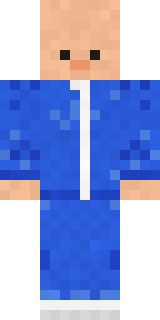
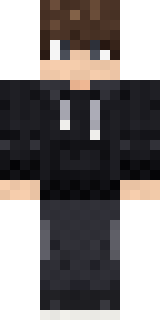
- Modern HoodiebyBuild It
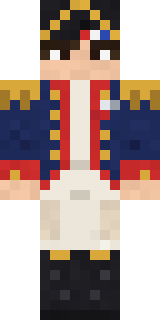
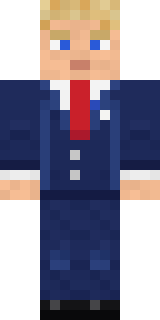
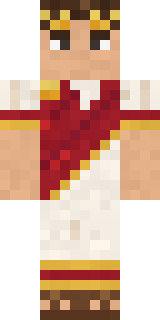
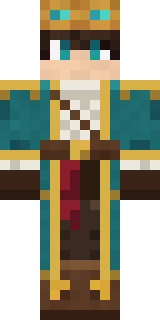
- Napoleon BonapartebyBuild It
- Shy KidbyBuild It
- The VoidbyBuild It
- Sky PiratebyBuild It
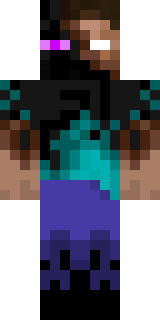
- Enderbrineby
 gustavopir
- Buff ChickenbyBuild It
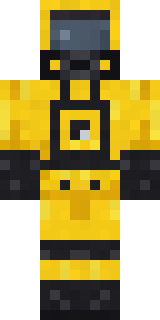
- Hazmat ResponderbyBuild It
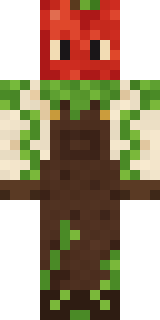
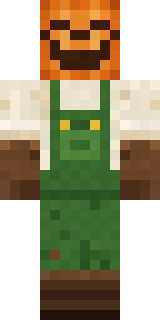
- Pumpkin Patch FarmerbyBuild It
Made on Build It
A few of the skins players made here. Find one you like, or start your own.
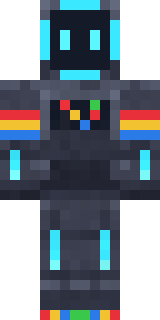 Arcade Buddy
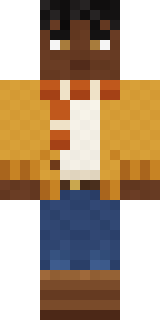 Sweater Weather
 Mirror Knight
 White Porcelain plate
 Lilac Ballerina
 Spotted Fawn
 Lacquered SamuraiCampaign Trail Politician
 Doorbell Camera Visitor
 Fire Fighter
 Jade Monk
 Christmas Elf
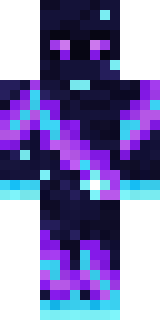 Galaxy Wanderer
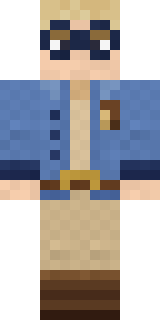 Fossil Museum Curator
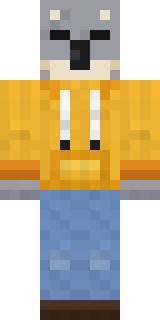 Sleepy Koala Student
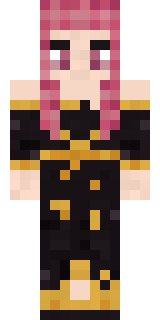 Ballroom Dancer
 Living Popcorn Box
 Arcade Janitor
 Cobalt Firefighter
 Origami Crane Warrior
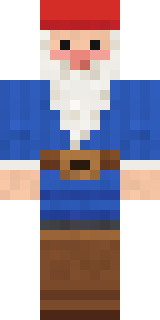 Garden Gnome
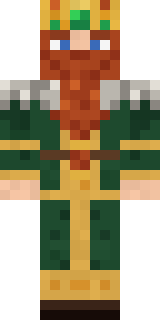 Dwarven Mountain King
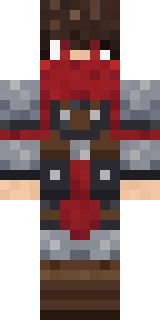 Scarlet Sellsword
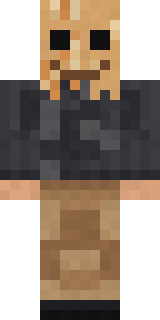 Paper Bag Bandit
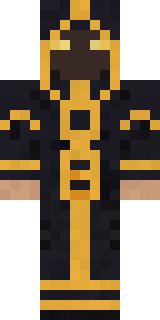 Eclipse Priest
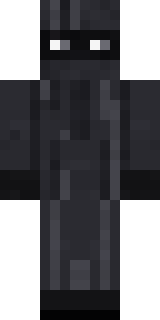 Veiled MournerThe Forehead Man
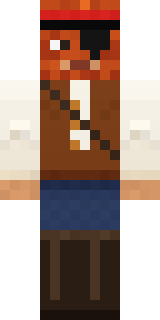 Captain Saltbeard
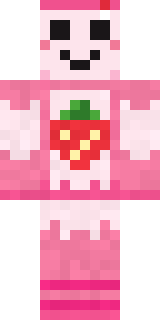 Strawberry Milk
 Copper Gardener Bot
 Grey Suit and tieModern Hoodie
 Captain Spark
 gamer Black Void drip hoodie
 Crimson Builder
 Mixtape Cassette Head
 Pastel Bear Girl
 Shroud Ghost
 Ironwood Druid
 Rubber Duck Raincoat
 Alice
 Snow Leopard Hacker
 One Brain Cell Cat
 Champion Boxerherobrine
 White Ghost Sheet
 The Mummy
 Valentine Cupid
 Masked Night ProwlerSlender Man
 Ghost King
 Bone Necromancer
 Pastel Goth
 Happy Poop
 Fox Blacksmith
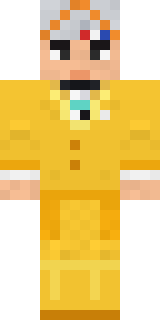 Yellow Tuxedo Muscled wrestler
 Monochrome Minimalist
 False Smile Stranger
 Fast Break Baller
 Light Elemental
About Yellow Scrubs
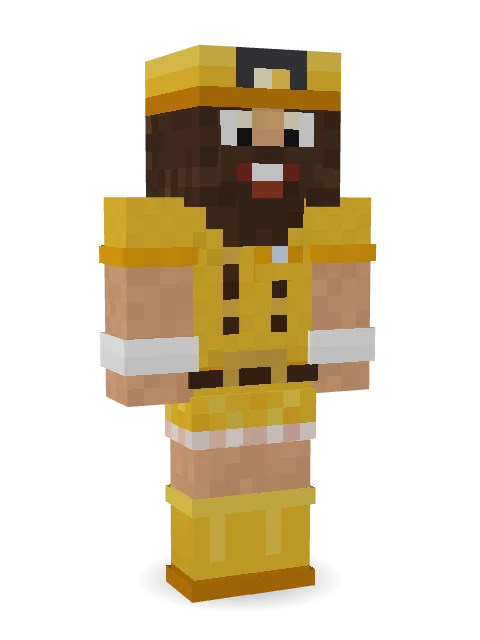
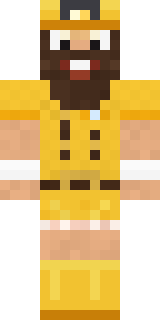
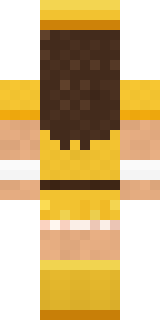
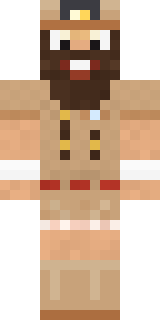
Meet Yellow Scrubs, a one-of-a-kind Minecraft skin made by yanakmc in the Build It Skin Maker. The outfit: scrubs, a ruffle skirt, rain boots and a belt with a yellow and orange colour scheme. A look you will not see on every other player.
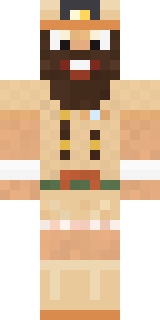
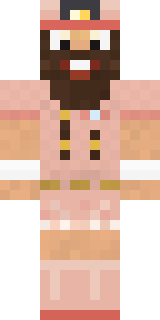
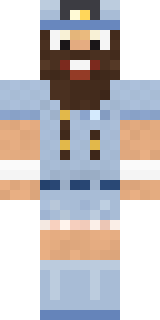
Yellow Scrubs has classic 4 pixel arms and works in Minecraft Java and Bedrock. Download it for free and upload it in the Minecraft Launcher or the Bedrock dressing room. You can also open it in the Build It Skin Maker and make your own version. Try its 6 colour versions too, like Canyon and Mushroom.