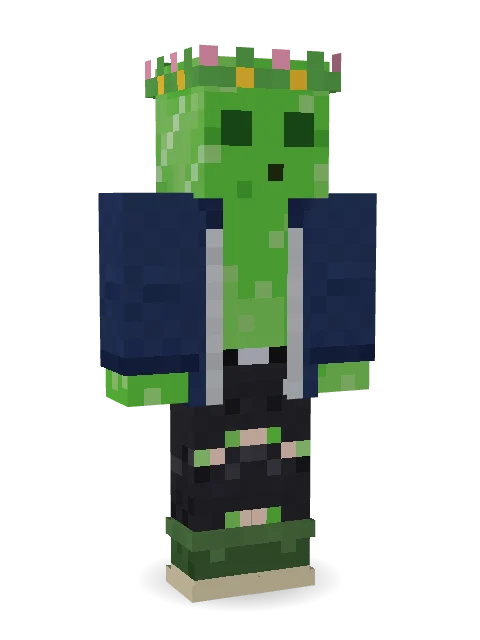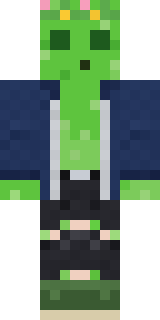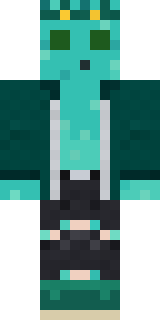

Bouncy Prince slime

How to use this skin
Download it, then follow the steps for where you play.
Minecraft: Java Edition, in the Minecraft Launcher
- Open the Minecraft Launcher and pick Minecraft: Java Edition on the left.
- Open the Skins tab at the top and press New skin.
- Give it a name and choose the player model: Classic.
- Press Browse, pick the PNG you downloaded, then Save & Use.
- Start the game: you are wearing it, on every world and server.
Minecraft: Java Edition, on minecraft.net
- Go to minecraft.net and log in with your Microsoft account.
- Open your Profile and find the skin settings of Java Edition.
- Choose Classic, select the PNG file, and press Upload.
- Your new skin shows the next time you join a world.
Bedrock Edition: Windows, Android, iPhone, iPad, Chromebook
- Open Minecraft and press Dressing Room on the main menu (in newer versions, the character button next to your name, then Edit Character).
- Open the Classic Skins tab.
- Under Owned Skins, press Import, then Choose New Skin.
- Pick the PNG you downloaded (on a phone it is usually in Downloads or Files).
- When it asks, choose Classic, then confirm.
Xbox, PlayStation and Nintendo Switch
Consoles cannot import a skin file. There you can wear Character Creator items and skins from the Marketplace.
Some players set a skin in Bedrock on a phone or PC that is signed in to the same Microsoft account and see it on their console too. Mojang does not support that, so it may not work for you.




Similar skins


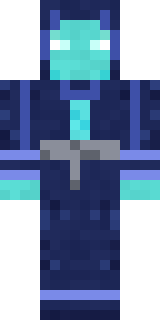

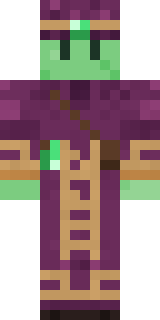
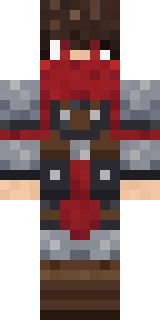
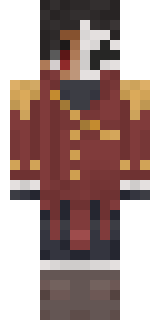


Trending today
What people open and download right now.
Trending today
The skins people are opening, liking and downloading right now.

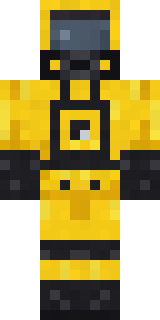
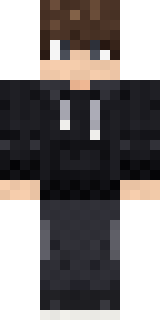
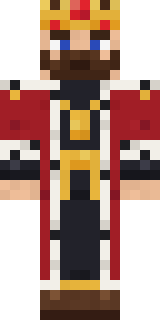
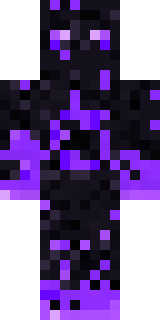
- Modern HoodiebyBuild It
- Enderbrineby
 gustavopir
- Galaxy AxolotlbyBuild It
- Napoleon BonapartebyBuild It
- Hazmat ResponderbyBuild It
- Shy KidbyBuild It
- The KingbyBuild It
- The VoidbyBuild It
- herobrinebygustavopir
- Slender ManbyBuild It
Made on Build It
A few of the skins players made here. Find one you like, or start your own.
 Blue BeatLick
 Fourth of July Patriot
 Secret Agent
 Cotton Candy Vendor
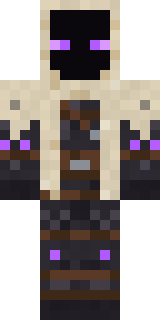 Void Wanderer
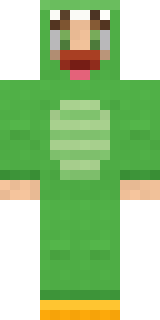 Dino Onesie
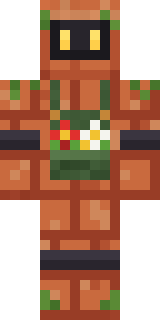 Copper Gardener Bot
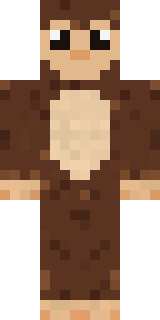 Cocoa Monkey
 Bubblegum Robot
 Gingerbread Detective
 Laurel Angel
 Ghost Concierge
 Violet Samurai
 Cozy Ballet Cardigan
 Neon Courier
 Strawberry Cow
 Garden Helper
 Autumn Leaf Sprite
 Copper Engineer
 Drip King
 Bumblebee
 Woodland Scout
 Street Skater
 Void Axolotl
 Neon Motorcycle Courier
 Froggy Onesie
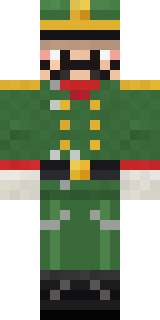 Tin Toy Soldier
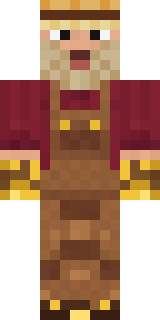 Golden Prospector
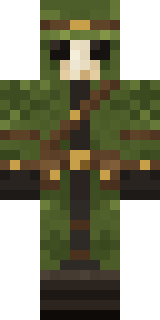 Moss Plague Doctor
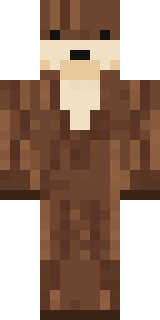 Sea Otter
 Guardian Angel
 Sweater Weather
 Desert Oracle
 Beekeeper
 White Rabbit
 Gentle Giraffe
 Half Peeled Banana
 False Smile Stranger
 Stained Glass Mage
 Vintage Cartoon ExplorerCarnival Fortune Teller
 Stone Face Statue
 Linen Summer
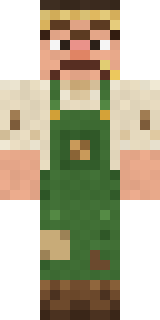 Grumpy Potato Farmer
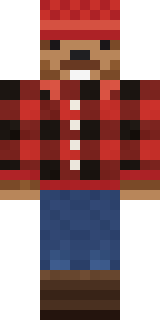 Bear Lumberjack
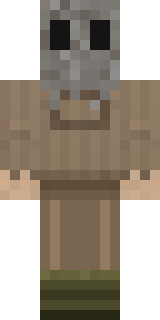 Burlap Intruder
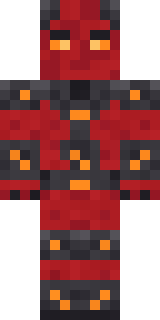 Molten Plate Demon
 Halloween Witch
 Obsidian Sentinel
 Neon DJ
 Poseidon
 Patchwork Teddy Bear
 Courtroom Judge
 Chill Pond Frog
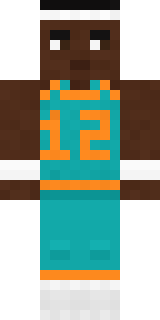 Hoop Star
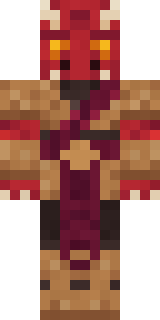 Ruby Dragonborn
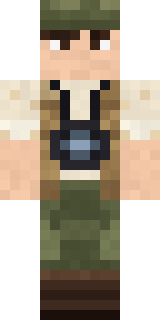 Wildlife Photographer
 Shadow Ninja
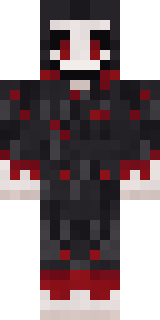 Grinning Shade
About Bouncy Prince slime
Meet Bouncy Prince slime, a fantasy Minecraft skin by max_90, made on Build It. The outfit: an open jacket, chained ripped jeans, green rubber boots and a flower crown, mostly blue with touches of green and black. It has a bouncy slime body. Wear it on fantasy servers, adventure maps and dragon hunts.
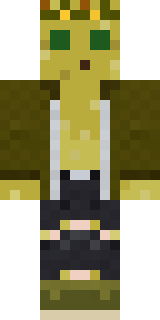
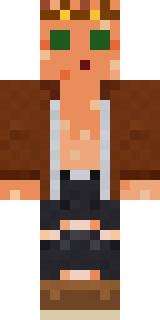
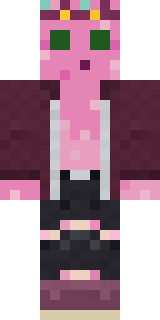
It uses the classic arms (4 pixels wide, like Steve) and works on Java and Bedrock. Download it for free and upload it in the Minecraft Launcher or the Bedrock dressing room. Open it in the Build It Skin Maker to give it your own colours. Try its 9 colour versions too, like Yellow and Orange.
See more in the Fantasy collection, or browse the Fantasy tags.