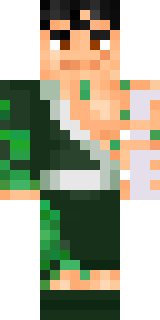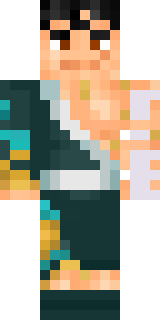

Hanabi Noir

How to use this skin
Download it, then follow the steps for where you play.
Minecraft: Java Edition, in the Minecraft Launcher
- Open the Minecraft Launcher and pick Minecraft: Java Edition on the left.
- Open the Skins tab at the top and press New skin.
- Give it a name and choose the player model: Classic.
- Press Browse, pick the PNG you downloaded, then Save & Use.
- Start the game: you are wearing it, on every world and server.
Minecraft: Java Edition, on minecraft.net
- Go to minecraft.net and log in with your Microsoft account.
- Open your Profile and find the skin settings of Java Edition.
- Choose Classic, select the PNG file, and press Upload.
- Your new skin shows the next time you join a world.
Bedrock Edition: Windows, Android, iPhone, iPad, Chromebook
- Open Minecraft and press Dressing Room on the main menu (in newer versions, the character button next to your name, then Edit Character).
- Open the Classic Skins tab.
- Under Owned Skins, press Import, then Choose New Skin.
- Pick the PNG you downloaded (on a phone it is usually in Downloads or Files).
- When it asks, choose Classic, then confirm.
Xbox, PlayStation and Nintendo Switch
Consoles cannot import a skin file. There you can wear Character Creator items and skins from the Marketplace.
Some players set a skin in Bedrock on a phone or PC that is signed in to the same Microsoft account and see it on their console too. Mojang does not support that, so it may not work for you.

Similar skins









Trending today
What people open and download right now.
Trending today
The skins people are opening, liking and downloading right now.
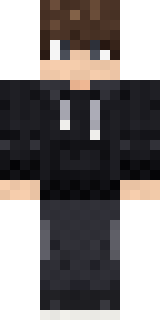
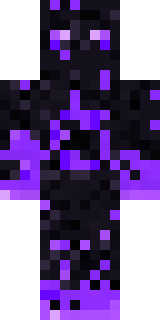
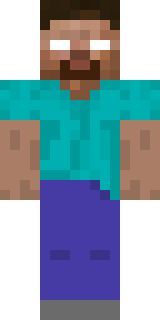
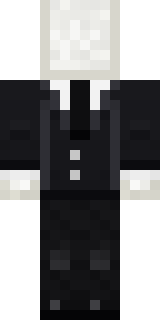
- Modern HoodiebyBuild It
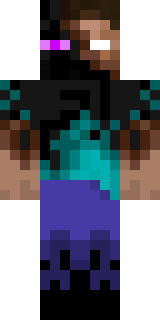
- Enderbrineby
 gustavopir
- Napoleon BonapartebyBuild It
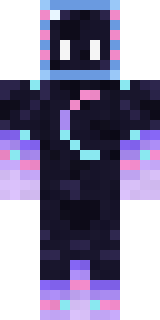
- Galaxy AxolotlbyBuild It
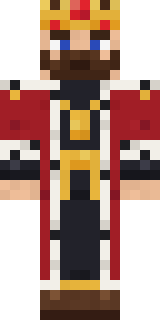
- The KingbyBuild It
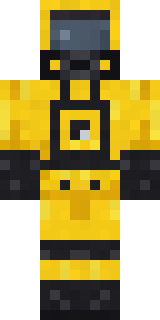
- Hazmat ResponderbyBuild It
- Shy KidbyBuild It
- The VoidbyBuild It
- herobrinebygustavopir
- Slender ManbyBuild It
Made on Build It
A few of the skins players made here. Find one you like, or start your own.
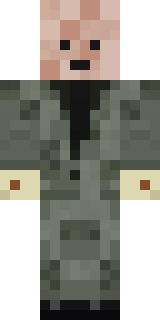 Wax Double
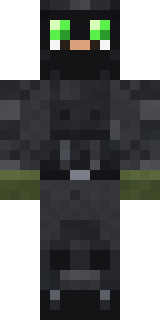 Night Ops CommandoJoan of ArcThe King
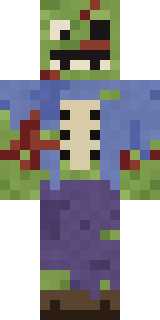 Rotting Walker
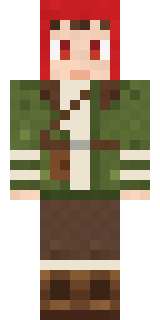 Mushroom Forest Ranger
 Hospital Hero
 Dino Onesie
 Caramel Knight
 Soft Boy
 Mountain Shepherd
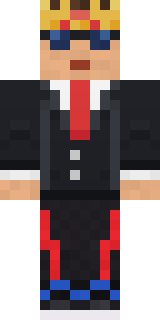 Grey Suit and tie
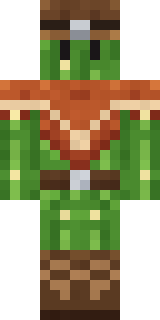 Cactus Cowboy
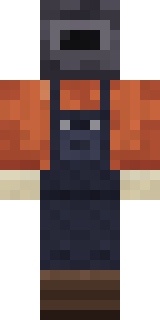 Trainyard Welder
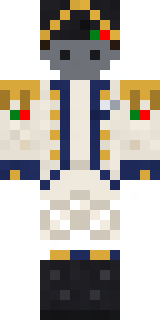 Balduíno IV
 Barnyard Cow
 Ink Monster Teacher
 Grease Monkey
 Strawberry Milk
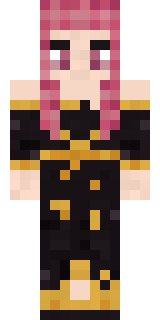 Ballroom Dancer
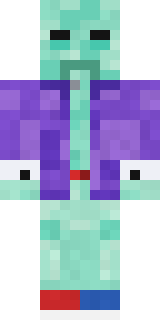 Haunted Bowling Champion
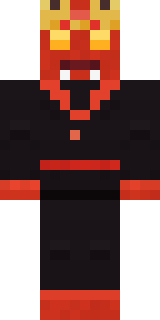 Ember Demon
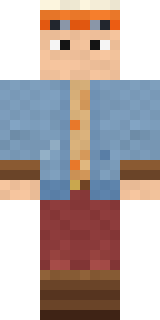 Balloon Festival Pilot
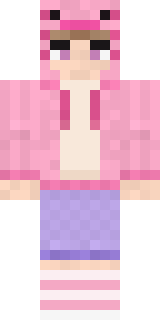 Axolotl Hoodie
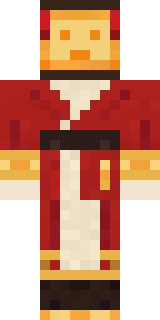 Paper Lantern Spirit
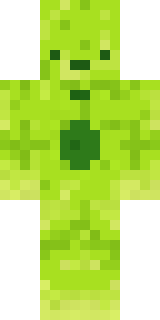 Radioactive Gummy Bear
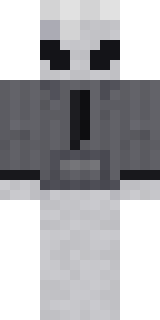 Locked In Alien
 Roman Legionary
 Golden Paladin
 Crimson Builder
 Concrete Builder
 Silver Pulse DJ
 Raccoon Thief
 Code Ghost
 Arcade Janitor
 Doorbell Camera Visitor
 Bistro Chef
 Mixtape Cassette Head
 Violet Vein Mutant
 Grey Suit and tieAlice
 Infected Sven
 Hanabi Noir
 Sleepy Mummy
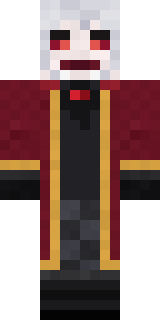 Velvet Vampire
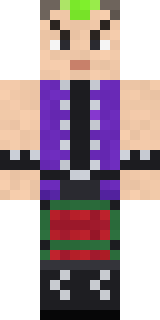 Neon Mohawk Punk
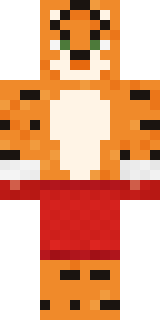 Tiger Champ
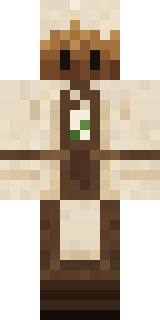 Tea Bag Monk
 Crystal Elf Spellcaster
 Terracotta Turtle
 Amethyst Mage
 Late Night Gamer
 Pitch Playmaker
 Ghost Train Conductor
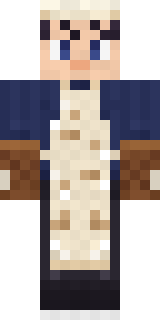 Midnight BakerCrimson Sash Ninja
 Copper Engineer
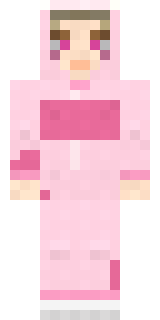 Strawberry Cow
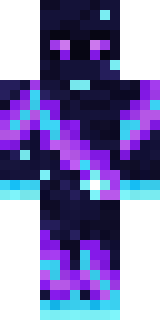 Galaxy Wanderer
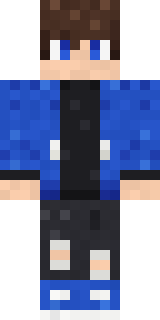 Blue Hood Boy
About Hanabi Noir
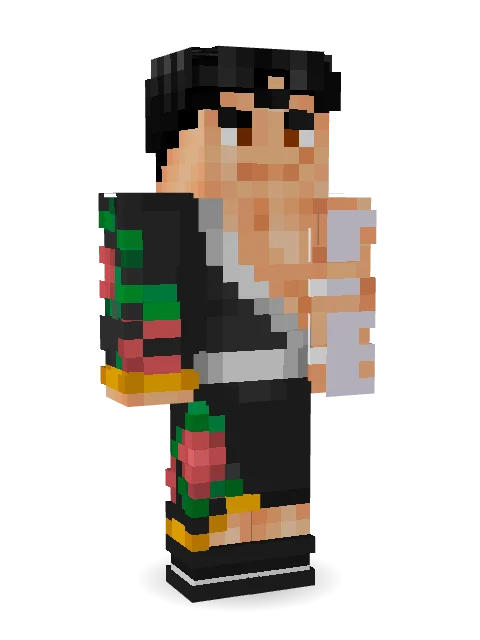
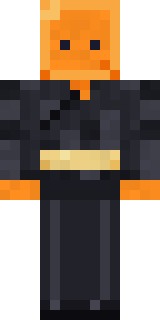
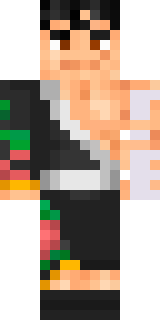
Meet Hanabi Noir, a battle-ready Minecraft skin made by nvlr33 in the Build It Skin Maker. It comes in black and beige. Ready for the next quest, raid or showdown.
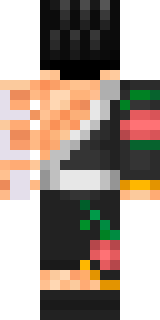
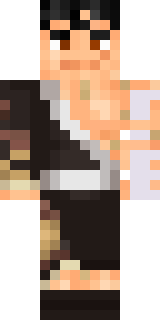
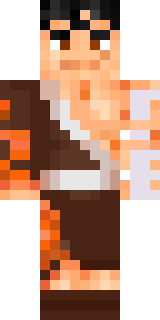
Hanabi Noir has classic 4 pixel arms and works in Minecraft Java and Bedrock. It is free: download the PNG and add it in the Minecraft Launcher (Java) or the dressing room (Bedrock). Want it your way? Open it in the Build It Skin Maker and change its colours and pieces. Try its 6 colour versions too, like Midnight and Rusty.
Find more skins like it in the History and Heroes and fighters collections, or look through the Black, History and Kimono tags.