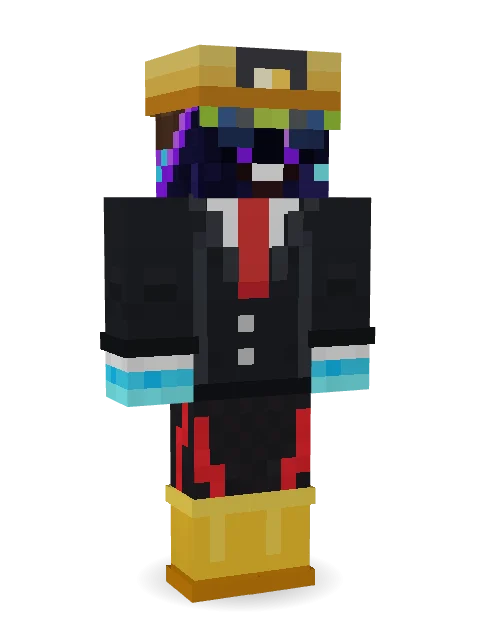
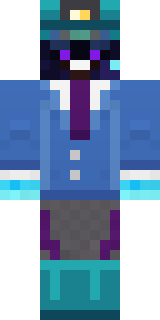
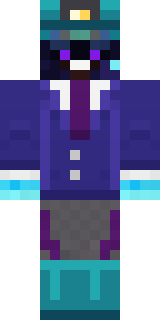
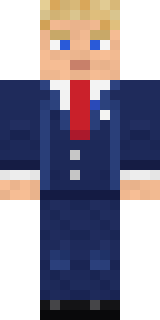
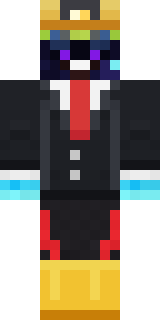
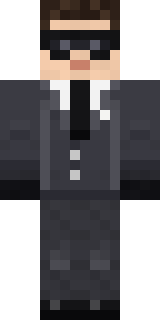
miner in a suit and tie


How to use this skin
Download it, then follow the steps for where you play.
Minecraft: Java Edition, in the Minecraft Launcher
- Open the Minecraft Launcher and pick Minecraft: Java Edition on the left.
- Open the Skins tab at the top and press New skin.
- Give it a name and choose the player model: Classic.
- Press Browse, pick the PNG you downloaded, then Save & Use.
- Start the game: you are wearing it, on every world and server.
Minecraft: Java Edition, on minecraft.net
- Go to minecraft.net and log in with your Microsoft account.
- Open your Profile and find the skin settings of Java Edition.
- Choose Classic, select the PNG file, and press Upload.
- Your new skin shows the next time you join a world.
Bedrock Edition: Windows, Android, iPhone, iPad, Chromebook
- Open Minecraft and press Dressing Room on the main menu (in newer versions, the character button next to your name, then Edit Character).
- Open the Classic Skins tab.
- Under Owned Skins, press Import, then Choose New Skin.
- Pick the PNG you downloaded (on a phone it is usually in Downloads or Files).
- When it asks, choose Classic, then confirm.
Xbox, PlayStation and Nintendo Switch
Consoles cannot import a skin file. There you can wear Character Creator items and skins from the Marketplace.
Some players set a skin in Bedrock on a phone or PC that is signed in to the same Microsoft account and see it on their console too. Mojang does not support that, so it may not work for you.
Similar skins
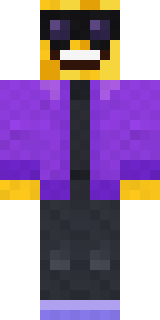
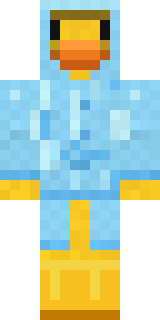
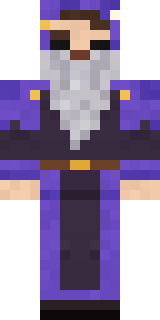
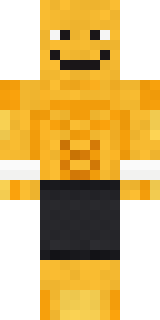


Trending today
What people open and download right now.
Trending today
The skins people are opening, liking and downloading right now.
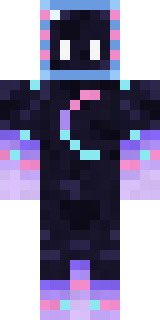

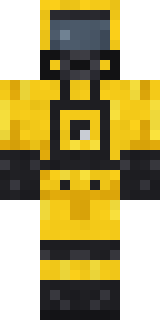
- Galaxy AxolotlbyBuild It
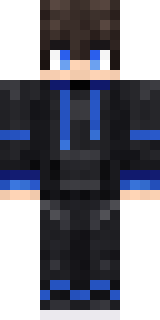
- Modern HoodiebyBuild It
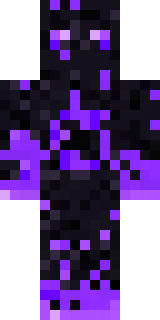
- The VoidbyBuild It
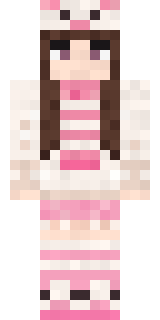
- Pastel Bear GirlbyBuild It
- Quiet KidbyBuild It
- The KingbyBuild It
- Napoleon BonapartebyBuild It
- Gamer ModebyBuild It
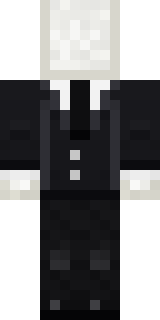
- Slender ManbyBuild It
- Hazmat ResponderbyBuild It
Made on Build It
A few of the skins players made here. Find one you like, or start your own.
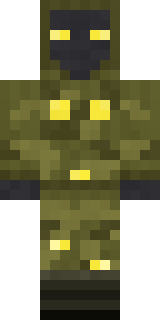 Glowbug Ranger
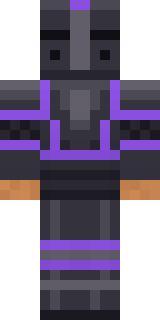 Obsidian Knight
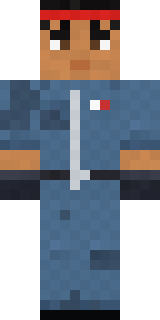 Grease Monkey
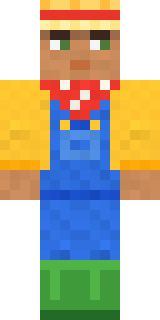 Harvest Farmer
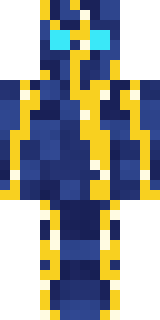 Lightning Elemental
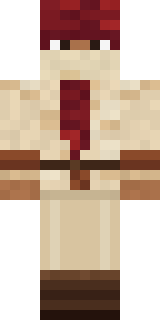 Crimson Desert Nomad
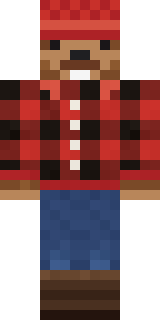 Bear Lumberjack
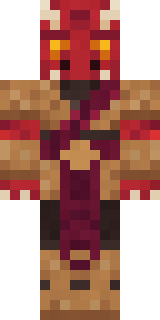 Ruby Dragonborn
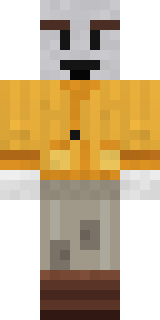 Vintage Cartoon Explorer
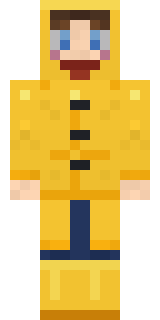 Rainy Day
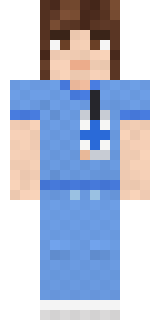 Friendly NurseCampaign Trail Politician
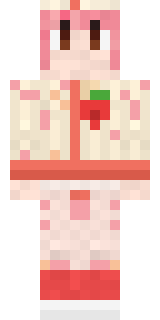 Strawberry Milk Courier
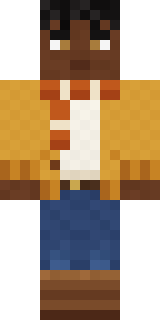 Sweater Weather
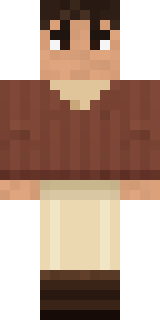 Espresso Cozy
 Ice Crystal Spirit
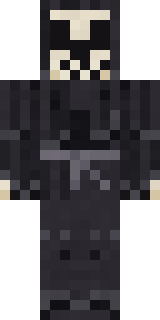 Tattered ReaperGalaxy Axolotl
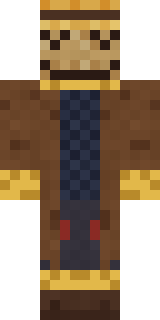 Tattered Scarecrow
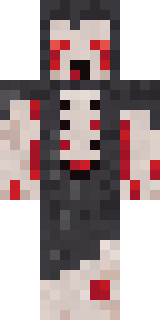 Crypt Ghoul
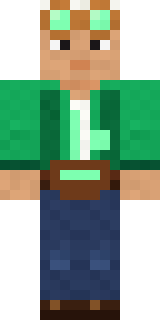 Emerald Alchemist
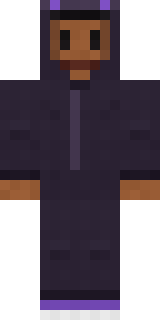 Little Bat
 Snow Rider
 Shark Bite
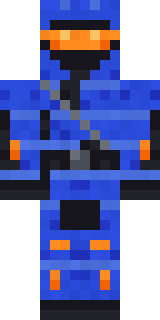 Cobalt Cyber Ninja
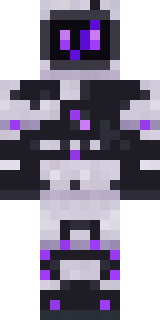 Mysterious Astronaut
 Full Moon Werewolf
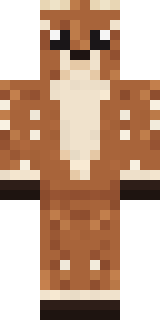 Spotted Fawn
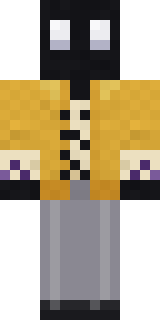 Ink Monster Teacher
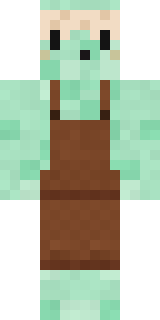 Mint Macaron Mascot
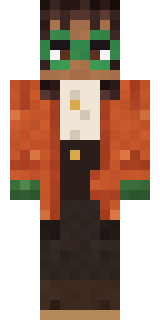 Bookstore Owner
 Busy Bee
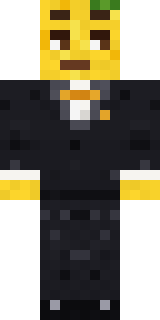 Lemon Jazz Singer
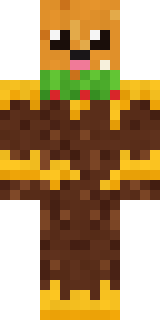 Cheeseburger Buddy
 Peppermint Mechanic
 miner in a suit and tie
 Moon Ranger
 Radioactive Gummy Bear
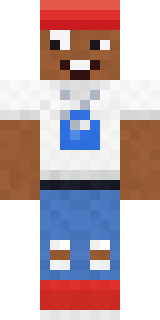 Street Skater
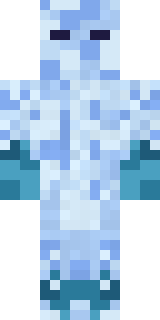 Ice Elemental
 Easter Egg Sweater
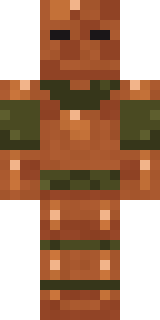 Chestnut Warrior
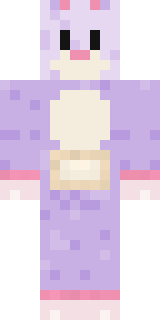 Easter Bunny Costume
 Lone Wolf
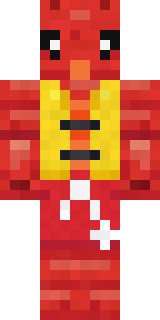 Lobster Lifeguard
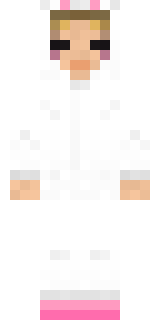 Bun Bun
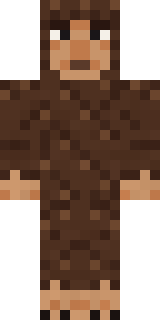 Forest Bigfoot
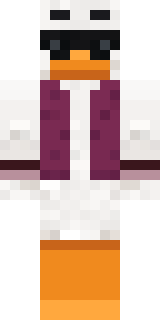 Main Character Duck
 Obsidian Golem
 Mint Axolotl
 Secret AgentCocoa Monkey
 Black Moth Entity
 Medieval Cobbler
 Robin Hood
 Ravioli Wrestler
 Laurel Angel
 Brown Bear
 Woodland Ranger
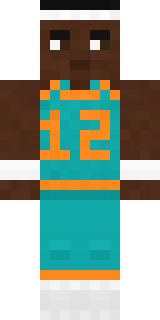 Hoop Star
About miner in a suit and tie
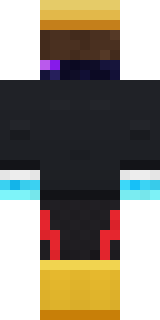
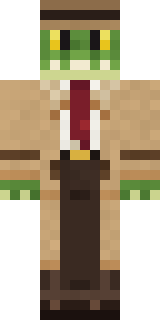
Meet miner in a suit and tie, a work Minecraft skin made by cheese_mc. It wears a suit and tie, trace joggers, rain boots and sunglasses in black. It has a galaxy wanderer body. It shows up ready for work on any server.
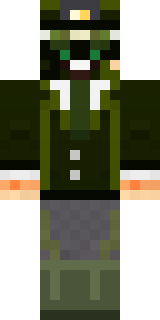
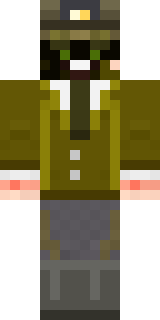
It uses the classic arms (4 pixels wide, like Steve) and works on Java and Bedrock. It is free: download the PNG and add it in the Minecraft Launcher (Java) or the dressing room (Bedrock). Want it your way? Open it in the Build It Skin Maker and change its colours and pieces. It also comes in 9 colour versions, like Green and Yellow.
Find more skins like it in the Jobs and Funny collections, or browse the Artist and Funny tags.